Steam Controller review: Somehow both the most and least versatile PC controller
Valve’s latest hardware is an outstanding controller, as long as you only use it for Steam
As you may have noticed if you read our news, the Steam Controller is the latest physical Valve product, and the latest to be sold out everywhere.
With scalpers currently charging up to three times the price and Valve promising players that more stock is coming as soon as possible, it’s clear there’s big demand for the peripheral.
Is that demand warranted, however? The list of features is certainly impressive on paper, but is there enough here to make you ditch your existing PC controller and drop £85 / $100 on Valve’s gizmo instead? The answer, rather inconveniently, is that it depends on what you expect to get out of it.
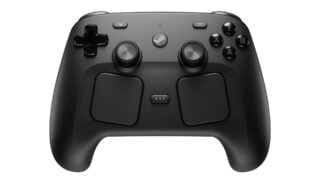
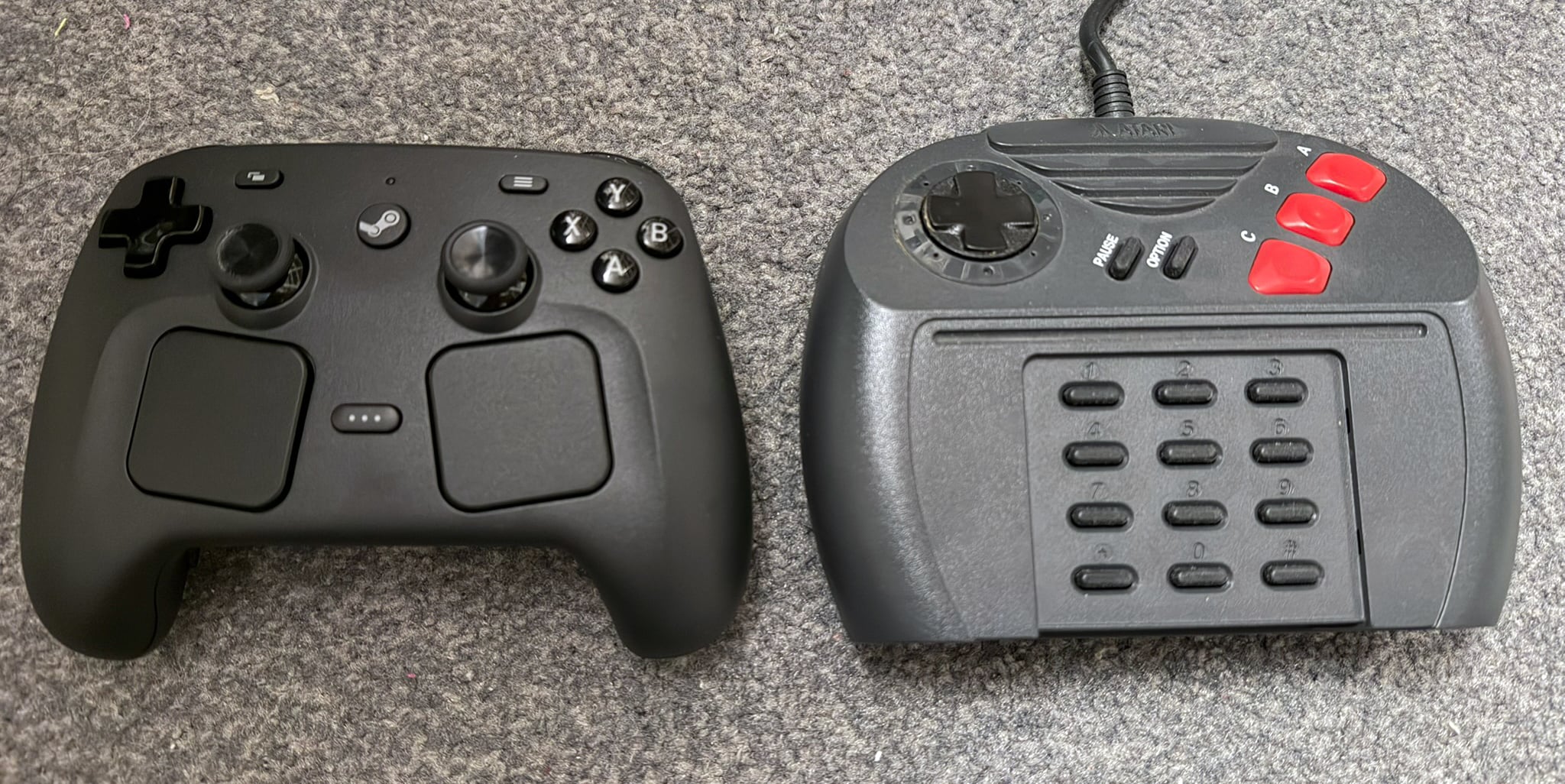
Based on its size, you’d be forgiven for expecting the Steam Controller to be uncomfortable but in fact the opposite is true. Valve has done a great job in ensuring the controls are laid out for most hands to comfortably rest their thumbs on the sticks and index fingers on the triggers.
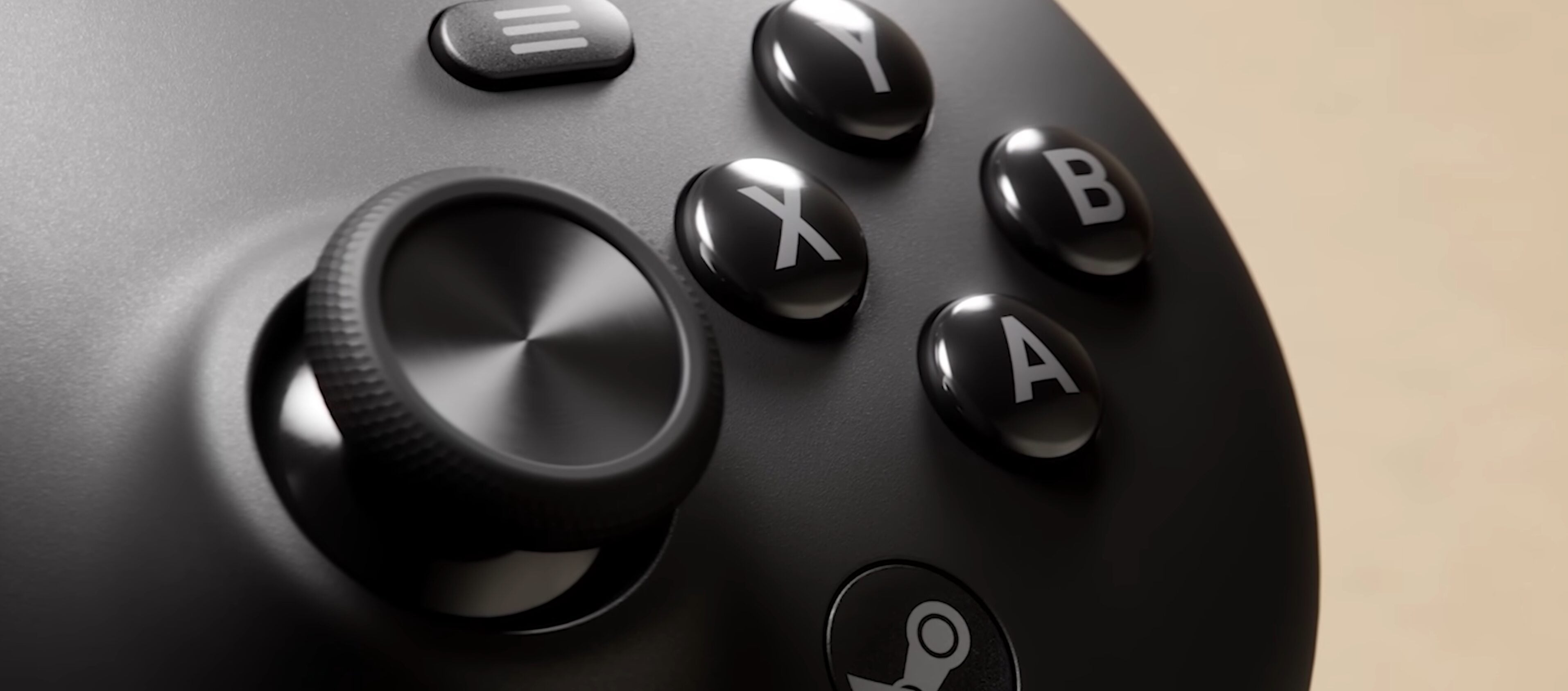
Players who may be used to the Xbox layout may initially be put off by the positioning of the sticks – Valve has attempted to be a Jack of all trades by using the Xbox button naming scheme but the DualSense’s stick layout – but it’s hardly the sort of thing that will require months of adaption. Within five minutes, you’ll be used to it.
As well as the standard buttons you’d expect from any controller these days, the Steam Controller also includes four customisable buttons underneath the grips, and two trackpad-like touch panels.
These trackpads act exactly like they do on the Steam Deck, serving as a makeshift mouse, much like the trackpads you’d see on a laptop. This means you can control the mouse cursor in games that need it (such as Football Manager) or use it to move the camera around in games that let you do so with the mouse. They also have haptic feedback, giving a satisfying little rumble as you run your thumbs over them.
There are also gyro controls, which can be mapped to replicate a number of things – most notably the mouse, but also other controls such as the right stick, meaning if a game doesn’t support moving the camera with the mouse you can still at least add gyro aiming of some sort.
You can customise any button to turn gyro aiming on and off (and can choose whether you have to hold the button down or tap it to toggle it). There are also two unique methods incorporated into the Steam Controller, neither of which is particularly great.
You can choose to turn on the gyro by squeezing the grips of the controller tighter – something Valve calls Grip Sense – which doesn’t really feel great to use. Alternatively, the tops of the sticks are also touch-sensitive, meaning you can turn on the gyro by just resting your thumb on one of the sticks. This feels better, but if you’re playing a game where you also want to sometimes move the camera with the right stick instead, it can be frustrating.
Thankfully, one of the main benefits of the Steam Controller is how meticulously customisable it is, meaning you can allocate the gyro controls – or any other control input, such as keyboard inputs – to specific buttons or combinations of buttons. You can even assign numerous keyboard shortcuts to different directions on the left trackpad, turning it into a sort of radial menu.
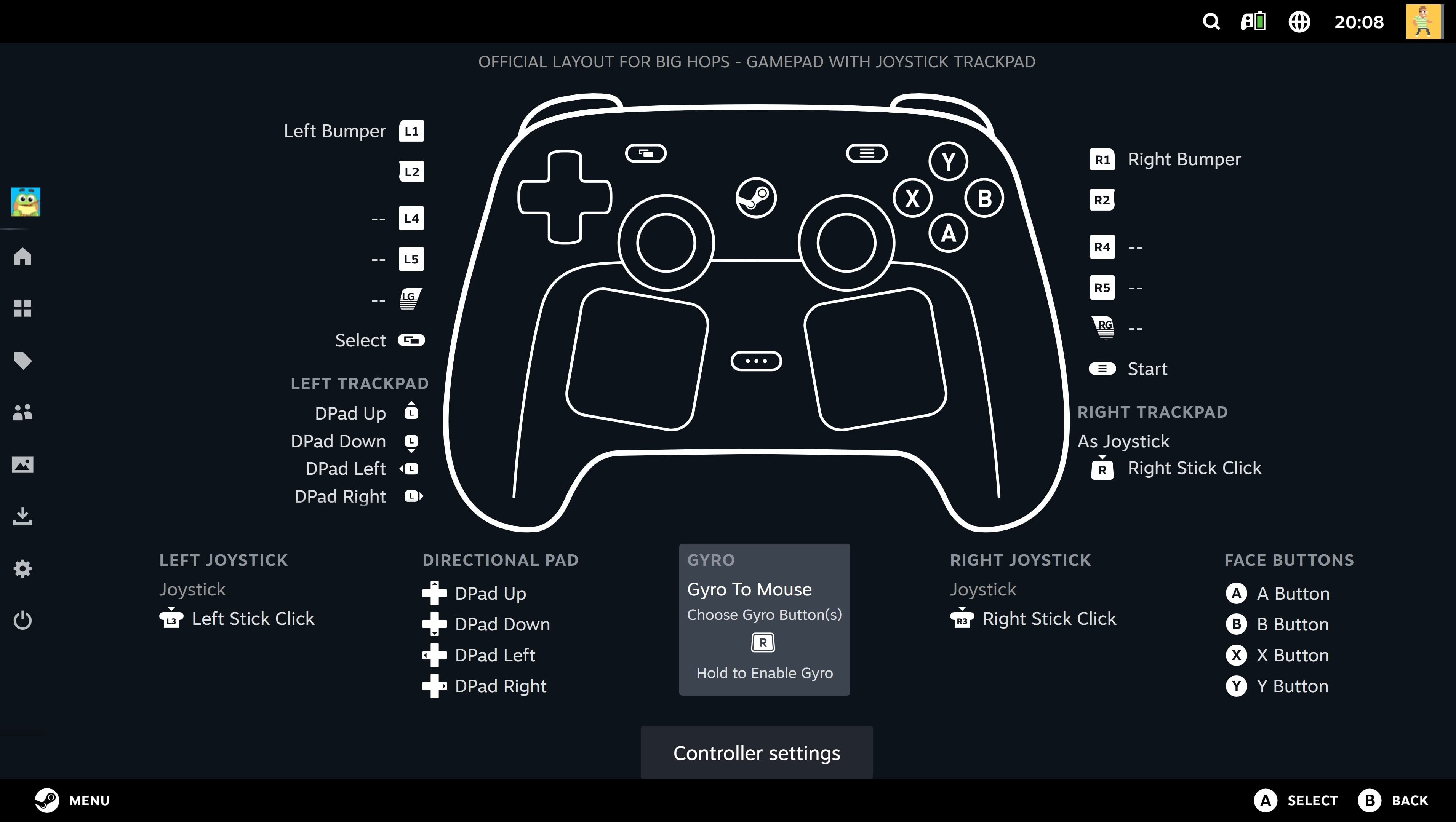
It’s primarily a controller for tinkerers, then. If you don’t care about such intricate control mapping and are perfectly happy playing Steam with an Xbox Wireless Controller, a DualSense or any of the other countless third-party controllers you can get which use the XInput interface, then much of the Steam Controller’s extra functionality may be lost on you and you may not need to change the setup that’s already working for you.
It should also be strongly noted that the Steam Controller shouldn’t be expected to play well with any other app. This is not a standard XInput controller, it uses Steam Input instead. As such, your PC won’t even recognise it as a controller – whether you connect it via the provided USB puck (which reduces latency), Bluetooth or wired, when you head to the Controllers tab in your PC’s settings it isn’t there.
That’s because the Steam Controller instead acts like a sort of keyboard/mouse hybrid, which may be all well and good for Steam itself because that’s what it’s made for, but is no use at all for any other game launcher or app.
I tried to launch Forza Horizon 5 via the Xbox app, and while I could at least start the game – presumably because the A button was acting as the left mouse button, I was unable to accelerate or steer my car, and pressing the RB button instead opened a right mouse button-style menu prompt on my desktop.
What this essentially means is that if your PC gaming is not exclusively limited to Steam, and if you otherwise dabble with the likes of PC Game Pass, the Epic Games Store, GOG or any other launcher that isn’t Steam, it’s all but certain that the controller isn’t going to work directly with those launchers.
“If your PC gaming is not exclusively limited to Steam, and if you otherwise dabble with the likes of PC Game Pass, the Epic Games Store, GOG or any other launcher that isn’t Steam, it’s all but certain that the controller isn’t going to work directly with those launchers.”
There are some workarounds for some of these – other early adopters have been reporting that adding the Epic Games Store launcher executable to Steam as a non-Steam game forces the Steam Controller to work with it to some extent, for example – but it’s certainly not a sure-fire guarantee, and appears to be a case-by-case basis. I couldn’t get the Xbox app to play along with it no matter what I tried, meaning my PC Game Pass library remained unplayable.
To be clear, this doesn’t mean the Steam Controller can’t play, say, Fortnite from the Epic Games Store, it will just require some messing around to get it going. If you’re getting this controller, it’s probably safer to do so with the assumption that non-Steam games won’t work on it, then treat anything you can subsequently get working on it as a bonus.
Whether it’s possible for Valve to release an update for the controller which lets players switch to the universally accepted XInput remains to be seen, but until then it’s worth bearing in mind that if you use more than just Steam for your PC gaming, you’re either going to need to give the Steam Controller a miss, or be happy with having two controllers – one for Steam games and anything else you can get working with it, and one for everything else like PC Game Pass.
Of much less importance but also worth noting is that the controller also doesn’t come with a 3.5mm headphone port. This isn’t a huge deal for players who are already sitting at their PC and have their headset and mic connected to that, but it may be an issue for others.
For example, when I play PC games through my TV on Steam Big Picture mode, I use the Xbox Wireless Controller with its USB dongle – this lets me connect a headset to the controller’s 3.5mm port and hear the game through that. This is no longer an option for me with the Steam Controller.
With all this in mind, whether this device is the right fit for you depends on which word in ‘the Steam Controller’ you’re most likely to want to stress in caps, because all three options are equally valid.
Firstly, it’s THE Steam Controller. If all you’re looking for is to play games on Steam with a controller, then the level of customisation options, the fact it’s so comfortable to use and the knowledge that it’s made with Steam solely in mind means it can confidently claim to be the definitive controller for the platform.
However, it’s also the STEAM Controller. If your PC gaming goes beyond Valve’s platform and you also regularly use Xbox Game Pass, the Epic Games Store, GOG, Ubisoft, EA or standalone games (such as indie titles from itch.io or emulators), this almost certainly won’t work directly with them and will require quite a bit of tinkering to get them going (if they do at all). If all you’re looking for is a plug-and-play PC controller that just works with practically everything you throw at it, the Steam Controller isn’t for you, and you’d be better off with an Xbox Wireless Controller.
Finally, it’s the Steam CONTROLLER. As brilliant as it is, it doesn’t reinvent the wheel, so if you don’t usually play PC games with a controller and you’re hoping this might be a gateway, don’t count on it. Valve may have been claiming in interviews that the touch pads and gyro aiming bring it close to a keyboard and mouse experience, but in reality that isn’t the case.
It does the job if you’re playing PC games on your TV with Steam Big Picture mode and don’t have a mouse to hand, but if you’re a keyboard and mouse player and you’re sitting at your PC already, this isn’t going to replace your preferred option. It’s a great controller but nothing more – it’s never going to make anyone make the jump from mouse and keys.
The result of all this is a device that paradoxically manages to simultaneously be one of the most and least versatile PC controllers around, depending on your needs.
There’s no doubt that the Steam Controller is a brilliantly designed piece of kit, but you’ll certainly need to tick a few boxes first to make sure its caveats fit your playing habits.
Steam Controller review
Inside of the Steam ecosystem, the Steam Controller is probably the best controller you can get, due to its comfortable feel and its ludicrously extensive control customisation options. Outside of Steam, however, the controller essentially becomes an elaborate paperweight unless you put in the extra work to get other launchers and games to work with it, and it isn't always a guarantee they will. If you're a Steam devotee it's a no-brainer, then, but if you want something plug-and-play that's guaranteed to work instantly across all your PC launchers without any fuss, you may want to stick with an Xbox Wireless Controller or other XInput device.
- Extremely comfortable, even during long play sessions
- Control customisation is on another level to its competitors
- Trackpads are a versatile alternative to mouse controls if you're playing on TV
- USB puck makes charging and connecting a breeze
- Only works well in Steam, everything else needs heavy tinkering and isn't guaranteed to work
- No 3.5mm headset port
- Grip Sense is a daft gimmick you likely won't use