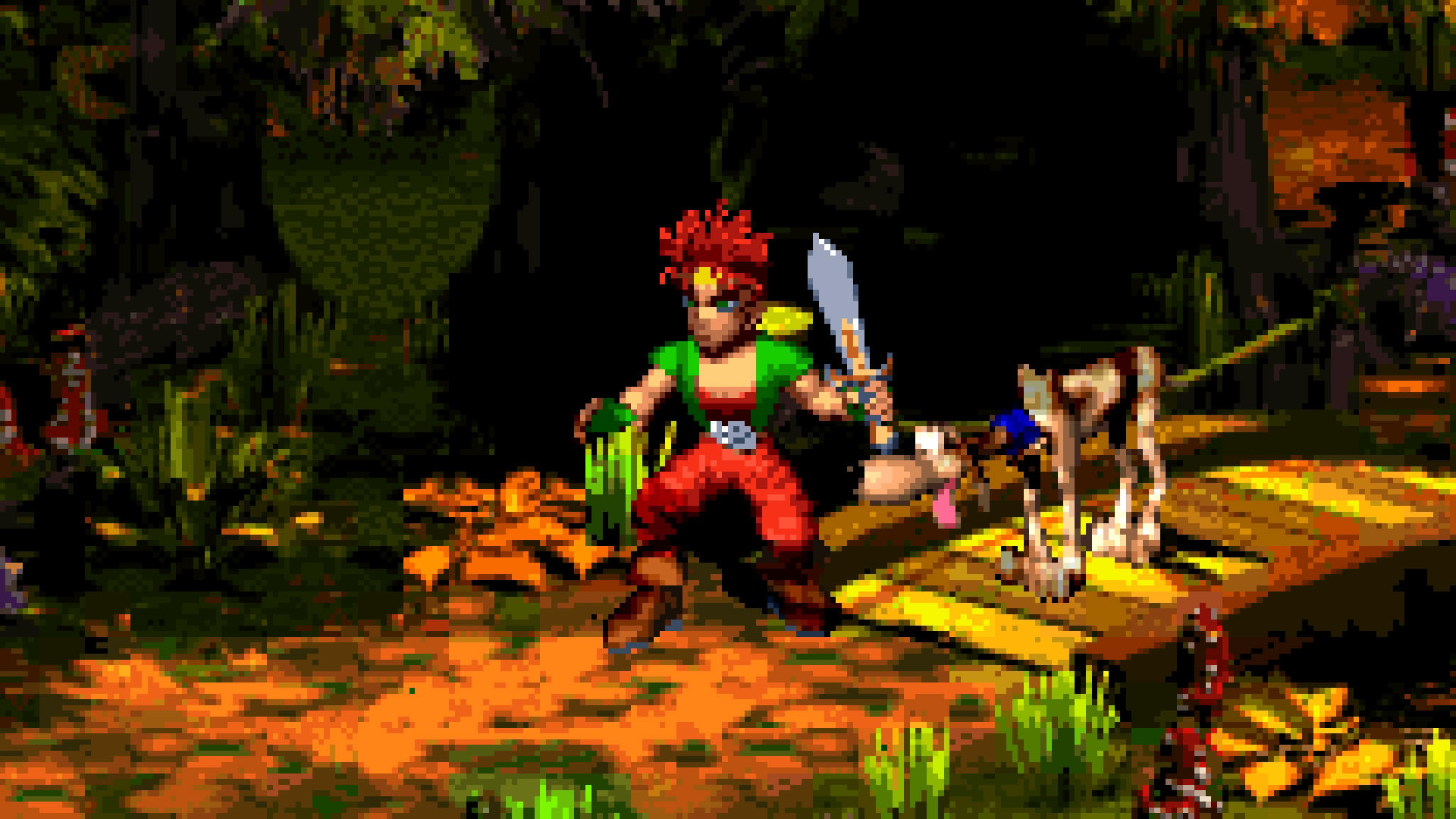
mu....music in the mii maker?IN THIS ECONOMY!?!???
— Felix Sanchez (@felixsandwichez.bsky.social) 2026-09-10T05:42:04.682Z
Switch 2 system update adds VRR support when docked, Switch 2 to Switch 2 system transfer and more
Version 23.0.0’s transfer feature arrives ahead of the new Zelda Switch 2 console
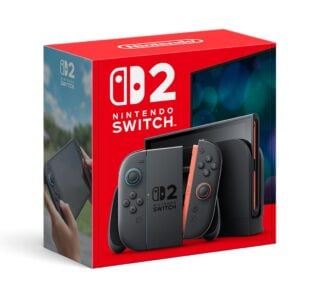
Nintendo has released a new update for the Switch 2 which adds VRR support when docked, among other features.
VRR, or variable refresh rate, allows supported TVs to display unconventional frame rates in order to provide a smoother experience. This allows games with uncapped frame rates to have wider performance flexibility in intense areas.
When Nintendo originally revealed Switch 2, it said the new console would support 4K, 120fps and VRR when docked, but Nintendo later removed mentions of VRR from its official websites. When the console was released, it emerged that it VRR when docked wasn’t supported at launch.
Another new feature added with today’s Switch 2 version 23.0.0 update is the ability to perform a full system transfer between two Switch 2 systems.
This feature hasn’t been available until now, but with Nintendo announcing this week that a Zelda 40th Anniversary Switch 2 console is coming in October, the company is clearly laying the groundwork for existing Switch 2 owners to transfer their data to the Zelda-themed system.
In a quirkier move that will appeal to fans of previous Nintendo consoles’ operating systems, the Mii creation screen now also gives players the options to turn on music – with the Wii, 3DS and Wii U Mii Maker themes available – to accompany them as they create their Mii characters.
The full patch notes for the latest system update are as follows:
Nintendo Switch 2 – Version 23.0.0 system update patch notes
- We took the following actions in the “game chat”:
- We’ve added a feature that displays chats you’ve previously participated in, in the list of chats you can join.
- We’ve made it possible to join a new chat without selecting any friends.
- We’ve added a button to change the screen size in the menu that appears when you press the C button during a chat.
- We’ve added a “Settings” option to the “Virtual Game Card” list screen.
- You can check the registration status of the device using the virtual game card.
- VRR output is now supported in TV mode.
- When both the software and the TV support it, the video will be output at a refresh rate that matches the game’s processing speed.
- An update to the Nintendo Switch 2 Dock is required to enable this feature.
- When both the software and the TV support it, the video will be output at a refresh rate that matches the game’s processing speed.
- Nintendo Switch 2 now supports “complete data transfer” between two Nintendo Switch 2 consoles.
- You can transfer all your data, including save data and screenshots, from your Switch 2 to your new Switch 2 console.
- We made the following changes in “Settings”.
- Under “Accessibility” → “Text-to-Speech,” we have added support for text-to-speech in Portuguese (Brazil).
- Under “Accessibility” → “Voice-to-Text Conversion for Game Chat,” we’ve added Portuguese (Brazil) to the list of languages for “Text-to-Speech Conversion.”
- We’ve made it so that the “Audio” -> “TV Sound” settings are saved for each connected TV.
- The item name “Display” → “Dock Output Information” has been changed to “Video Output Information” to allow users to check in detail the video signals that the connected TV can display.
- We’ve added a “VRR Settings” option to the “Display” section.
- We’ve added a feature to “Mii” that allows you to create a QR code of your Mii and share it with other users.
- We’ve added a feature that allows you to instantly play and check the sound when you change the volume under “Sleep” → “Sleep wake-up sound when playing on TV”.
- We have added an item to “System” → “Switch Software Operation Mode” → “Toggle Handheld Mode Boost in Quick Settings”.
- Turning this setting ON will allow you to toggle the Handheld Mode Boost ON/OFF in the Quick Settings menu that appears when you long-press the HOME button.
- We’ve added a new option: “System” → “Transfer all to Nintendo Switch 2”.
- Even if you cannot transfer the virtual game card from another console when starting the software, you can now temporarily play the software using an online license.
- If another console is offline and you are unable to transfer the virtual game card, the “Play with Online License” button will appear.
- Only the person who purchased the software can play it using an online license.
- We’ve added a feature to play background music in the Mii editing screen.
- You can switch or stop the background music (BGM) using the “BGM Settings” button in the upper left corner of the screen.
- Regarding handheld mode boost, we’ve made it possible to use other controllers even while Joy-Con 2s are attached to the console.
- In the “My Page” → “Profile” play record, play time when playing the same software on multiple consoles will now be aggregated.
- The games you’ve played since the update will be displayed in chronological order.
- We have fixed several issues and improved operational stability.






Some external links on this page are affiliate links, if you click on our affiliate links and make a purchase we might receive a commission.