Pokémon Pokopia: How to change your appearance
Here’s how to customize the hair and outfit of your Ditto in Pokémon Pokopia
Wondering how to change your appearance in Pokémon Pokopia?
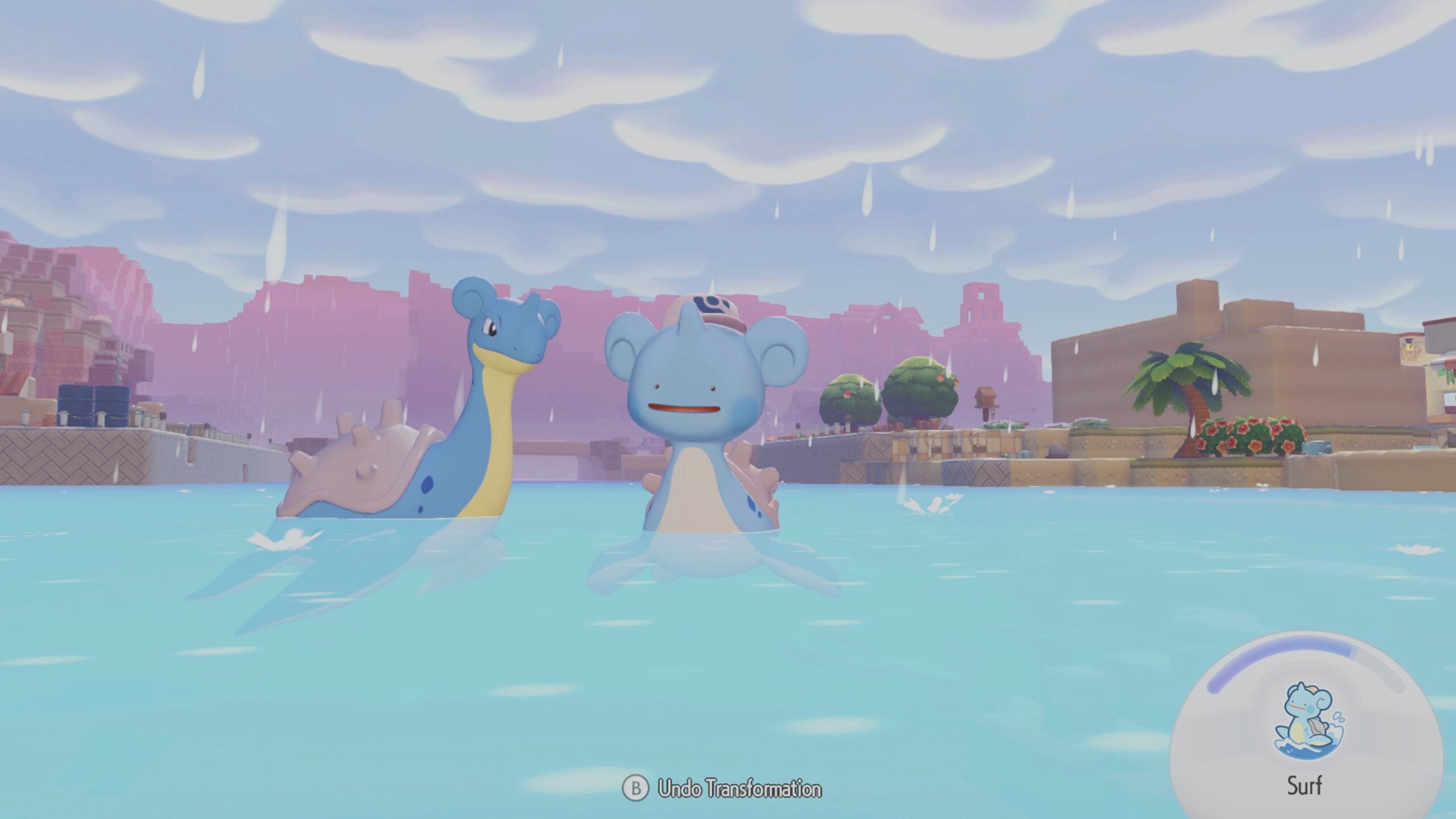
Pokopia is out now, allowing Pokémon fans to build their very own Pokémon worlds with hundreds of their old favorites. In Pokopia, players play as a Ditto that has disguised itself as a human.
In the game, Ditto can find costumes that reference the history of the series, but it can also change its appearance in other ways, such as hair shape, color, and more.
How to change your appearance in Pokopia
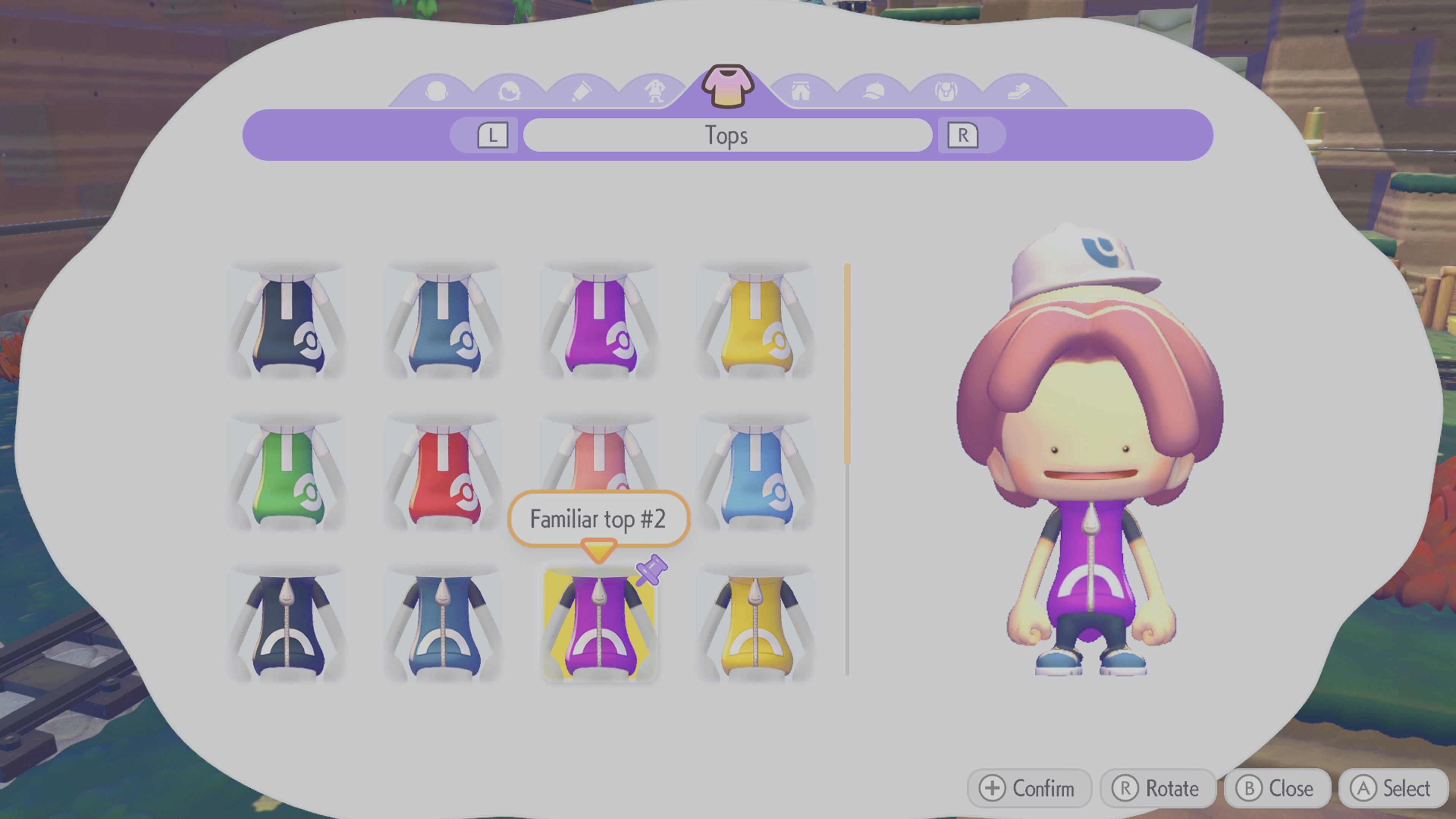
Ditto changes its appearance in Pokémon Pokopia by using any item that has a mirror attached to it, or a wardrobe.
While some items are specifically just mirrors, some rarer items like dressing tables can also be used. You can buy a large mirror from the shop attached to the Pokémon Center, or they can be found commonly throughout the world.
When you discover a costume in Pokémon Pokopia, you’ll be given the option to wear that costume off the bat; however, if you decide that you want to stick with your current costume and then change into something else later, you can do this at a mirror.
The same is true of hairstyles, which can also be found when out and about in the world.