Vampire Crawlers: All stats and effects explained
All your in-game stats and unusual effects explained in Vampire Crawlers.

Vampire Crawlers does a pretty good job of explaining most of its mechanics, but even if you’re a Vampire Survivors veteran, how some stats translate into this game might be a bit confusing.
It seems pretty obvious how Area works in Vampire Survivors, but what about Crawlers? The same goes for Magnet. If you’re confused, you’re not alone, and the game does a decent job of obscuring the information you need from you.
In this guide, we’re breaking down every stat and effect in Vampire Crawlers, so you know what everything means when choosing upgrades during your runs.
All base stats, explained – Vampire Crawlers
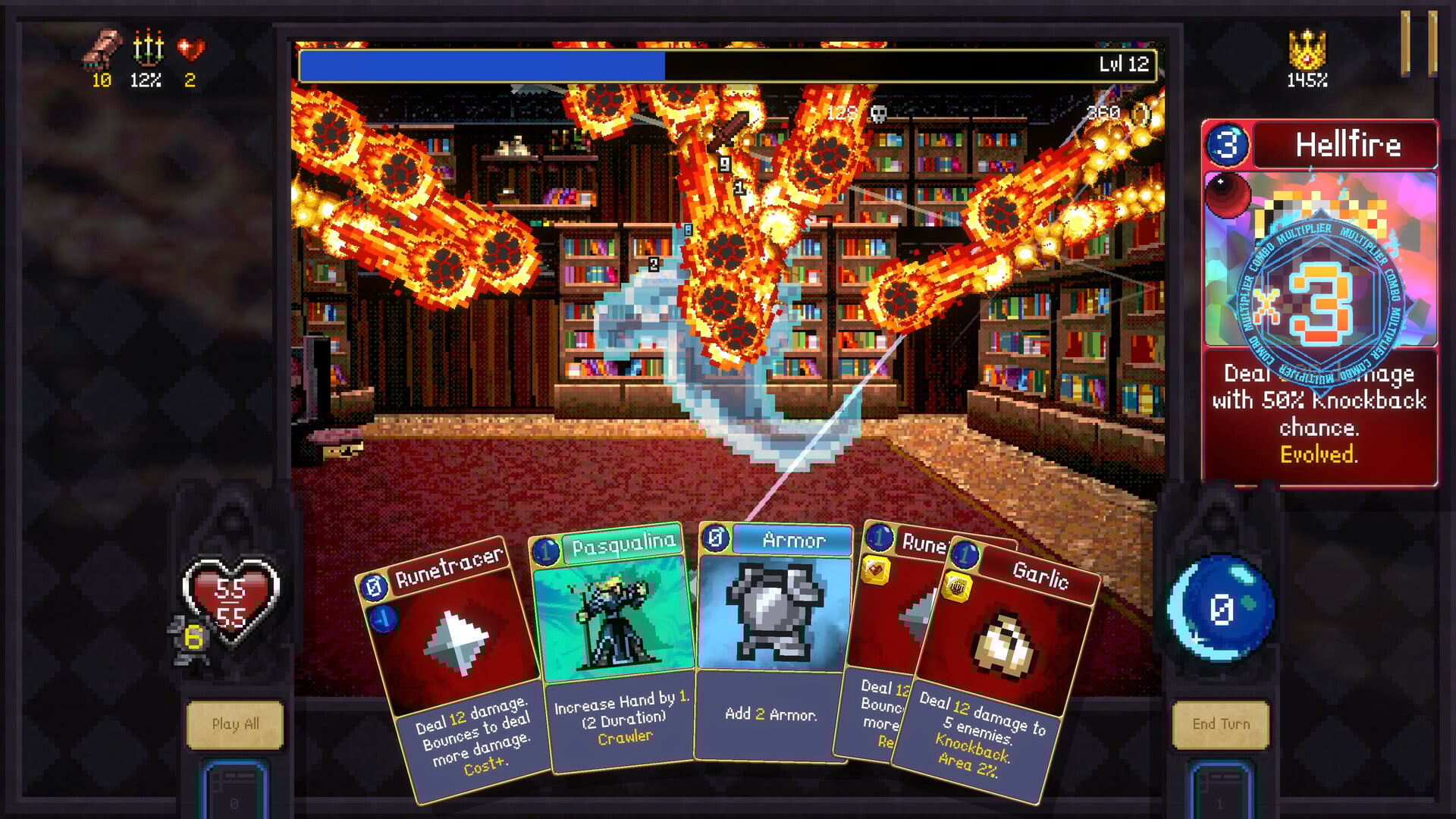
These base stats are different depending on the Crawlers you’ve chosen.
Max Health
It’s your maximum health.
Recovery
How much HP you’ll recover at the end of each encounter.
Hand
How many cards you’ll draw into your hand by default.
Mana
Mana is spent to use powerful cards, and this is how much you’ll have to spend each turn before modifiers.
All combat stats, explained – Vampire Crawlers
These stats are important when fighting off monsters.
Armor
The amount of damage you’ll defend against each turn. Can be increased with armor cards, gems, and modifiers.
Might
The more Might you have, the more damage your attacks will inflict.
Area
Area adds splash damage to attacks, allowing them to strike a greater number of foes. Every little helps.
Amount
The more Amount you have, the more projectiles are shot from your attack cards. Scales with weapons like Bones, Knives, Axes, or the Runetracer.
Duration
The higher your duration, the longer your Crawler abilities will stay active for on play.
All rewards stats, explained – Vampire Crawlers
These stats mostly increase the rewards you get from encounters, with a couple of exceptions.
Magnet
Magnet increases the effectiveness of draw effects, allowing you to draw more cards.
Revival
Revival allows you to revive after death. Obvious, really.
Luck
A high Luck stat can aid your run by giving you more choices from level-ups and chests.
Growth
The more Growth you have, the more EXP you gain from encounters.
Greed
The more Greed you have, the more coins you earn from encounters.
All special stats, explained – Vampire Crawlers
These final few stats are special. Three involve your level up and treasure chest rewards, and another affects game difficulty.
Reroll
Rerolls allow you to change your available rewards from level-ups and chests.
Skip
You can skip your level up and chest rewards in exchange for EXP.
Banish
You can Banish certain level-up and chest rewards that you don’t want, removing it from play so it stops cluttering up your options.
Curse
The Curse stat increases enemy strength in exchange for more EXP gains. A great option for replaying easier levels, but best avoided if you want to make progress in tough stages.
All effects explained – Vampire Crawlers
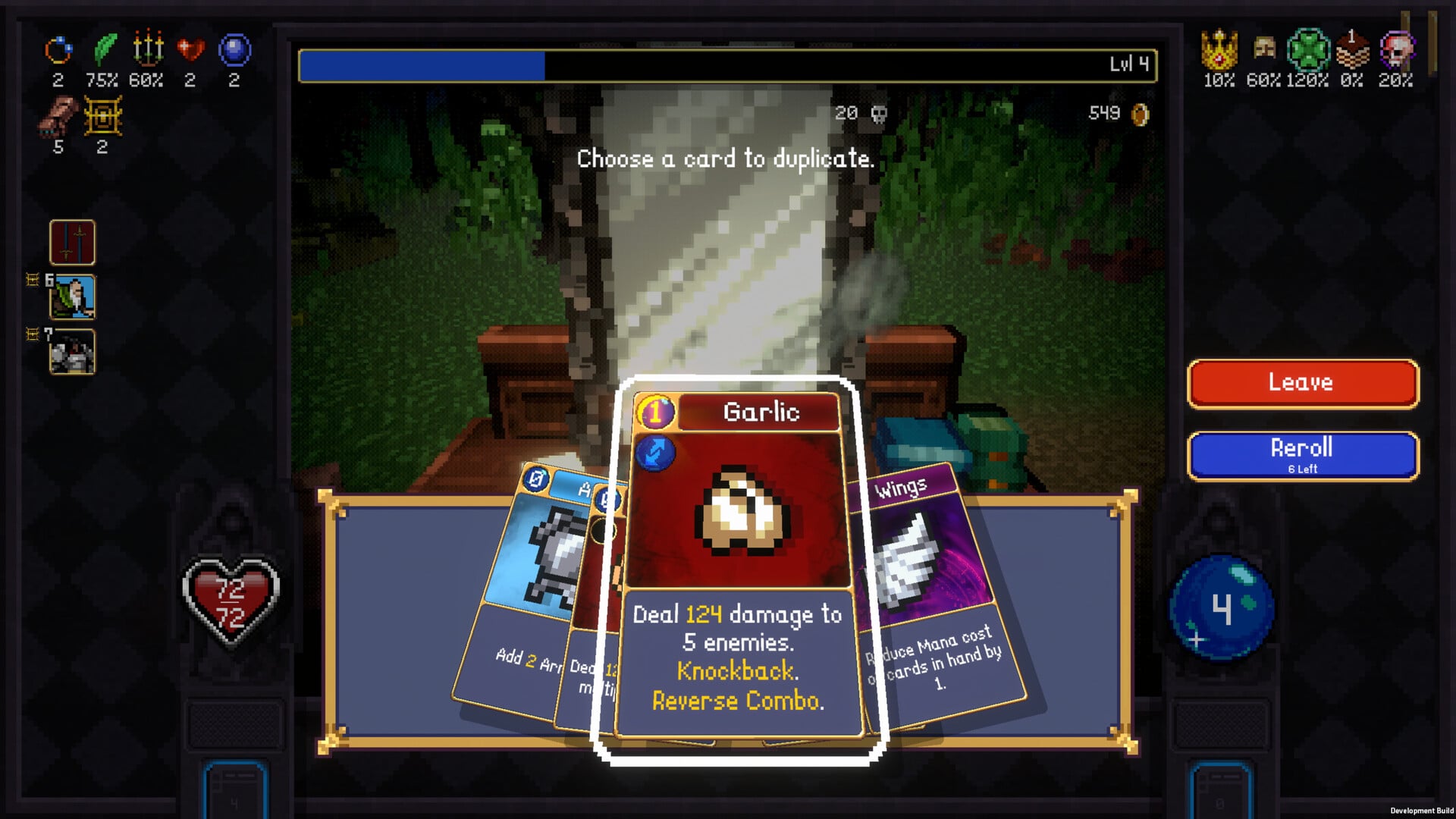
We’ve covered all the primary in-game stats above, but now we’re quickly breaking down a couple of in-game mechanics and effects that aren’t explained too well.
Cracked cards
When a card in your hand is cracked, it’s at risk of breaking. A cracked card will repair itself after your turn passes, but if you use a cracked card, it might break, meaning you’ll lose it permanently. It’s best to end your turn early rather than lose useful cards.
Hurry
You’ll get the Hurry option after adding a Relic to your Village, and this option allows you to speed up all animations in the game — after you’ve finished most of it. Very useful for subsequent runs, but you get this ability just as you’ll be sweating that much more over your deck builds and the best order to play cards in, so it might not speed the game up that much.