Witcher 3 Remastered best console graphics mode: Performance vs Ray Tracing
The best console graphics mode to use while playing The Witcher 3: Wild Hunt Remastered on every platform

The Witcher 3: Wild Hunt Remastered is out now, and it comes with a few visual settings to adjust on consoles.
Most of the settings you can adjust to your taste, but there are two key options you will want to pay attention to in the Graphics menu: Performance and Ray Tracing. These are the two modes that are available in TW3 Remastered, and they both come with their own benefits and disappointing downsides.
In this guide, we’re breaking down which mode you should be using on your console of choice and with your display in The Witcher 3: Wild Hunt Remastered.
Best PS5 graphics mode – TW3 Remastered
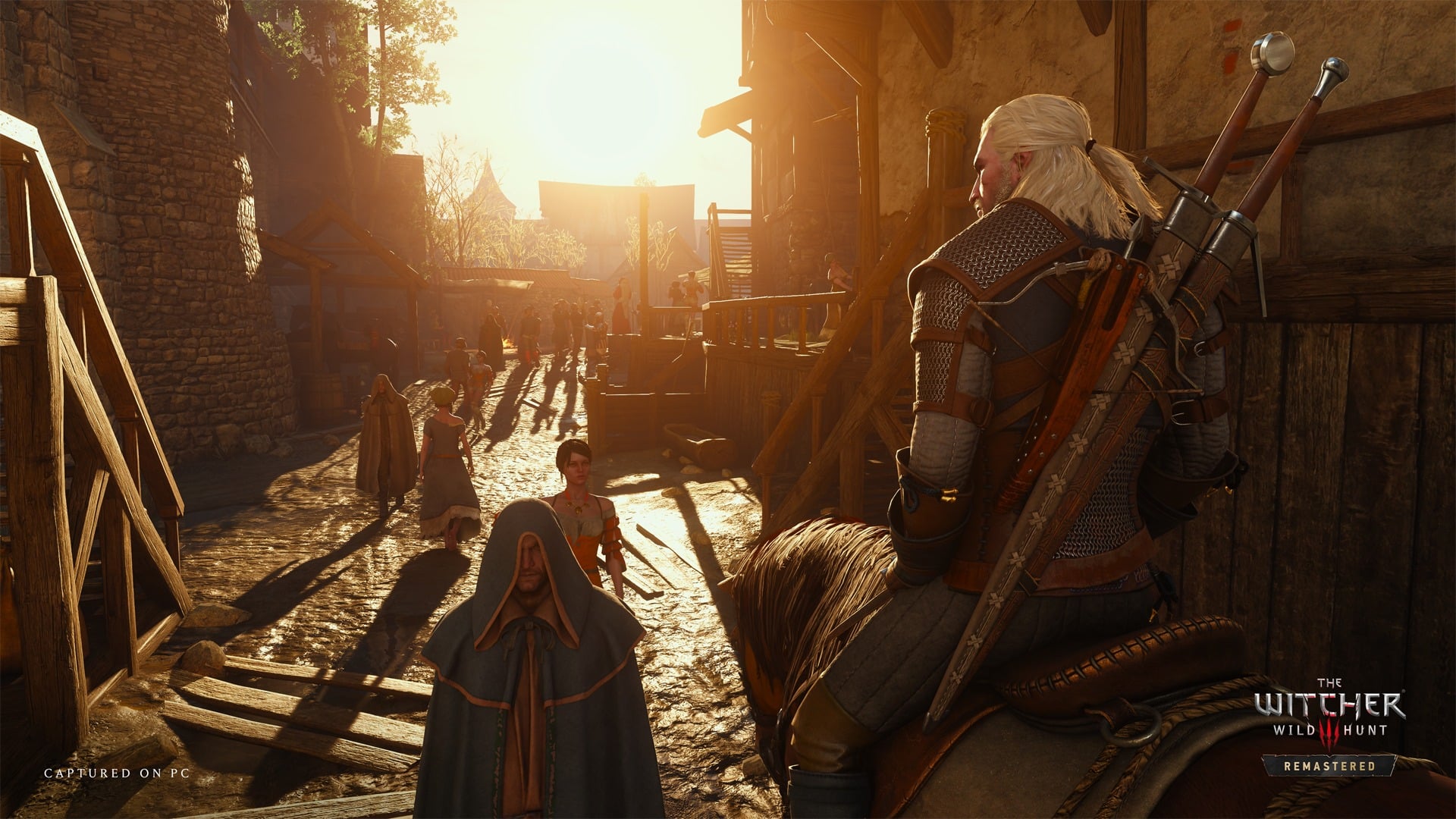
If you want a smooth experience on PS5, the Performance mode is the obvious choice.
Here, Performance mode runs at a mostly smooth 60 FPS with crisp image quality. Switching to the Ray Tracing mode caps at 30 FPS and isn’t consistent in reaching that target. It’s a pretty huge disappointment, even ignoring the strange quirks of the Ray Tracing in TW3 Remastered.
On the base PS5, Performance mode is the obvious suggestion.
Best PS5 Pro graphics mode – TW3 Remastered
PS5 Pro users are getting a much better experience than those on the base PS5, and the Ray Tracing mode here is a suitable option. Ray Tracing mode on PS5 Pro targets 60 FPS, and while it’s slightly inconsistent, any fluctuations should be covered by VRR, if your display supports it.
The downside is that Ray Tracing mode in this version of the game has strange shadow artifacts underneath Geralt and NPCs that can be distracting. It basically looks like Geralt’s lower body is surrounded by a dark haze.
On the flip side, the Performance mode has an uncapped frame rate on PS5 Pro, and it often performs between 80-90 FPS, which is ideal for 120Hz VRR-capable displays. The Ray Tracing mode is great here, but if the small issues are distracting, the Performance mode is also a fantastic way to play. PS5 Pro users have it good with The Witcher 3 Remastered.
Best Xbox Series X graphics mode – TW3 Remastered
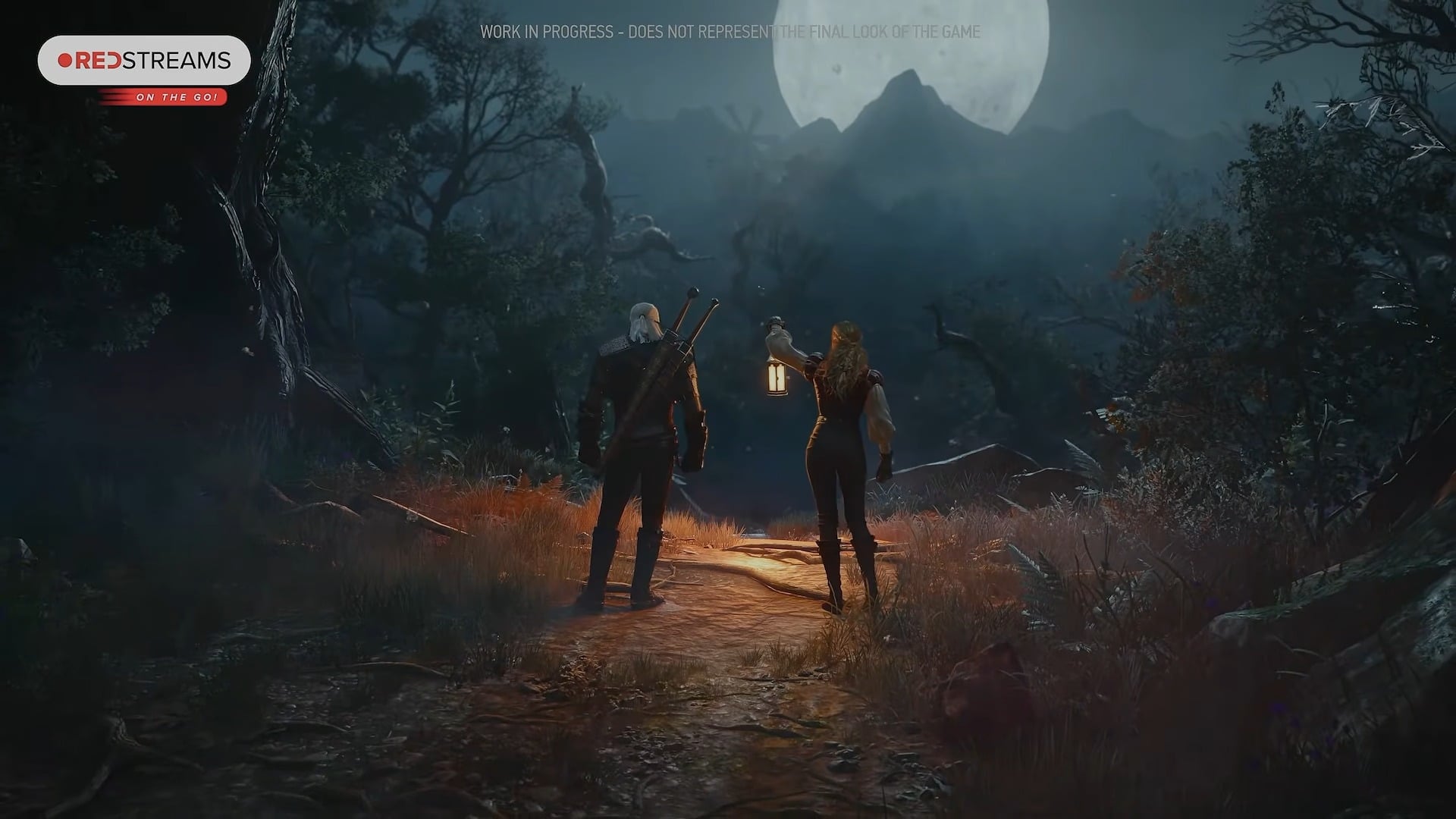
The Xbox Series X version of the game is very similar to the PS5 version, as you might expect. The Performance mode looks great, and targets a stable 60 FPS update.
The Ray Tracing mode is still capped at 30 FPS, but the frame rate is slightly more stable than on the base PS5. If you have a 120Hz display, your console will automatically use low frame rate compensation (LFC) to cover up any instability in the Ray Tracing mode. It’s a decent choice, but we recommend you use the 60 FPS Performance mode.
Best Xbox Series S graphics mode – TW3 Remastered
The Xbox Series S version of the game doesn’t actually have a Ray Tracing mode, and it instead gets a Quality Mode in addition to a Performance Mode.
As you probably expect, Quality Mode targets 30 FPS, and hits that target consistently. Performance Mode meanwhile targets 60 FPS, but doesn’t quite hit the mark. It’s often closer to 50 FPS with quite soft image quality. This will look smooth on a VRR-capable display, but it won’t look sharp.
If it’s distractingly soft, you should opt for the Quality Mode. If you want it to look smooth, you should use Performance Mode on a VRR-capable display.
Best Nintendo Switch 2 graphics mode – TW3 Remastered
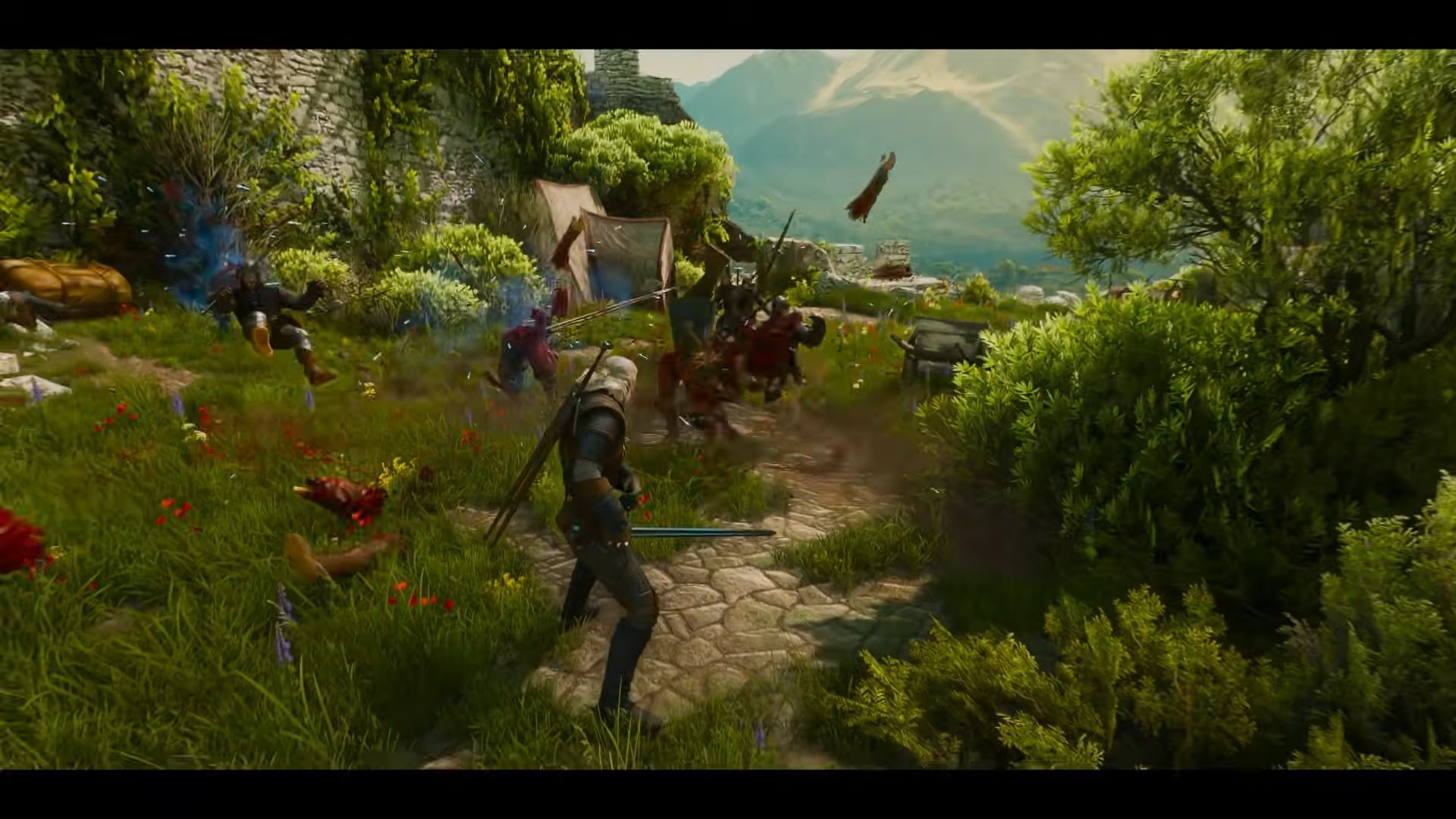
The Nintendo Switch 2 doesn’t have a Graphics mode toggle, instead just having the usual selection of Motion Blur and Camera Lens options.
When docked, the game doesn’t appear to support the Switch 2’s recent VRR update. If you have a 120Hz display, the game targets 40 FPS, and if you’re on a 60Hz display, you’ll get 30 FPS instead while docked. In Handheld mode, the game aims for 40 FPS and VRR is supported, though it does have a somewhat soft image quality, much like the Xbox Series S version of the game.