Pokémon Pokopia: Yawn Up A Storm walkthrough
Here’s how to make it rain and free Onix as part of the Yawn Up A Storm quest
Wondering how to make it rain with Slowpoke in Pokémon Pokopia and free Onix?
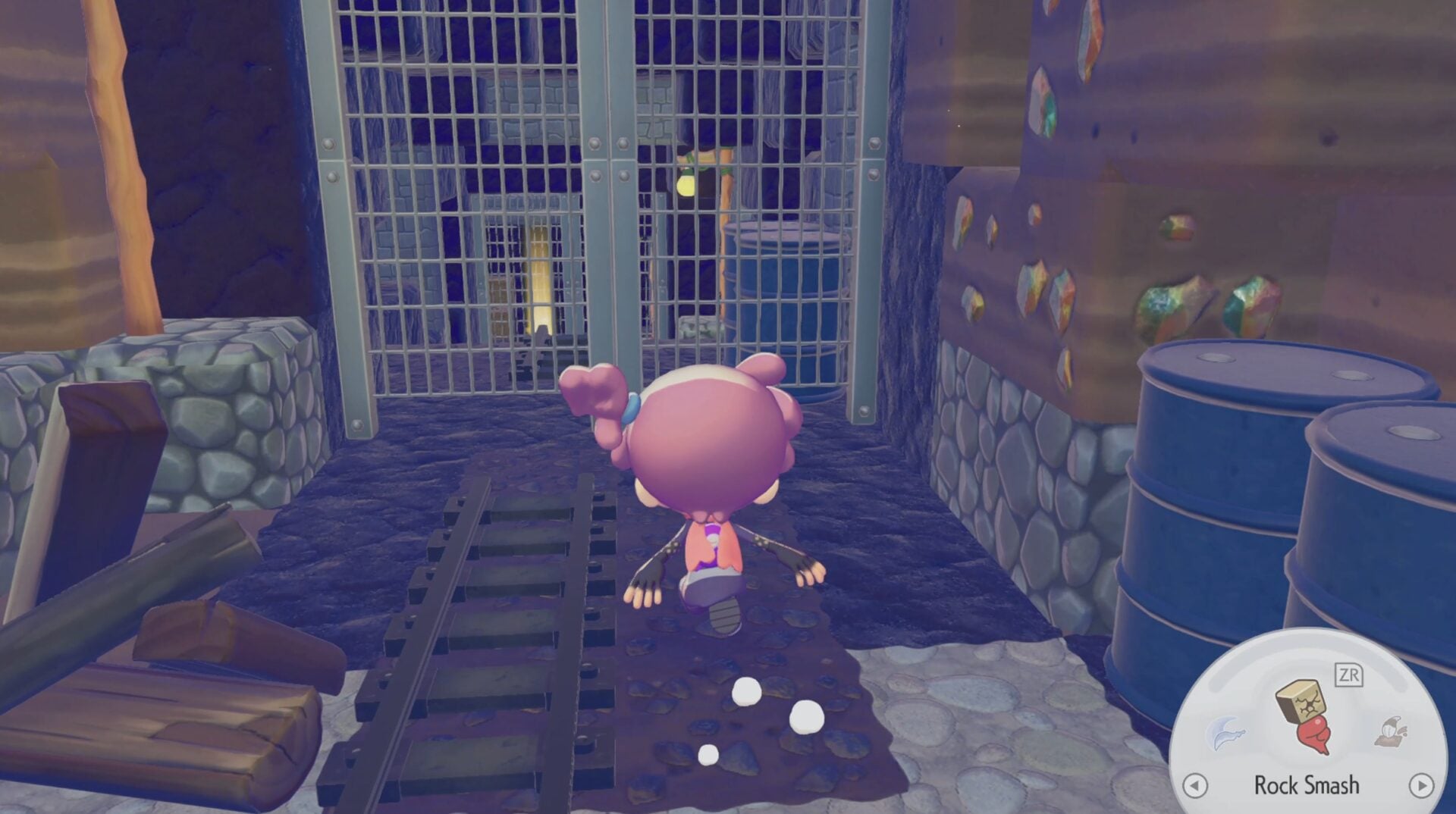
Before you build the first Pokémon Center, you’re going to need a Pokémon with the Crush and Bulldoze specialty. That Pokémon is Onix. You’ll find Onix in a small cave to the left of the opening area, but there’s a problem: Onix is trapped under some rocks. You’d think that a Pokémon that is made up of many rocks would have little trouble in breaking through the wall it’s trapped behind, but no.
In this guide, we’ll explain how you help the Rock Snake Pokémon free himself from his rocky jail, and complete one of the first major requests in Pokémon Pokopia by making Slowpoke yawn, and causing it to rain.
On this page:
How to free Onix
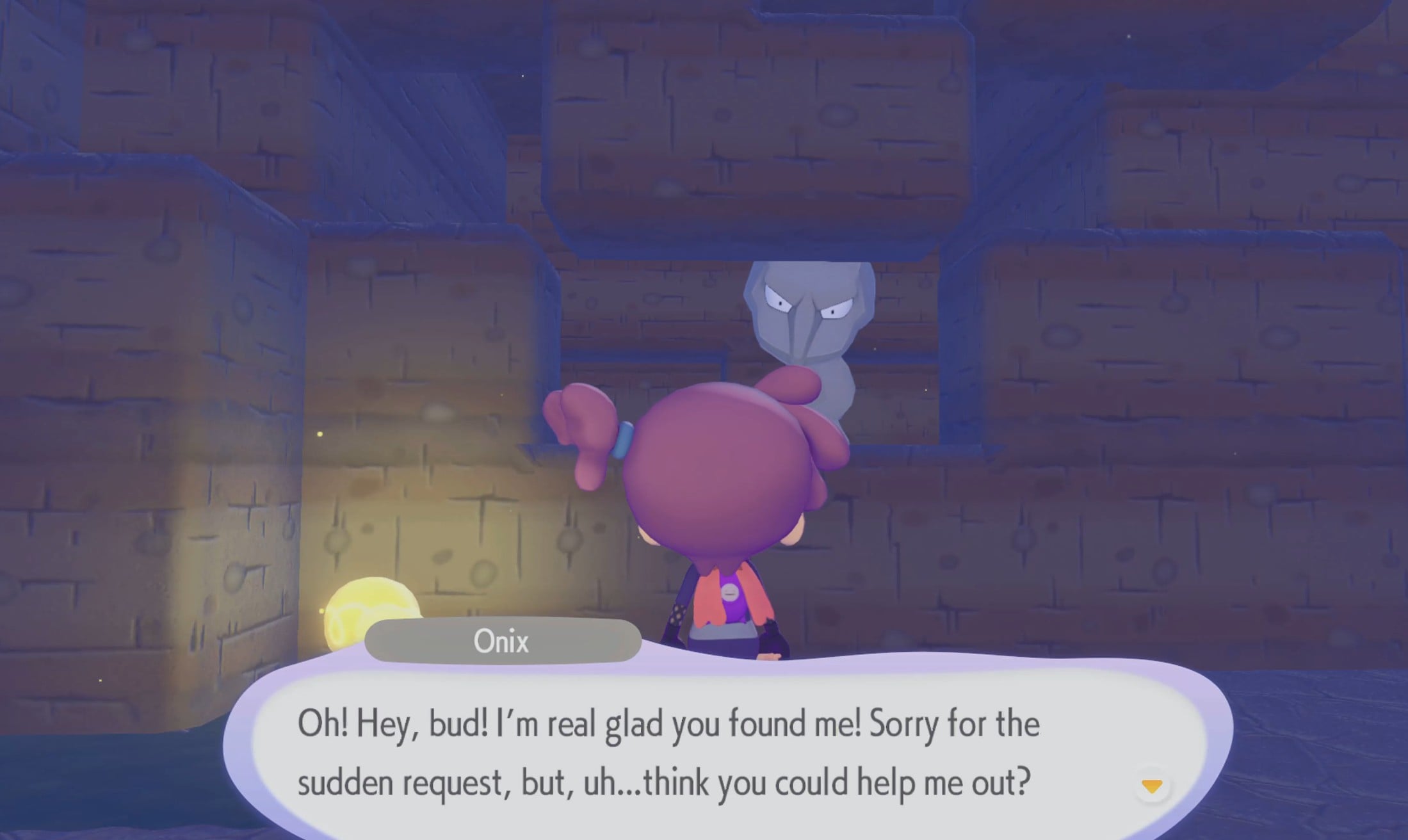
When attempting to build the Withered Wasteland Pokémon Center, you’ll realise that you need a Pokémon with the Bulldoze ability. The only Pokémon accessible to you at that time with this ability is Onix, but there’s an issue. Onix is stuck behind a wall in a cave nearby. Head over to the cave and speak to Onix, and he’ll explain the situation.
When you head back to Prof. Tangrowth to explain the situation, he’ll explain that you need to befriend a Pokémon that can make it rain simply by yawning. That Pokémon is Slowpoke.
Meeting Slowpoke
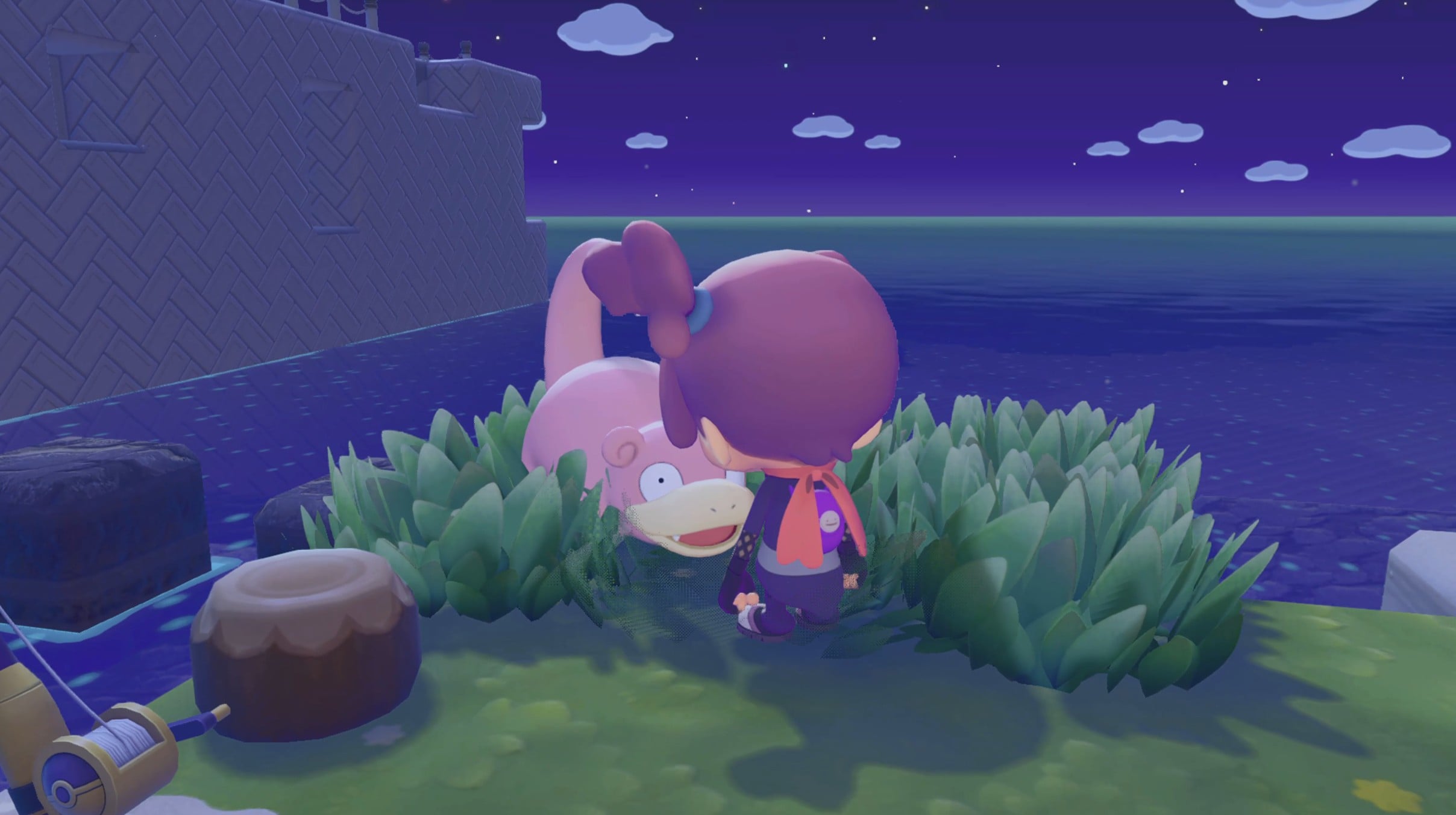
First, you’ll need to find Slowpoke. You can do this by building the Seaside Tall Grass habitat. All this requires is pulling grass out of the ground next to the ocean. You can do this at the bottom of the Withered Wasteland near the beach. Once you’ve completed this habitat, Slowpoke will appear and speak to you.
Slowpoke will say that it wants to follow you to the Pokémon Center, but the path to the Pokémon Center isn’t clean enough, so you need to tidy it up. The game seems to suggest that in order to do this, you have to build stairs at all of the parts of the path that aren’t smooth, but this isn’t the case.
You simply have to make sure that no debris is between Slowpoke and the Pokémon Center. Slowpoke can jump up single blocks, so you don’t need to build stairs. If Slowpoke slows down or stops, you can go back to it and speak to it, and it’ll either continue to walk or it’ll tell you why it is being blocked.
Making Slowpoke Yawn
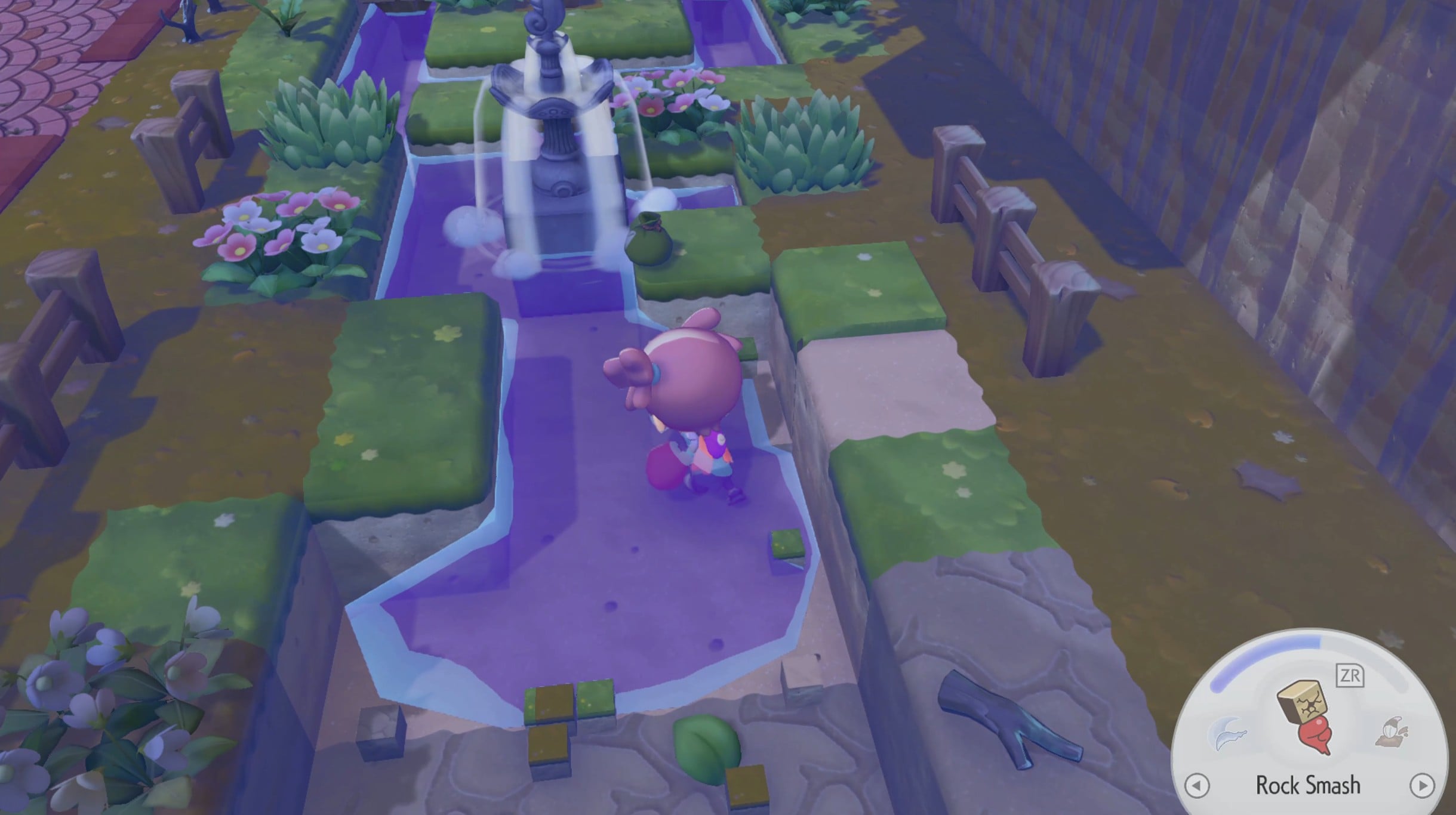
Once Slowpoke reaches the Pokémon Center, your job becomes making Slowpoke yawn, so that it begins to rain. In order to do this, you have to make the area around Slowpoke more humid.
There are several ways you can do this. One of the easiest ways is to create ponds and other water features around the Pokémon Center. There is a water source to the back left of the Pokémon Center (in the image above) that can become a water feature after you’ve destroyed the corresponding blocks.
You can also use Water Gun on the dirt around the area to make the place more humid. If you’re wondering how much more humidity you have to create for Slowpoke, you can speak to the Pokemon and it will tell you.
If you speak to Squirtle during this quest, he will give you the details on making a Rain Dance site.
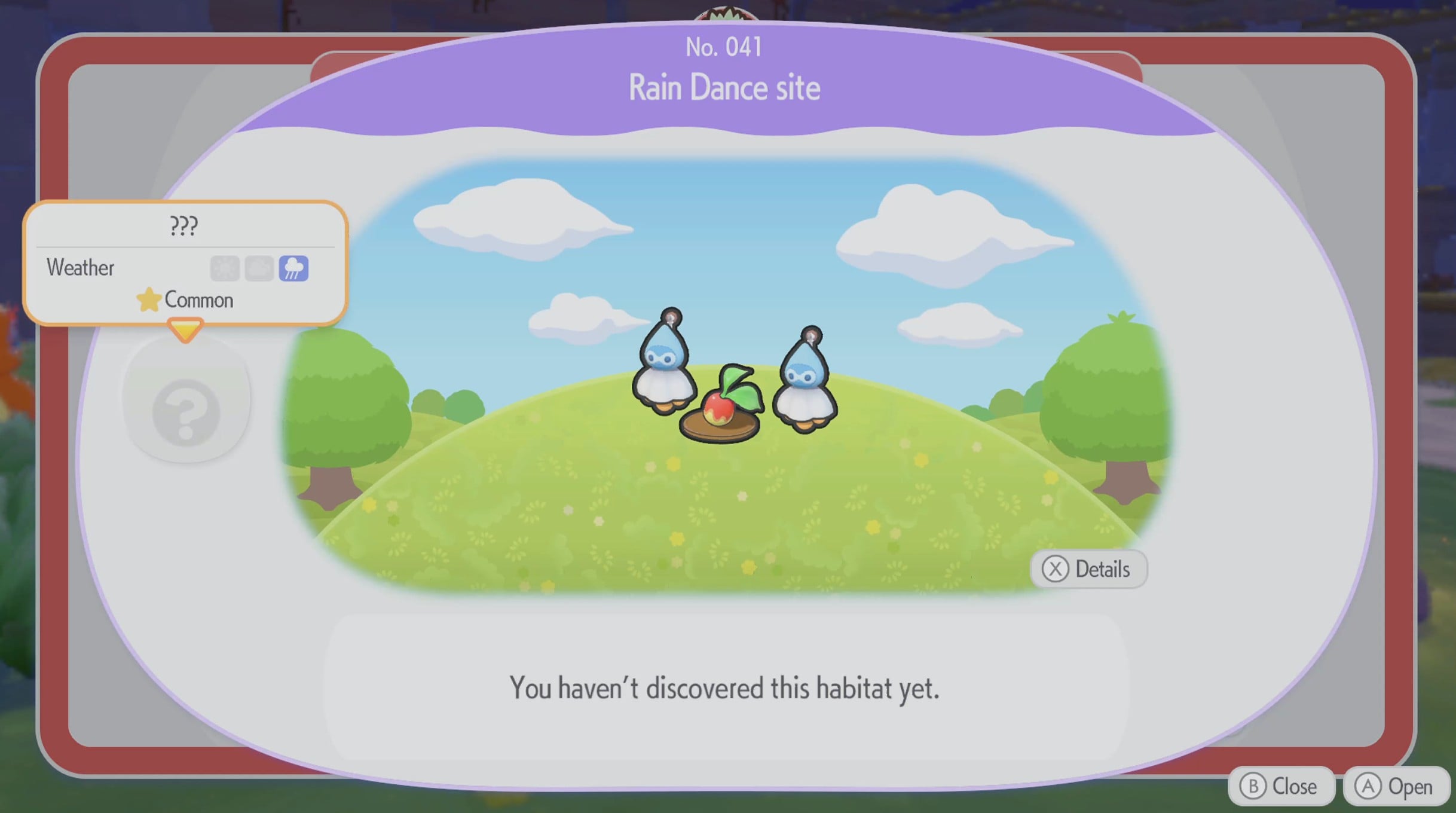
To do this, you need two Castform dolls, a plate, and a Leppa berry. You can buy the Castform dolls from the shop that’s attached to the Pokemon Center, as well as the plater. Leppa berries are found in every tree in the Withered Wasteland, so you probably have plenty of them already.
Once you’ve completed all of these steps, you can return to Slowpoke, who will then yawn. A special cutscene will trigger, which we won’t spoil, but after that’s done, you can return to Onix and free him, and then build the Withered Wasteland Pokémon Center.