Pokémon Pokopia: How to find missing Pokémon
Is one of your Pokémon in Pokopia missing and you don’t know where it’s gone? This guide is for you

Are you looking for one of your Pokémon in Pokopia, but it’s gone missing? This guide will help you find your missing Pokémon in Pokémon Pokopia with an item that you should be familiar with.
Pokémon Pokopia is now available on Nintendo Switch 2, and players are attracting dozens of Pokémon to their own version of Kanto. While it’ll be easy to track down all of your Pokémon at the start of the game, as the population of your game grows, Pokémon will start to wander.
This guide will explain to you how to find a missing Pokémon, which the game makes very easy.
How to find missing Pokémon in Pokopia
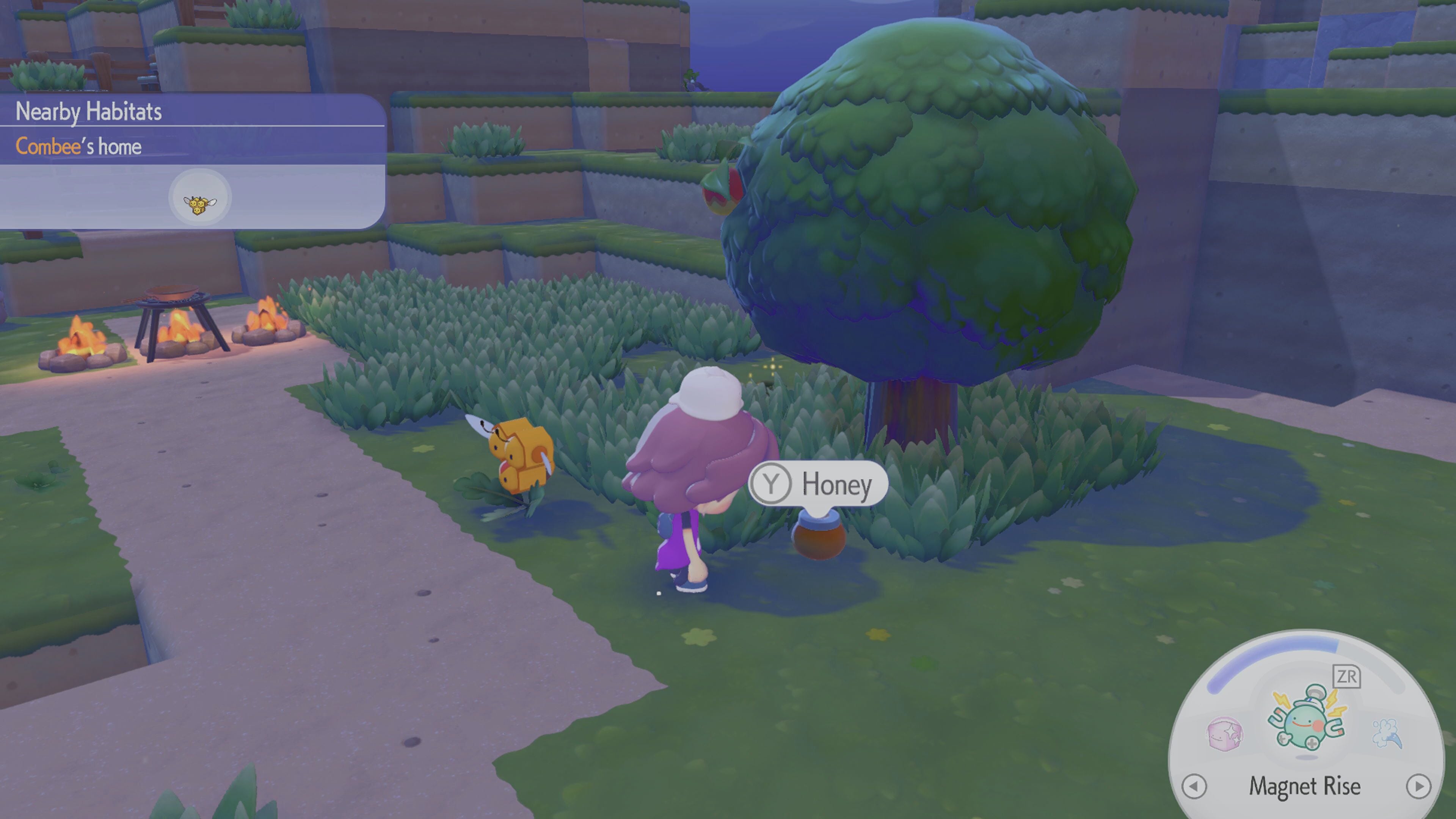
The easiest way to find a Pokémon that’s missing is to use Honey on their habitat. You can get Honey as a reward from some Pokémon, and from some flowers as a random drop, but there’s also a way to guarantee a consistent supply of it.
The first thing you need to do is to find Combee. To do this, you should build the Pretty flower bed habitat. You can build a Pretty flower bed habitat by placing 4 wildflowers in a square next to each other.
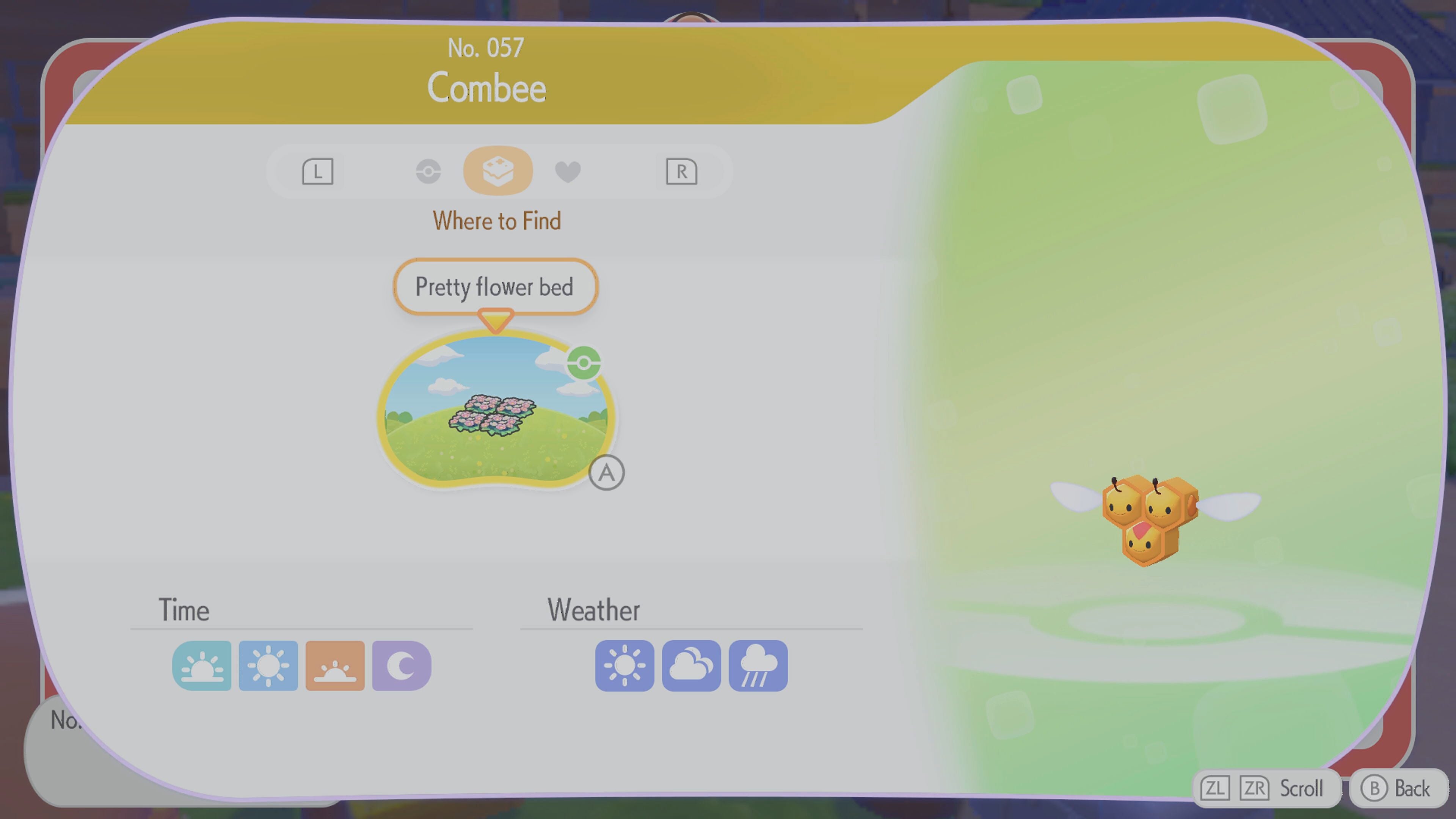
Doing this will attract several Pokémon, including Combee. Once Combee has appeared, after a while it will use its Litter specialty. This Litter Specialty means that Pokémon will drop items around their habitat that the player can pick up. Being a bee, Combee drops a lot of Honey.
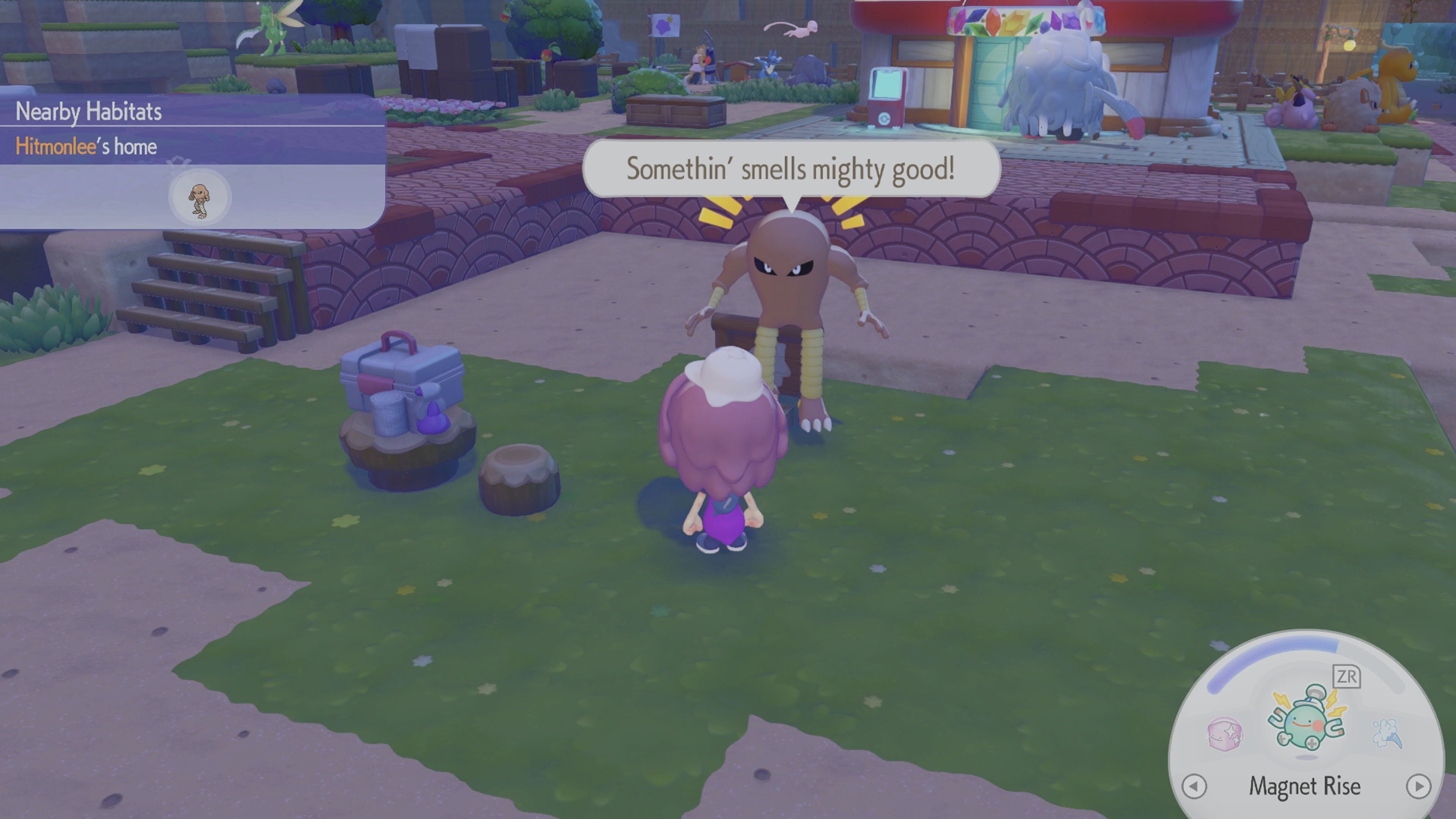
After you have your Honey, head to the habitat of the Pokémon that you want to find, and simply use it. The Pokémon you’re looking for will spawn in. This works for virtually every Pokemon on the game. However, if a Pokémon is on a building assignment, it won’t work.
That’s how you find missing Pokémon in Pokémon Pokopia. If the instruction above didn’t work, you may have assigned a Pokémon to a new home somewhere else in your world, so it’s worth checking all of your houses, too.