Pokémon Pokopia: How to change the time of day
Here’s how to change the time of day in Pokémon Pokopia

Wondering how to change the time of day in Pokémon Pokopia? This guide has you covered.
Pokémon Pokopia is out now. The brand-new life simulation game, developed by Game Freak and Omega Force, lets you build your own Pokémon world, all while taking on the role of a Ditto that’s disguised as a human.
But if you’ve started the game, you may notice that some of the Pokémon that you’re bringing back to Kanto only appear at certain times of day. In this guide, we’ll explain to you how to change the time of day in Pokémon Pokopia, so you can meet every Pokémon the game has to offer.
How to change the time of day in Pokémon Pokopia
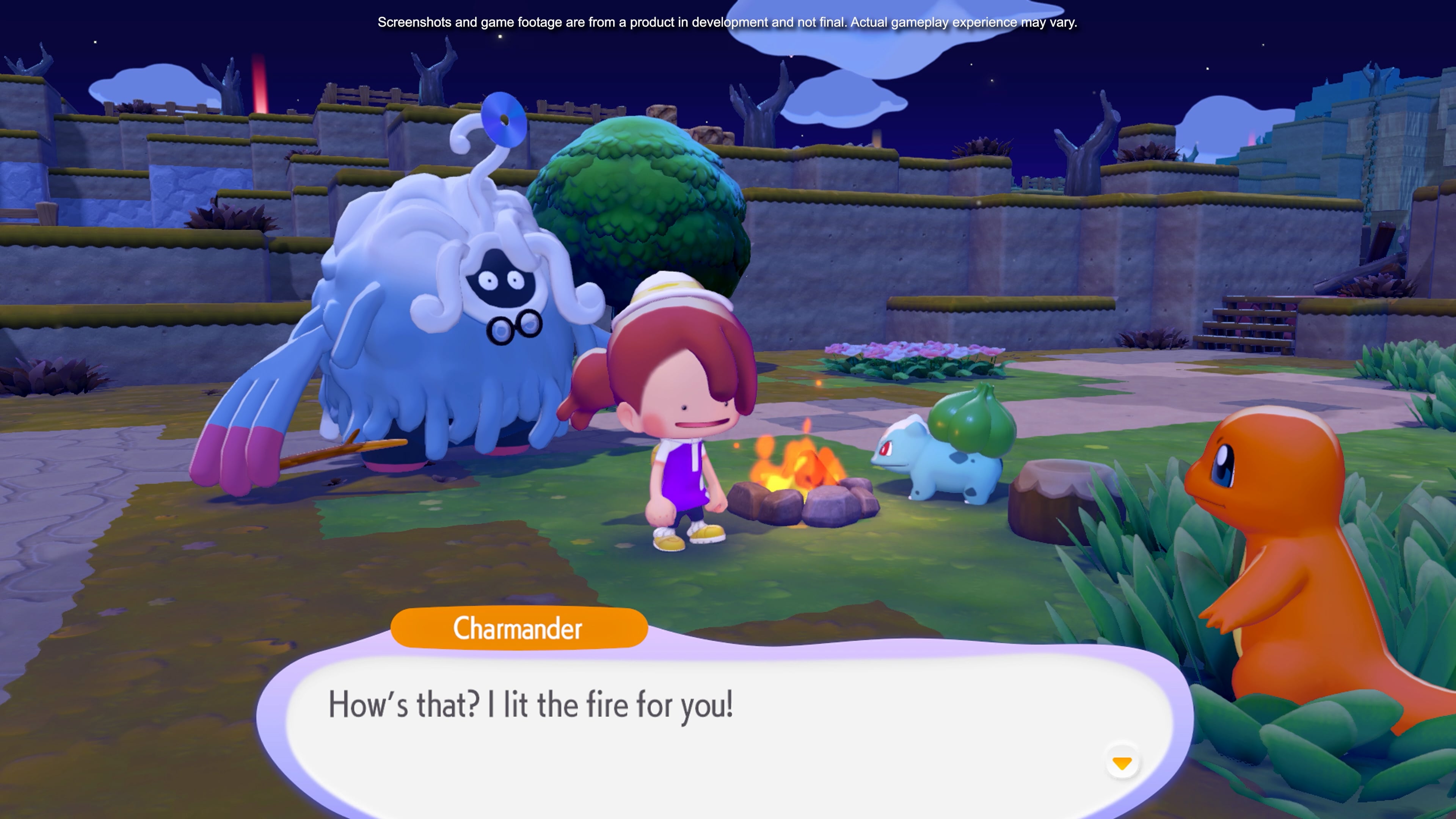
Pokémon Pokopia runs on a real-life day/night cycle. This means that whatever time it is in real life, that time of day will be replicated in Pokémon Pokopia. This is obviously a problem for players who aren’t able to play during the day or late at night, meaning some Pokémon are totally out of reach.
The obvious answer for how to change the time of day in Pokemon Pokopia is to… wait until it’s that time of day in real life, but if you’re looking for this guide, you probably already thought of that.
No, the real answer is to change the clock on your Nintendo Switch 2.
To do this:
- Save and quit Pokémon Pokopia
- Close Pokémon Pokopia
- Head to System Settings
- Go down to System
- Go into Date and Time
- Uncheck “Synchronise Clock via Internet”
- Change the time to whatever you want it to be
- Open Pokémon Pokopia
And just like that, the time of day you selected will be represented in-game. Now, all you night owls can catch the day-dwellers, and you Dittos that actually have responsibilities can catch the Pokémon that only come out at night.
Guides: Visit our Pokémon Pokopia guide hub for step-by-step walkthroughs of all of the game’s Important Requests, complete Pokopia Pokedex, all habitats, and more.