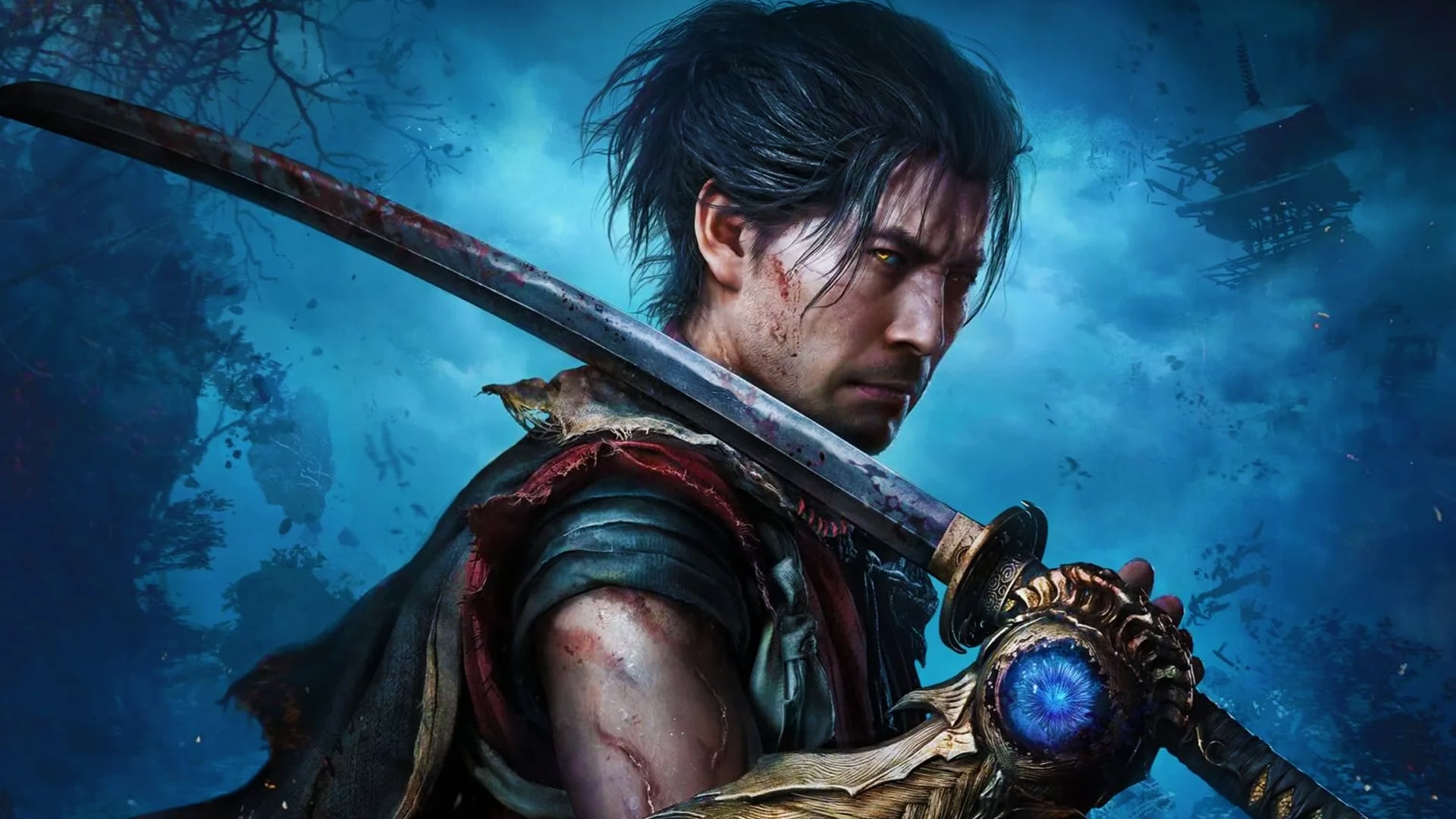
Onimusha WOTS best console Graphics Mode: Prioritize Performance vs Quality
The best Graphics Mode to use on each console in Onimusha: Way of the Sword
Onimusha: Way of the Sword is out now, and it has two Graphics Modes to choose from in addition to many more options.
You can toggle Ray Tracing on and off, and fix the frame rate at three different targets — or uncap the performance entirely. That means there’s a decent amount of flexibility for each console depending on your display, but only one setup is truly the best.
In this guide, we’re explaining what the Graphics Modes in Onimusha: Way of the Sword actually do, and which one you should use for the best possible gameplay experience on each console.
Graphics Modes explained – Onimusha WOTS
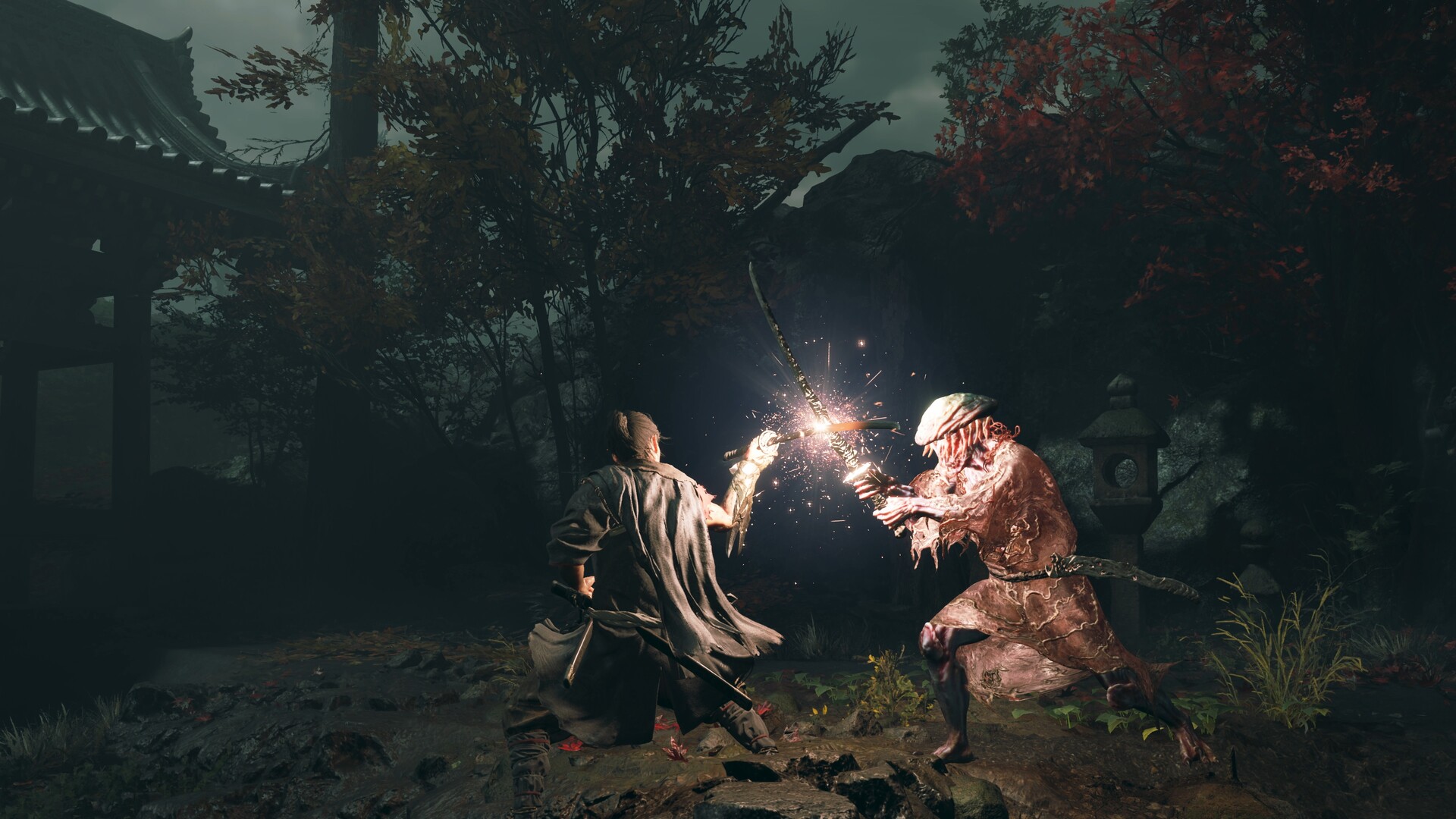
Onimusha: Way of the Sword features two distinct Graphics Modes for most systems, though some are slightly different, as we’ll dig into below.
- Prioritize Quality: Targets 30 FPS at high resolutions.
- Prioritize Performance: Targets 60 FPS at lower resolutions.
That’s the basic breakdown, but Onimusha also comes with the Fixed Frame Rate option, which can lock down or uncap your frame rate. Uncapping is only recommended if you’re using a 120Hz, VRR-capable display with the Performance Mode, but if you are, then you should also enable this option. Ray Tracing is also an optional selection, but if you’re aiming for 60 FPS gameplay, then you should only use it on PS5 Pro.
There is also the option for Fixed Frame Rate. If you do not have a VRR-capable display, or want to try a 40 FPS mode, then you should always use this option for smooth gameplay. Finally, we generally recommend Motion Blur to be turned off when aiming for 60 FPS, but on when aiming lower than that.
We’ll explain which Graphics Mode is best for each console below.
Best PS5 Graphics Mode – Onimusha WOTS
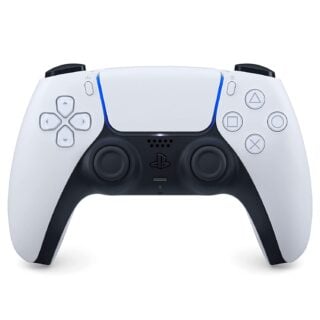
With Ray Tracing turned off, the base PS5 has enough grunt to go above 60 FPS in its Performance mode, and if you want the most responsive gameplay experience, that’s the mode you should be using. Just ensure to use the Fixed Frame Rate option to cap at 60 FPS if you’re not using a VRR-capable display.
Best PS5 Pro Graphics Mode – Onimusha WOTS
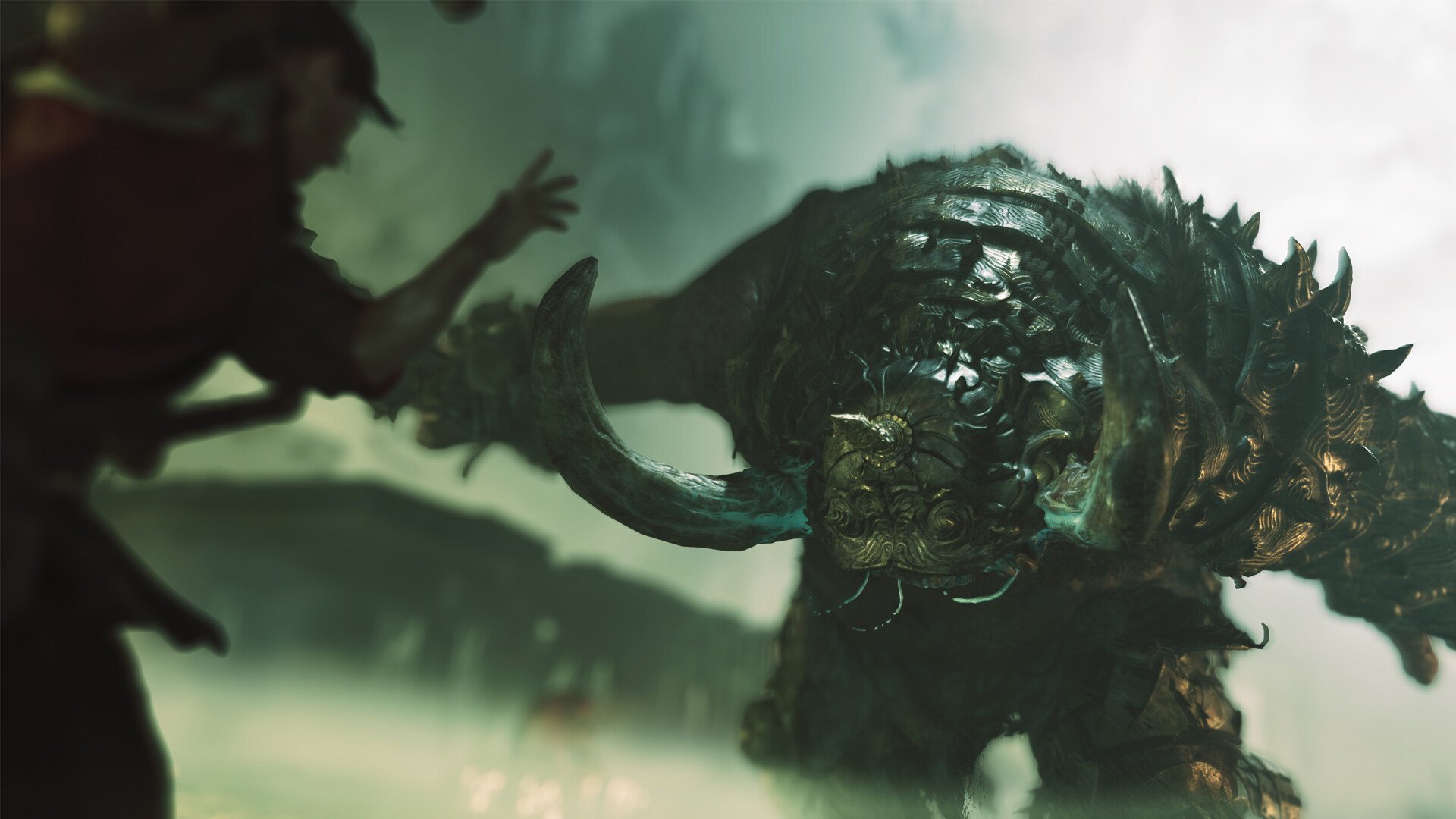
On PS5 Pro, Onimusha can run flawlessly above 60 FPS with Ray Tracing turned on, and it’s the best way to play Onimusha: Way of the Sword on a console.
If you don’t have a VRR-capable display, you should fix the frame rate to 60 FPS, but otherwise, the Performance mode will deliver above 60 FPS gameplay with all of the game’s graphical features and a 4K-like image thanks to PSSR. The best of all worlds.
Best Xbox Series X Graphics Mode – Onimusha WOTS
The Xbox Series X is very similar to the base PS5, which shouldn’t be a surprise. Again, turn off Ray Tracing, and the console will be able to deliver above 60 FPS in most gameplay scenes. Cutscenes are a different matter. If you’re using a 120Hz, VRR-capable display, make sure to uncap your frame rate and use the Performance mode.
Best Xbox Series S Graphics Mode – Onimusha WOTS
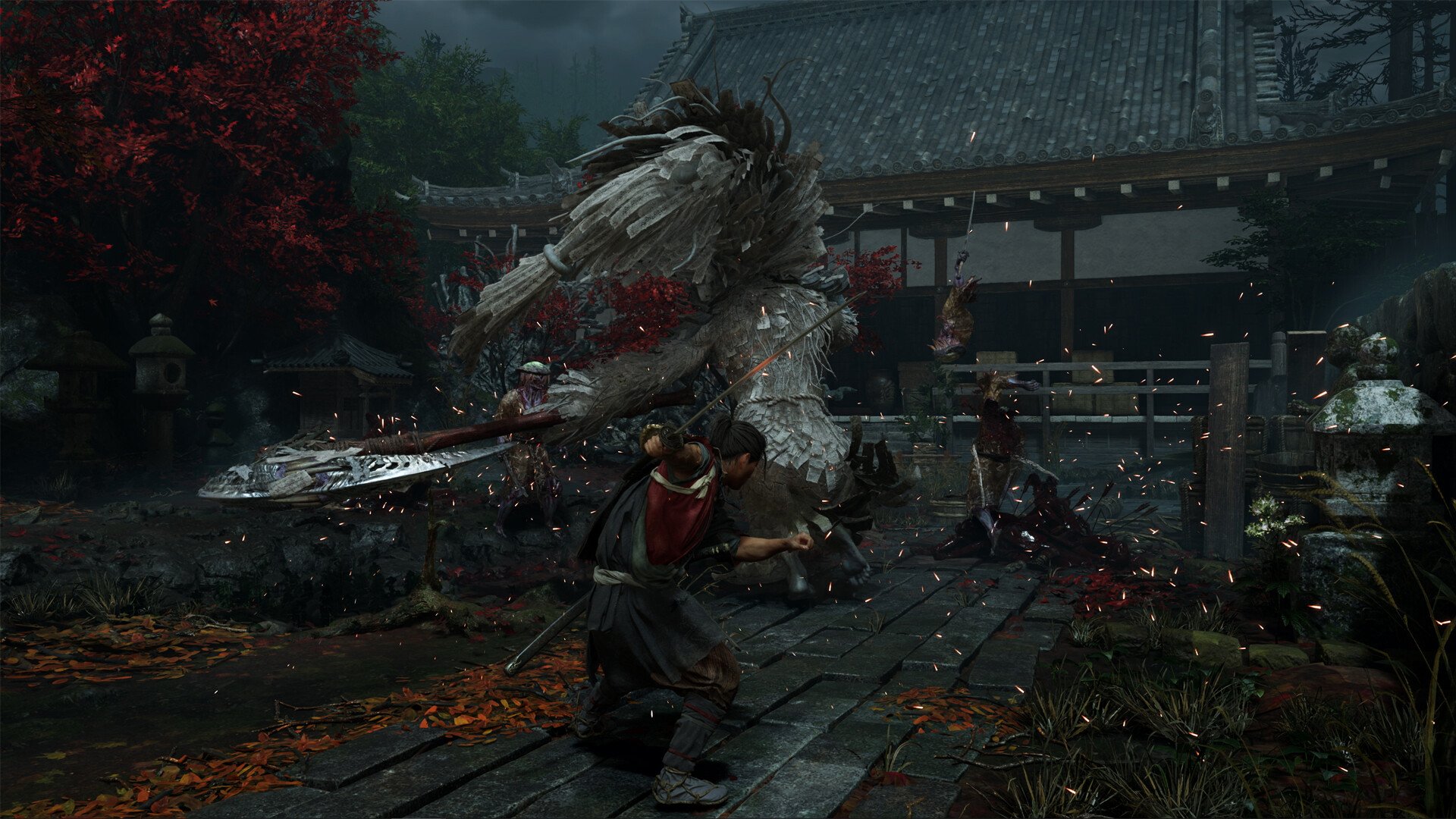
The Xbox Series S still swings for 60 FPS in its Performance Mode and achieves that target a surprising majority of the time. Ray Tracing is best forgotten about, but the Xbox Series S version of Onimusha in Performance mode is a shockingly great way to play.
Best Nintendo Switch 2 Graphics Mode – Onimusha WOTS
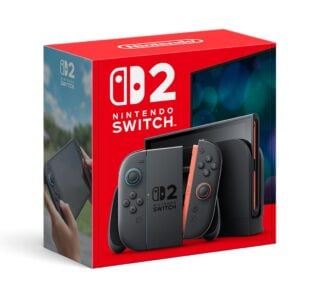
Finally, the Nintendo Switch 2 version of the game doesn’t ever hit 60 FPS, sadly, and that’s a problem it you prefer to play the game on a TV. The console can’t output a VRR signal, and therefore, you will have an unstable gameplay experience while docked unless you lock the game to 30 FPS.
In handheld mode, the Nintendo Switch 2’s own screen is actually VRR-capable, and uncapping the frame rate while handheld is actually a very smooth and responsive experience. If you get this game on the Nintendo Switch 2, you should play in handheld mode with the frame rate unlocked.