Nioh 3 best PS5 and Pro graphics mode: Prioritize FPS vs Prioritize Resolution
The best graphics mode to play Nioh 3 on PS5 and PS5 Pro.

Modern games often let you choose between one, two, or perhaps even a baker’s dozen of different graphics settings in the modern day, but when it comes to Nioh 3 on PS5 and PS5 Pro, you’ll be given a simple set of options: Prioritize FPS or Prioritize Resolution.
The game is currently only available on PlayStation consoles and PC, and each of the two PlayStation consoles offer a simple choice between a higher resolution or a 60fps target.
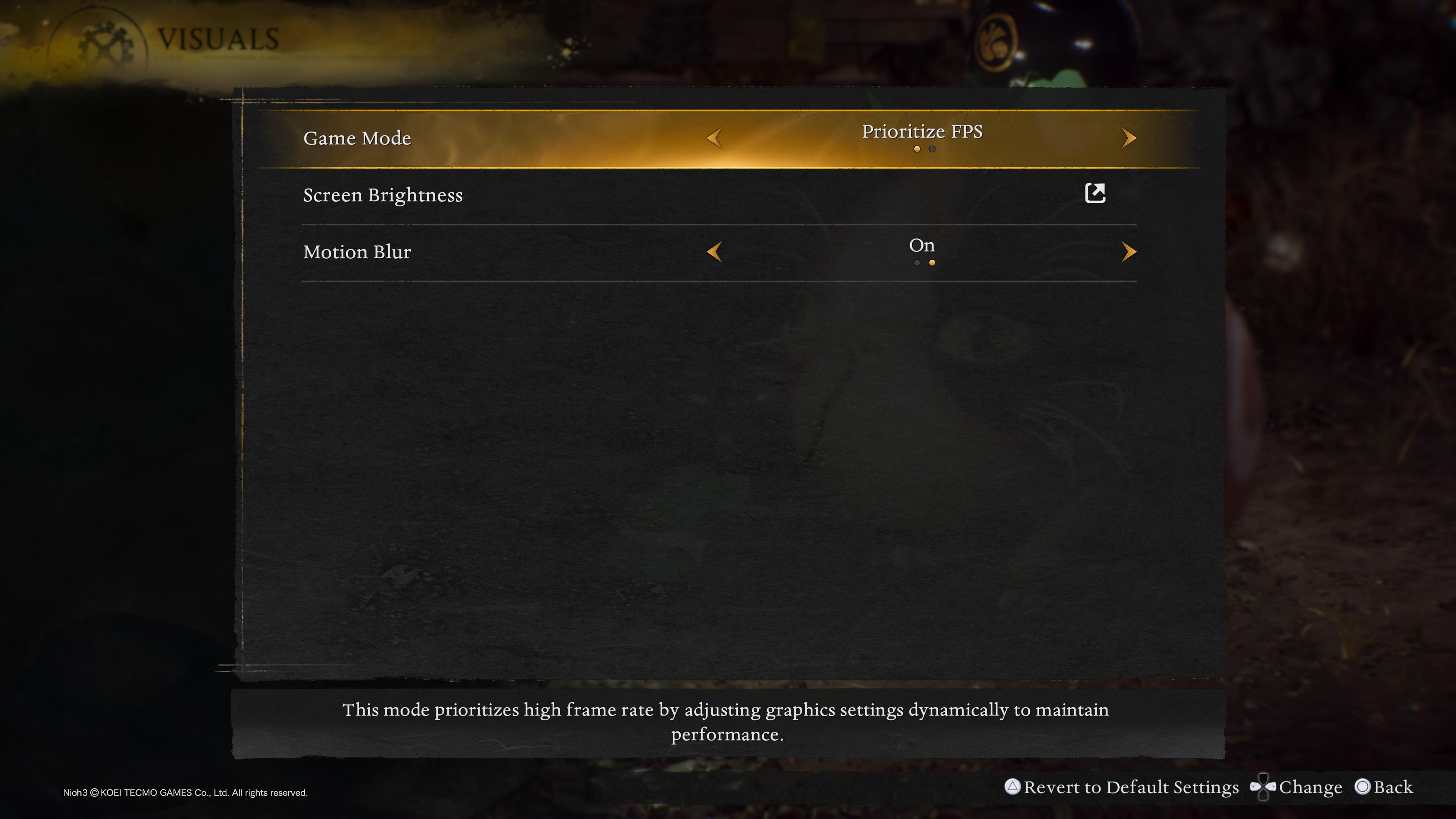
You can find the Visuals option nestled underneath System > Visuals, and it can only be changed from the main menu. Unfortunately, neither mode is perfect. Scroll down below for our quick breakdown of the best graphics modes on PS5 and PS5 Pro.
Best PS5 Visuals mode – Nioh 3
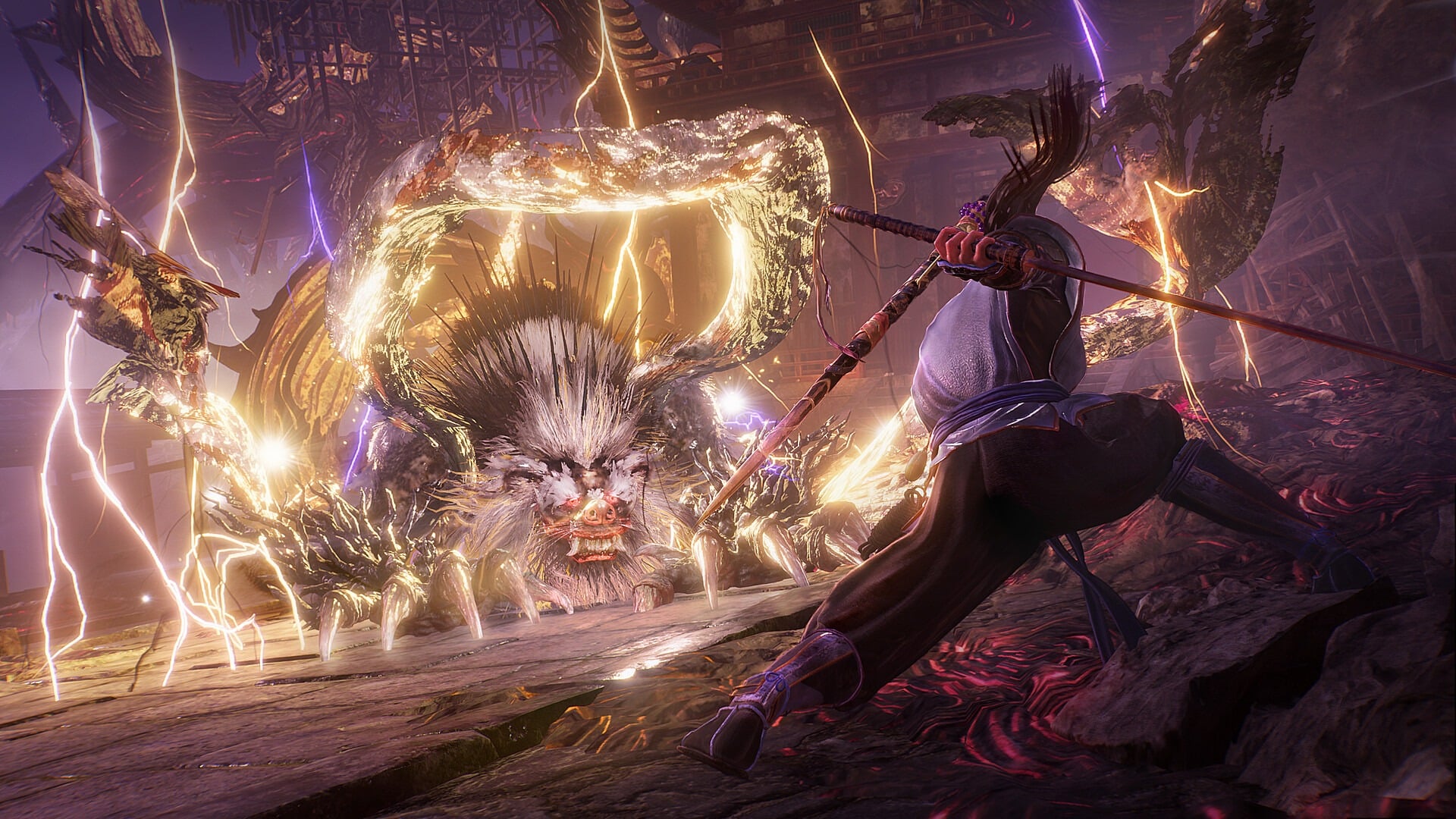
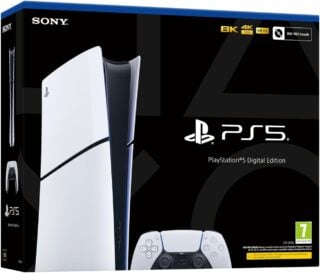
Currently, the PS5 version has two modes that offer pretty straightforward results. Prioritize FPS targets 60fps with what seems to be a dynamic resolution, while Prioritize Resolution targets a 4K resolution with a 30fps cap.
Unfortunately, neither mode is perfect. Prioritize FPS does a good job of hitting 60fps most of the time, but some enemy encounters will reliably run below 60fps, though a VRR-capable display should clear up most of the issues.
If the framerate fluctuations are too distracting for you, you can try using the Prioritize Resolution mode, which targets 4K at 30fps. The problem with this mode is that the 30fps cap seems to have poor frame pacing, and rotating your camera in pretty much any area will reveal tiny stutters.
If you have a VRR-capable display, then playing Nioh 3 in its Prioritize FPS mode is a no-brainer, as VRR will hide framerate inconsistencies most of the time, while the stutters in Prioritize Resolution have no solution.
Best PS5 Pro Visuals mode – Nioh 3
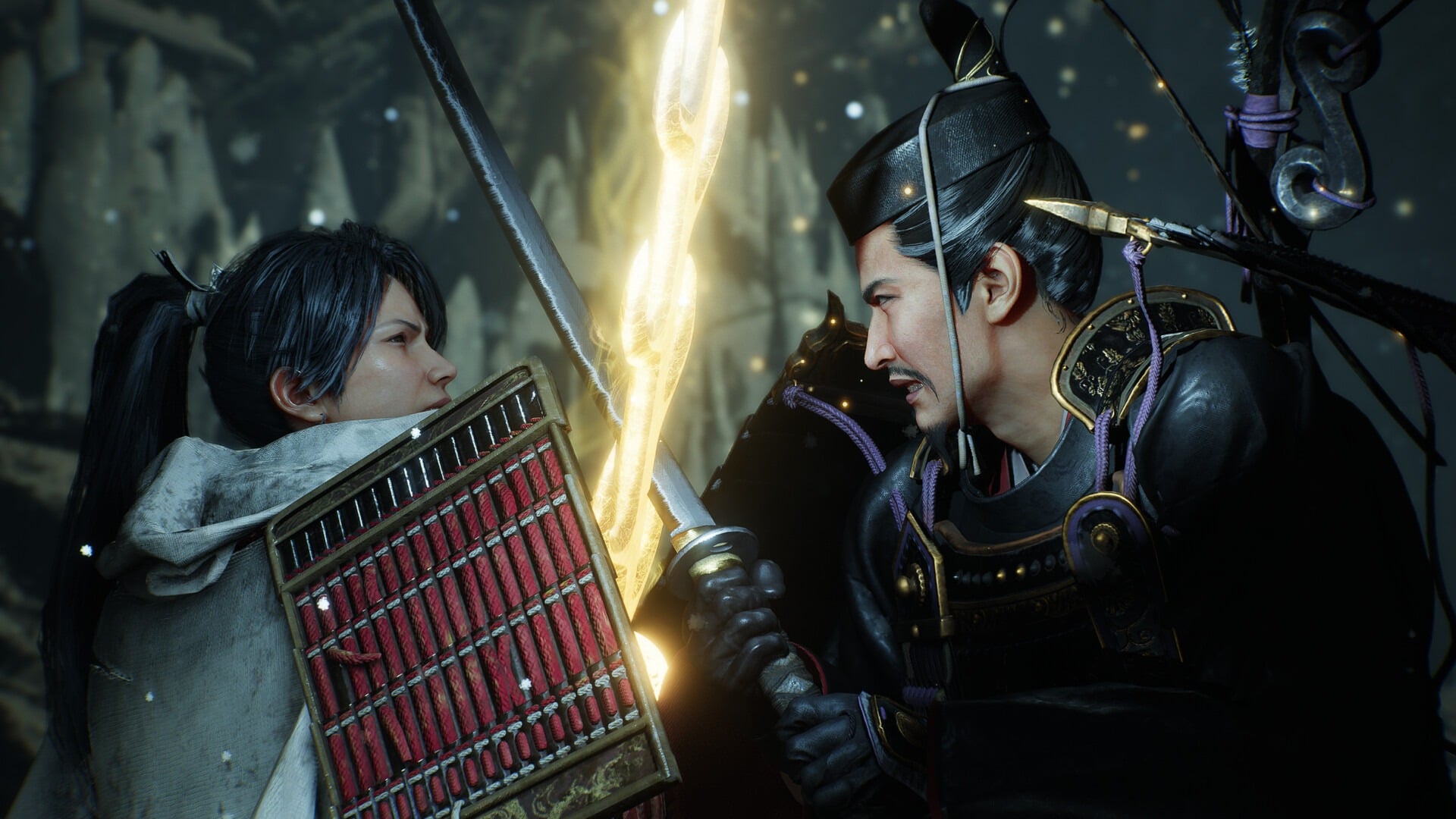
The story for the PS5 Pro version of the game is pretty similar, but with slightly better results, as you might expect. Again, Prioritize FPS targets 60fps with a dynamic resolution, while Prioritize Resolution targets a 4K resolution with a 30fps cap.
Prioritize FPS does a much more admirable job holding on to 60 fps on PS5 Pro than on base PS5. There are still some noticeable drops that can make their way through VRR – especially when your stealth attack animation activates – but if stable performance is important to you, then the PS5 Pro’s Prioritize FPS mode is an improvement over the base machine.
Prioritize Resolution, meanwhile, has image quality that’s undeniably sharp and excellent, but even on PS5 Pro there seem to be frame pacing stutters. The issue is, again, considerably improved over the base console, but the extra horsepower hasn’t solved anything.
The PS5 Pro is the most powerful console on the market, but that doesn’t mean every game runs smoothly. If you are packing a PS5 Pro and a VRR-capable display, Prioritize FPS is the best choice — and just might be the best choice even without a VRR display, at least until a frame pacing fix is issued.
Look for Nioh 3 Guides? Read our detailed instructions for finding Kodama locations, Jizo statues, hot springs locations, Scampuss locations, and Nurikabe locations, plus breakdowns for best character creation codes, guardian spirits, blacksmith's chests, full area and missions list, and Solitary Blade Myth, and our Distant Memories trophy guide and Nothing Left To Learn trophy guide.