MHS3 best console graphics mode: Performance vs Balanced vs Quality
The best graphics mode you should be using on every console to play Monster Hunter Stories 3: Twisted Reflection.
Monster Hunter Stories 3: Twisted Reflection, and if you’ve just started playing, you should make sure you’re playing in the best graphics mode for your display.
There are up to three different graphics modes for you to enjoy: Performance, Balanced, and Quality. Performance unlocks framerates above 60fps for supported displays, Balanced maintains a high resolution while hovering around 60fps, and Quality drops frames for the sake of a crisp 4K image.
It might be tough to know which graphics mode is best for your console and display, which is why we’re breaking down everything you need to know in this guide.
Best PS5 Pro graphics mode – MHS3
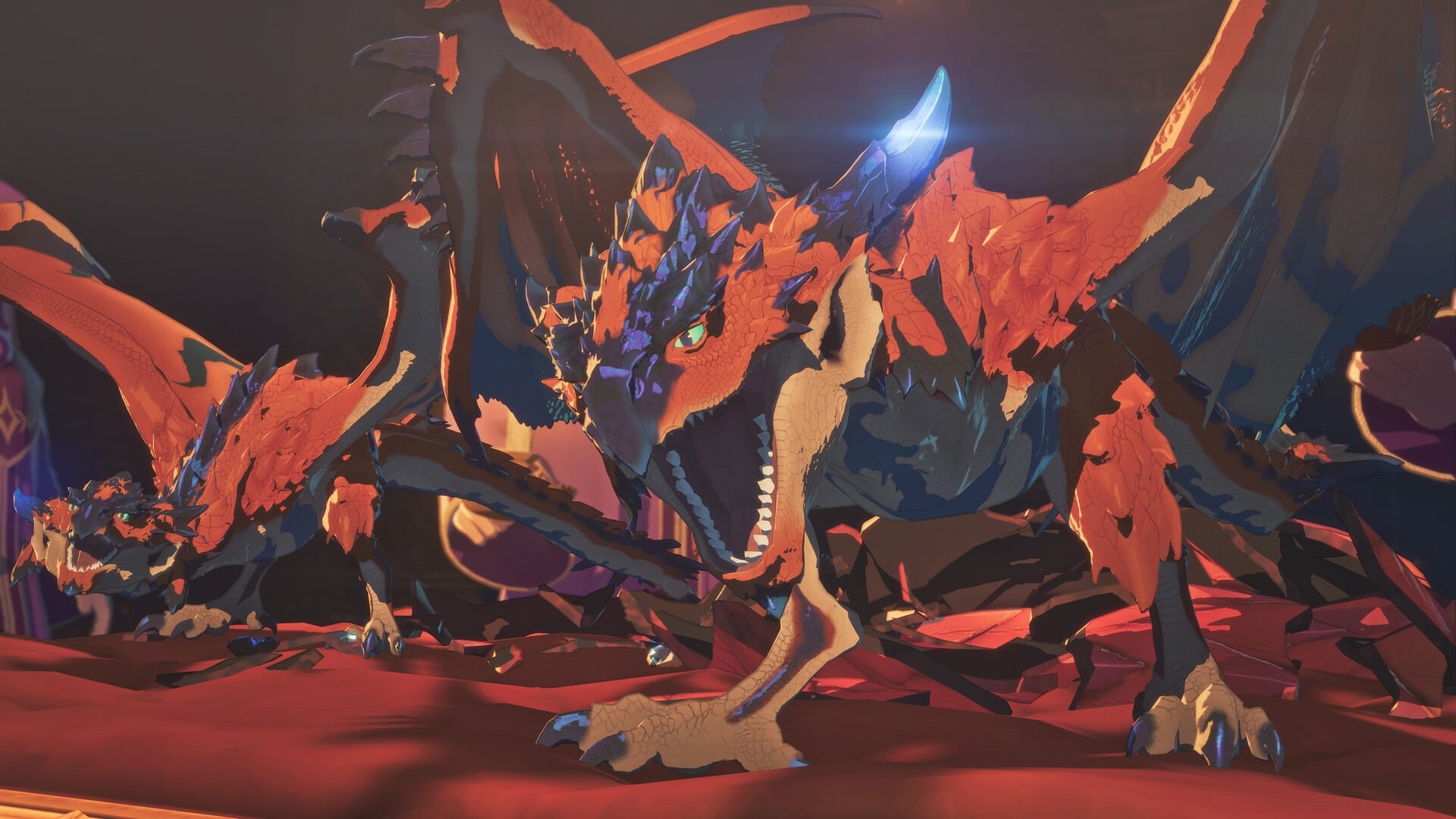
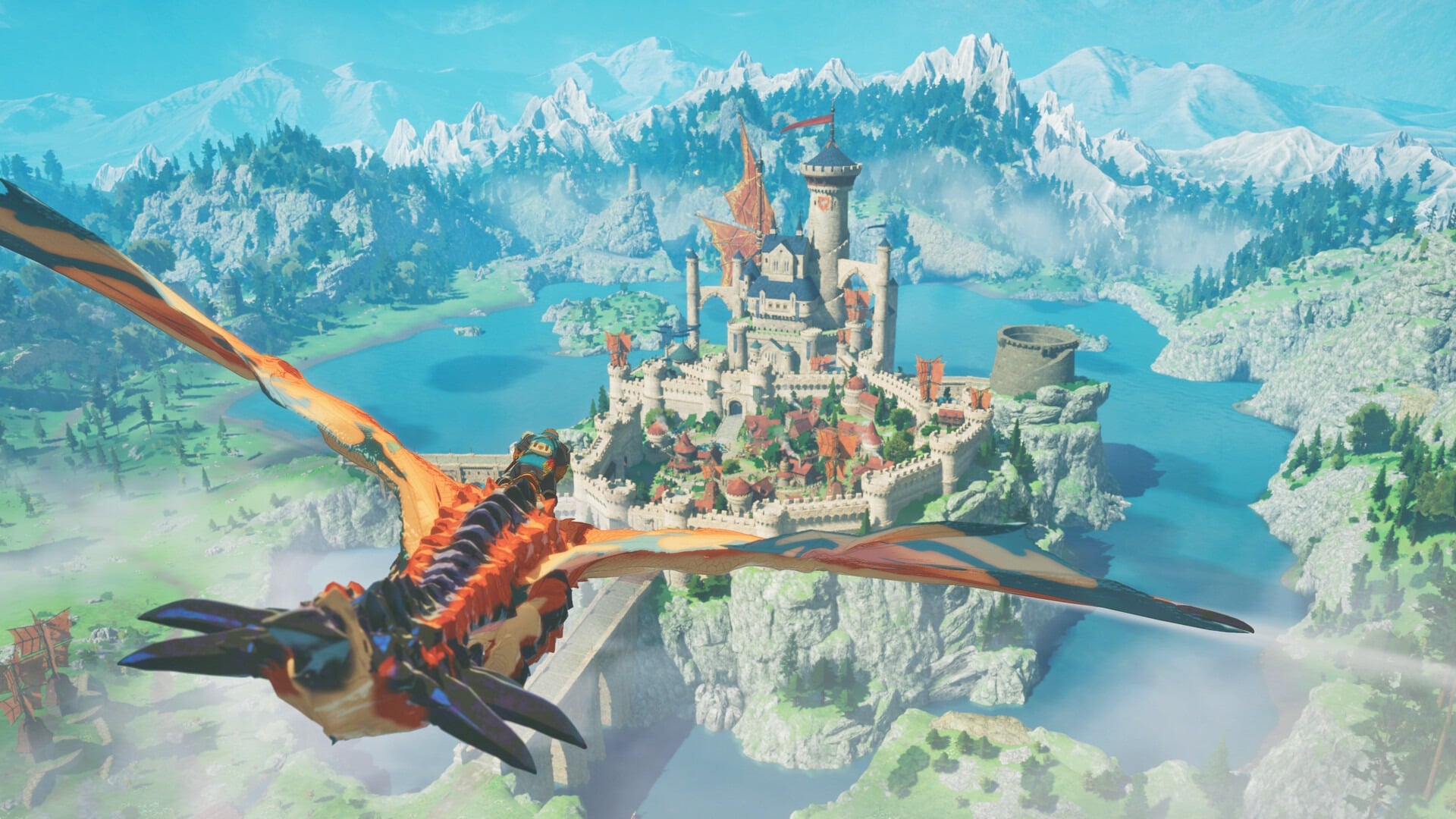
Monster Hunter Stories 3 isn’t an action game, so while running the game at up to 120fps is very nice indeed, it’s hardly an essential. It is an incredibly beautiful game, however, and it definitely benefits from a higher resolution.
As a result, our recommendation for the PS5 Pro is the Balanced Mode. This mode almost always stays above 60fps while keeping the resolution looking sharp. This means it’s ideal for anyone lacking a 120Hz, VRR display, but if you do have a fancy TV for your games, the framerate will still go above 60fps to keep things as fluid as possible.
Best PS5 graphics mode – MHS3
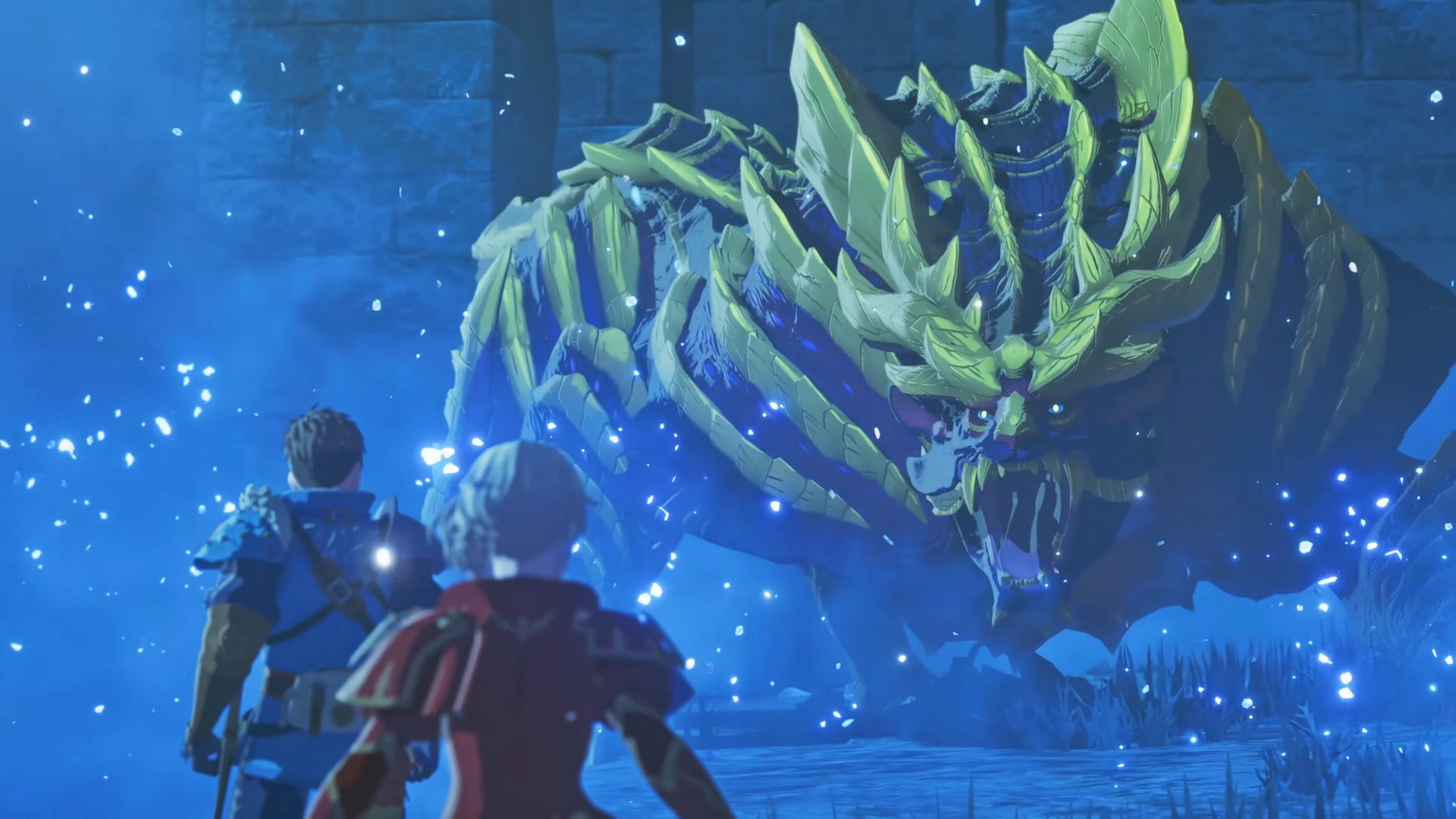
The PS5 has the same three modes with the same targets as the PS5 Pro, but unsurprisingly, the system struggles a little more to hit those targets. The Quality mode here hovers just above 30fps, Balanced mode doesn’t quite hit a stable 60fps when flying in the open world, and Performance mode admirably manages to hit somewhere between 80-100fps.
Here, the Performance mode is easier to recommend, especially if you have a display limited to 60Hz, as that’s the only mode that will consistently hit that metric. If you have a TV with VRR, then Balanced mode becomes a solid choice, as any drops below 60fps will be smoothed out.
Best Xbox Series X graphics mode – MHS3
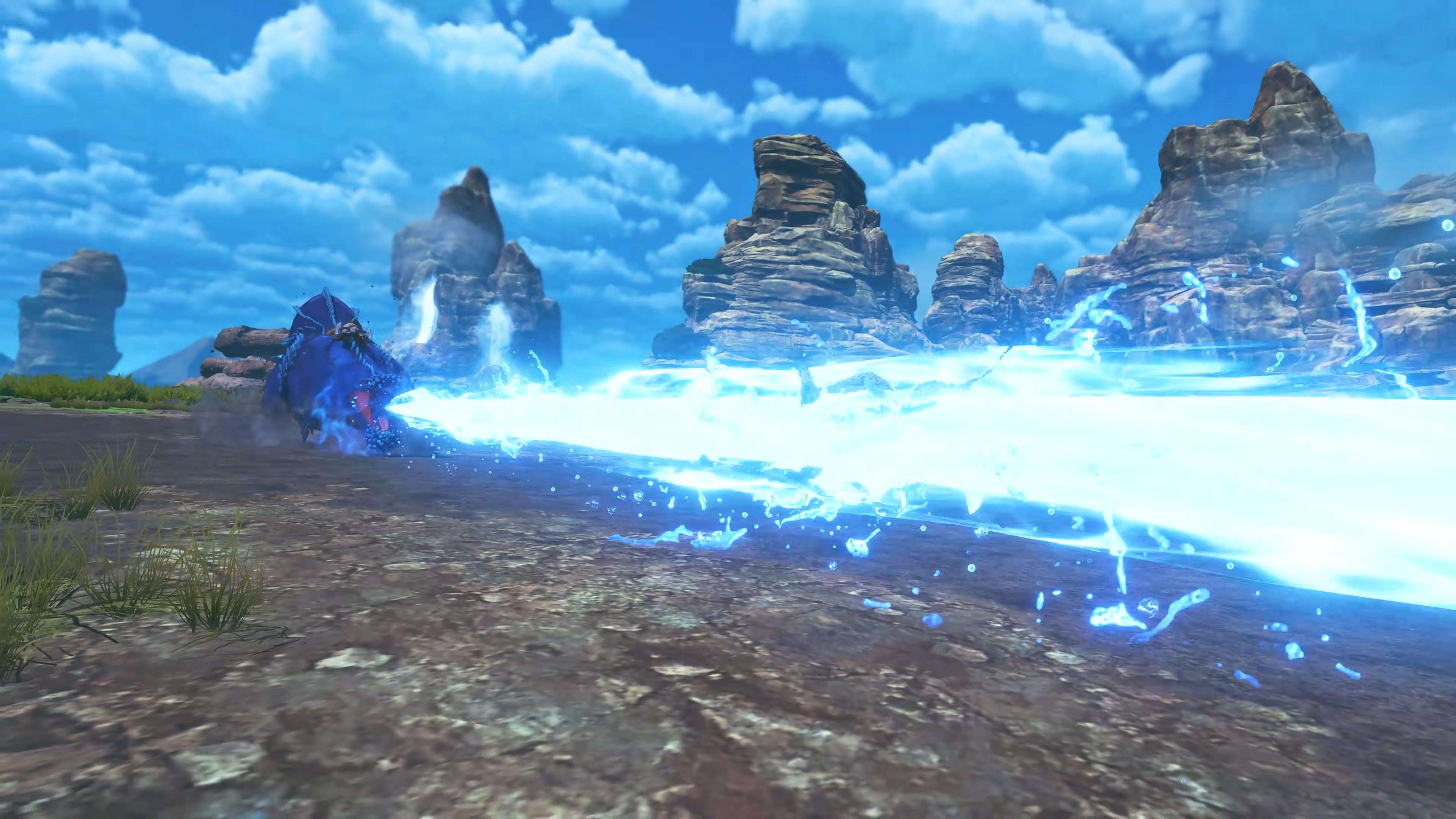
Unsurprisingly, the Xbox Series X performance in Monster Hunter Stories is broadly comparable to the PS5 version.
As with the PS5 version of the game, if you’re lacking VRR, then you should opt for Performance mode for the smoothest experience, but Balanced mode is ideal for anyone using a VRR display to clean up any imperfect frame times.
Best Xbox Series S graphics mode – MHS3
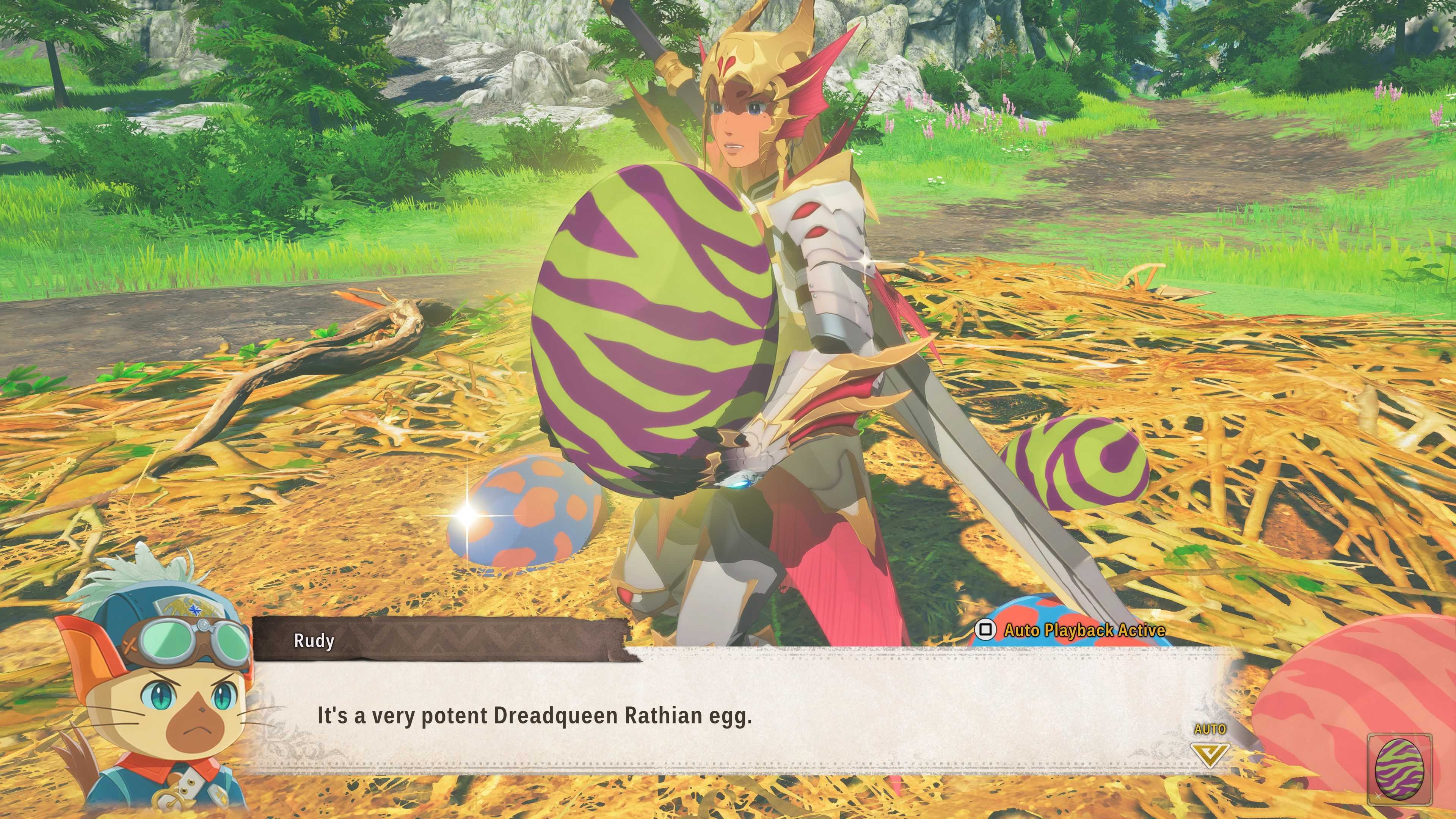
Even though the Xbox Series S isn’t as powerful as the Series X and PS5, it impressively does its best to supply gamers with the same three modes and targets. It might not look as sharp as its more expensive cousins, but the Series S version of Monster Hunter Stories 3 is solid.
Here, we can only recommend Balanced mode when using a VRR display, as the game seems to strive to stay within a typical VRR window. If you want solid 60fps playback, then the Performance mode is the only reasonable option.
Best Switch 2 graphics mode – MHS3
Unlike the other consoles, the Nintendo Switch 2 version of Monster Hunter Stories 3 doesn’t actually provide you with any graphic mode toggles or options for you to play with. Here, the game’s performance is unlocked, but it aims to stay around 30fps.
When docked, the Switch 2 cannot provide the connected display with VRR, but it can use VRR in handheld mode. As a result, the Switch 2 version of MHS3 might be most stable and playable in handheld mode for those sensitive to frame rate fluctuations. Otherwise, you’re stuck with the game as it is unless Capcom decides to update it later.