How to visit the Pokémon Pokopia developer island
Here’s how to visit the Pokémon Pokopia developer island and copy the items
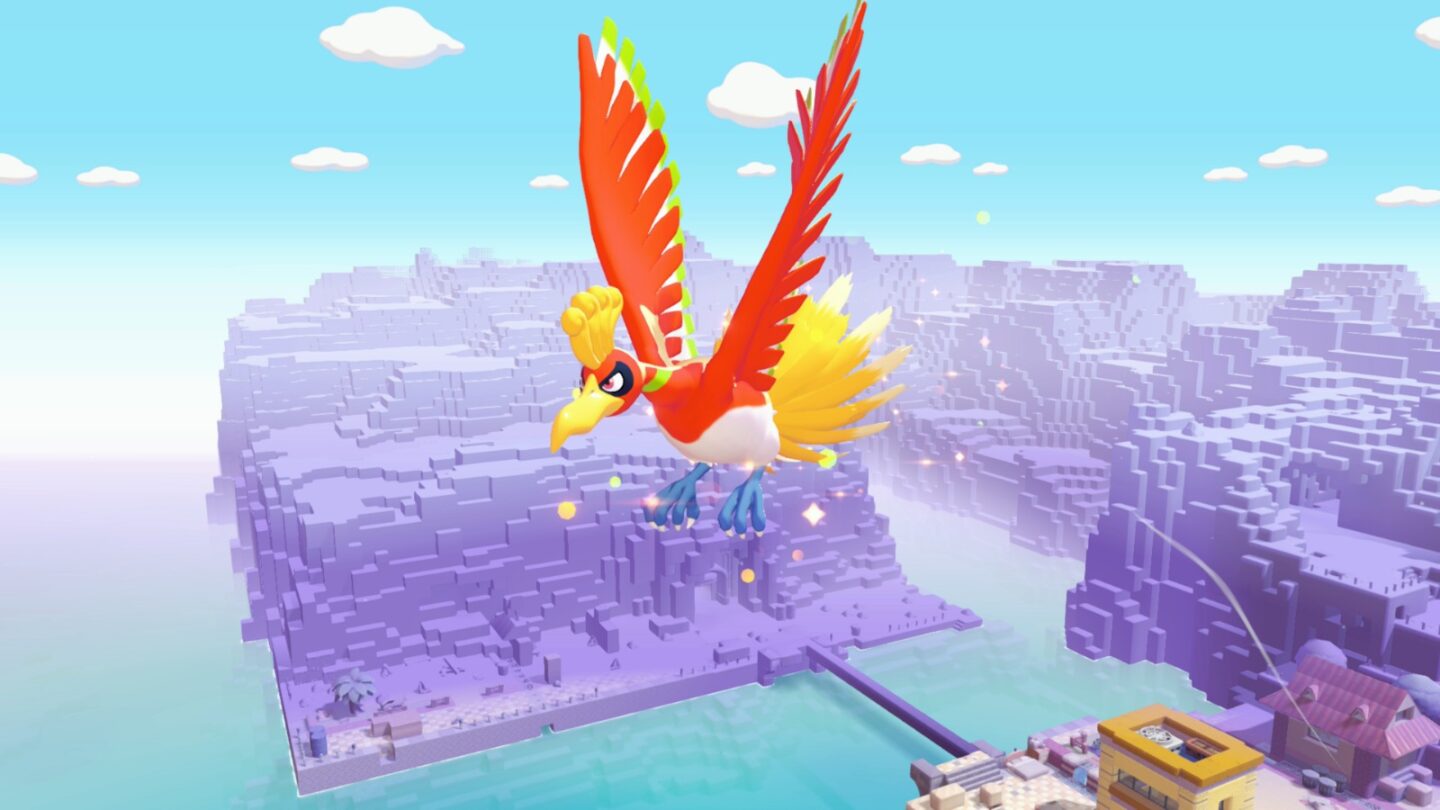
Wondering how to visit the developer island in Pokémon Pokopia?
Ahead of the release of Pokémon Pokopia, developers Game Freak and Omega Force released a video showing off an island that the developers had created. The developer island contains lots of secrets and elaborate builds created by the minds behind Pokémon Pokopia itself.
Following the release of the video, the developers released a code to allow fans to visit the Pokémon Pokopia developer island, and in this guide, we’re going to explain how to visit it, and how you can bring some of the items from the Pokémon Pokopia developer island back with you.
How to visit the Pokémon Pokopia developer island
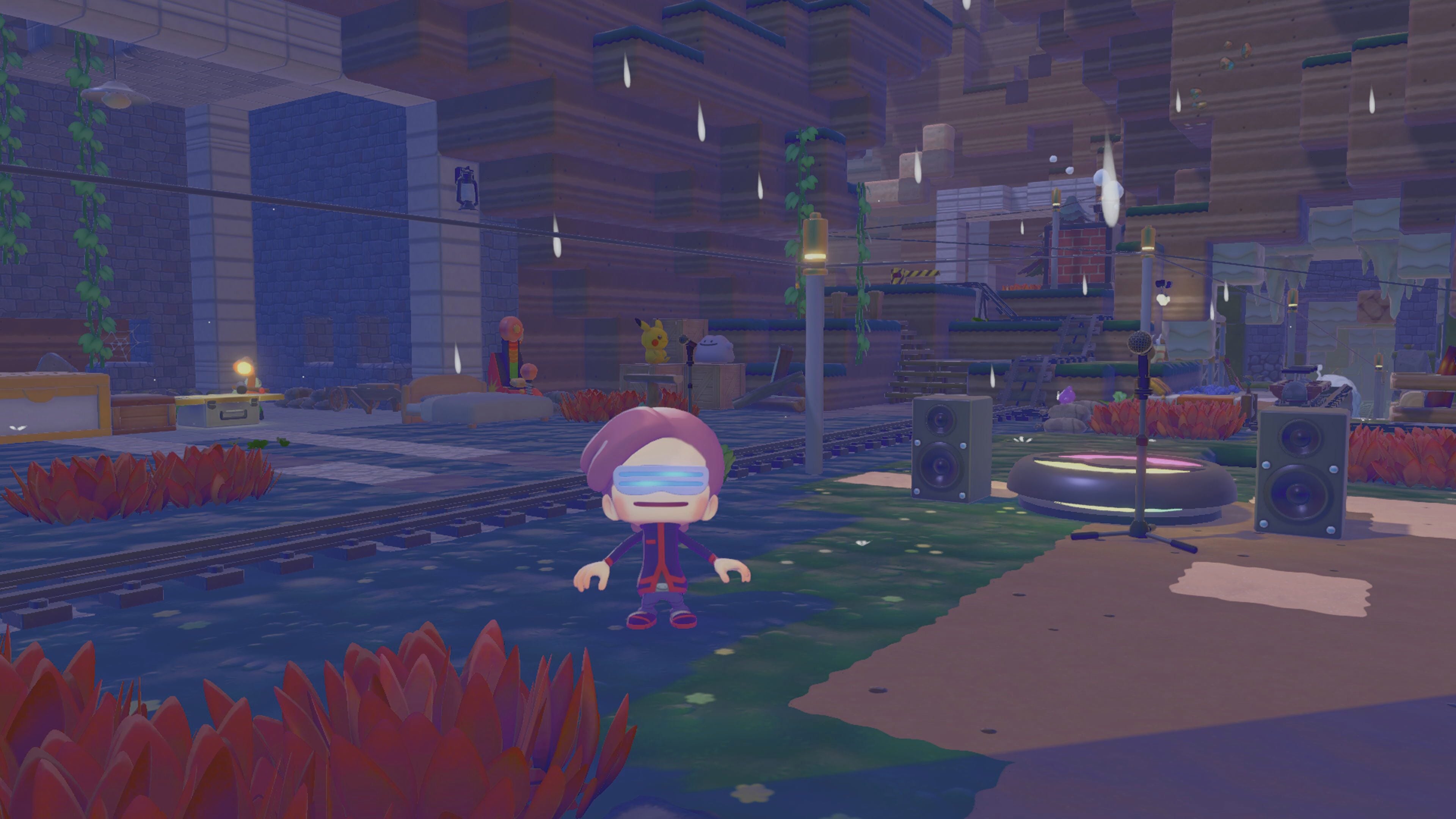
Visiting the Developer Island in Pokémon Pokopia isn’t as simple as entering the code into any PC. If you do this, you’ll get an error code noting that the developer island isn’t public. In order do play on the developer island, you’re going to need the Mysterious Goggles.
You can buy the Mysterious Goggles from the shop at any Pokémon Center PC.
Put on the Mysterious Googles. This will take you to a screen that will ask you to enter a code.
- The code to visit the Cloud Island is PXQC G03S
You can watch the game’s developers explore the island in the video below.
Warning: The developer island includes some late-game items and Pokemon, so be warned that it may contain slight spoilers.
Pokémon Pokopia developer island: How to copy items
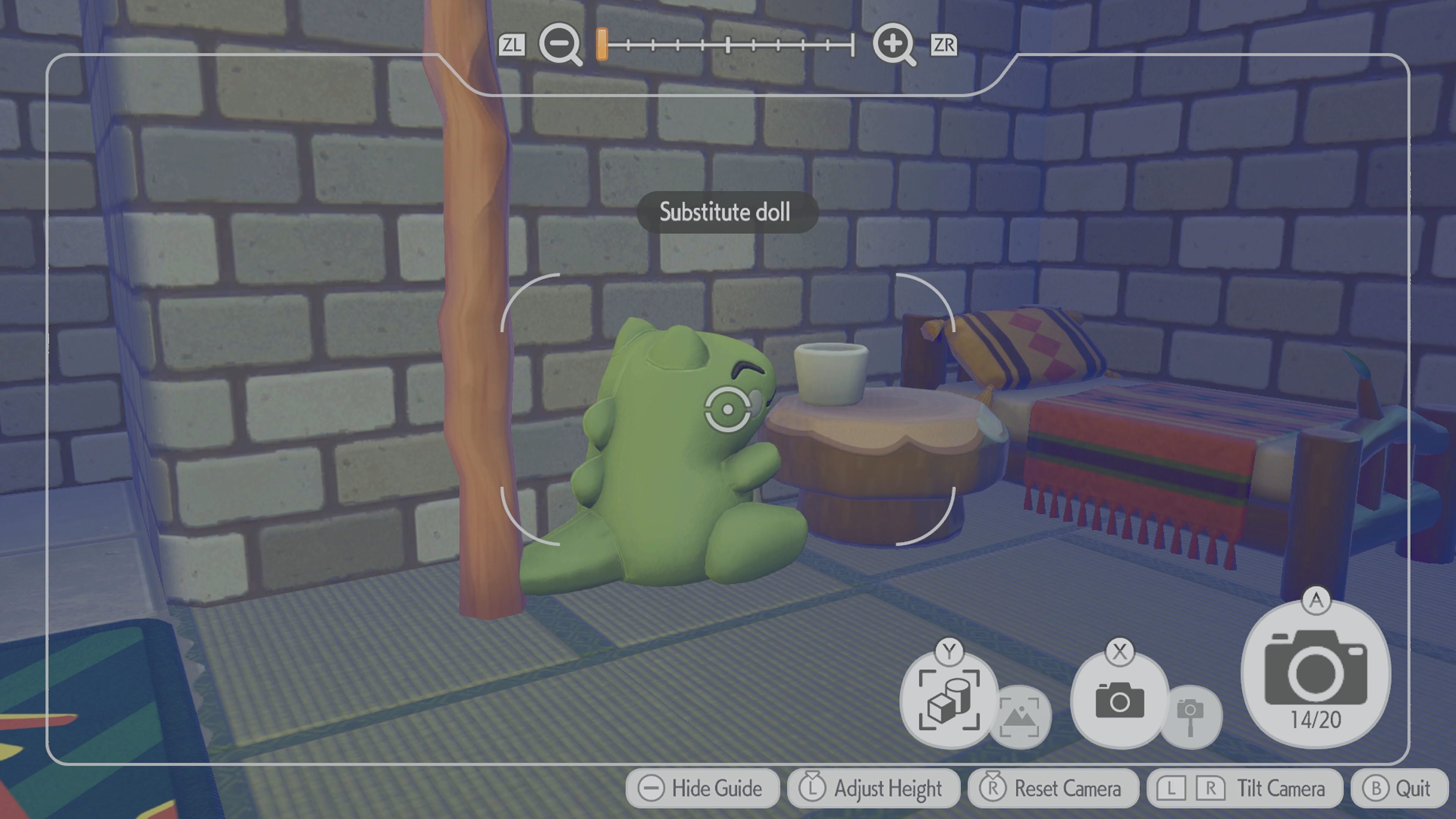
If you find an item on the Pokémon Pokopia developer island that you’d like to copy and bring back to your world, all you have to do is open your camera.
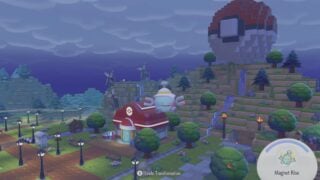
Press Y so that the camera is in copy mode, and take the picture. As you can see in the picture above, the game will display the name of the item that you are copying, so that you can ensure you’re taking a picture of the correct thing.
Once you’ve taken the picture, head to the Pokémon Center and copy it.