How to use the catch window Pokémon Legends Z-A Mega Dimension
Wonder what the catch window is in Pokemon Legends Z-A?
Wondering how to use the catch window in Pokémon Legends Z-A Mega Dimension?
As you progress through Pokémon Legends Z-A Mega Dimension, you’ll find yourself undertaking missions within Hyperspace Lumiose. One of these random missions, which appear when entering the Hyperspace Wild Zones, asks the player to “use the catch window.”
If you’re not sure how to use the catch window, read on in this guide to Pokémon Legends Z-A Mega Dimension and we’ll explain how to do it. It’s very simple, and you’ve probably done it accidentally hundreds of times in your playthrough.
How to use the catch window
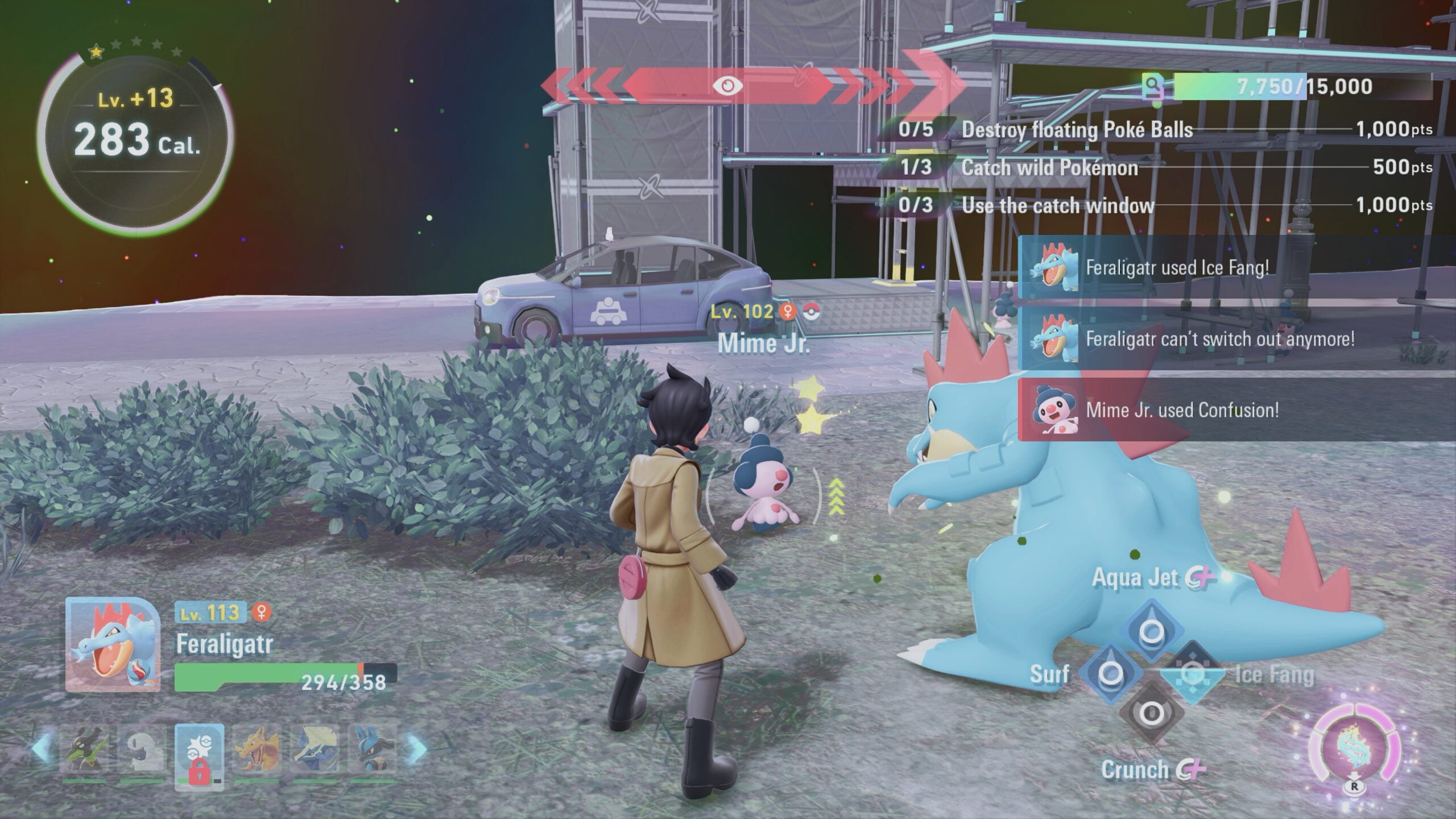
The catch window is the state a Pokémon is in once it has been knocked out. Unlike in other Pokémon games, in Pokémon Legends Z-A that are knocked out can still be caught for a brief window of time.
This is known as the catch window. When a Pokémon is no longer attacking you, and is in a dizzy animation, this is the catch window. This is when a Pokémon has the highest chance of being caught.
However, in Pokémon Legends Z-A, if you get a Pokémon to the point where it is in the catch window state and you then attempt to catch it, you will have one chance.
Failing to catch a Pokémon when you use the catch window will see it disappear, despawning it from the game. In Wild Zones, this doesn’t matter too much as there are often dozens of the same Pokémon spawning regularly.
That’s how to use the catch window in Pokémon Legends Z-A Mega Dimension.