How to Auto Drive in GTA 6
Wondering how to Auto Drive in GTA 6? This guide explains how
Wondering how to Auto Drive in GTA 6?
Driving around Vice City and the wider Leonida map is one of the best ways to experience GTA 6, but not every journey needs to involve keeping your foot on the accelerator.
In this GTA 6 Auto Drive guide, we’ll explain how the mechanic works, how to activate it and more.
After you’re done with this guide, check out our GTA 6 Guides Hub for dozens of guides laying out everything you need to know about Rockstar‘s latest epic.
Guides: If you're playing Grand Theft Auto 6, make sure to check out our complete walkthrough hub, featuring beginner tips, navigation experience explained, GTA 6 cheats, and more.
How to Auto Drive in GTA 6
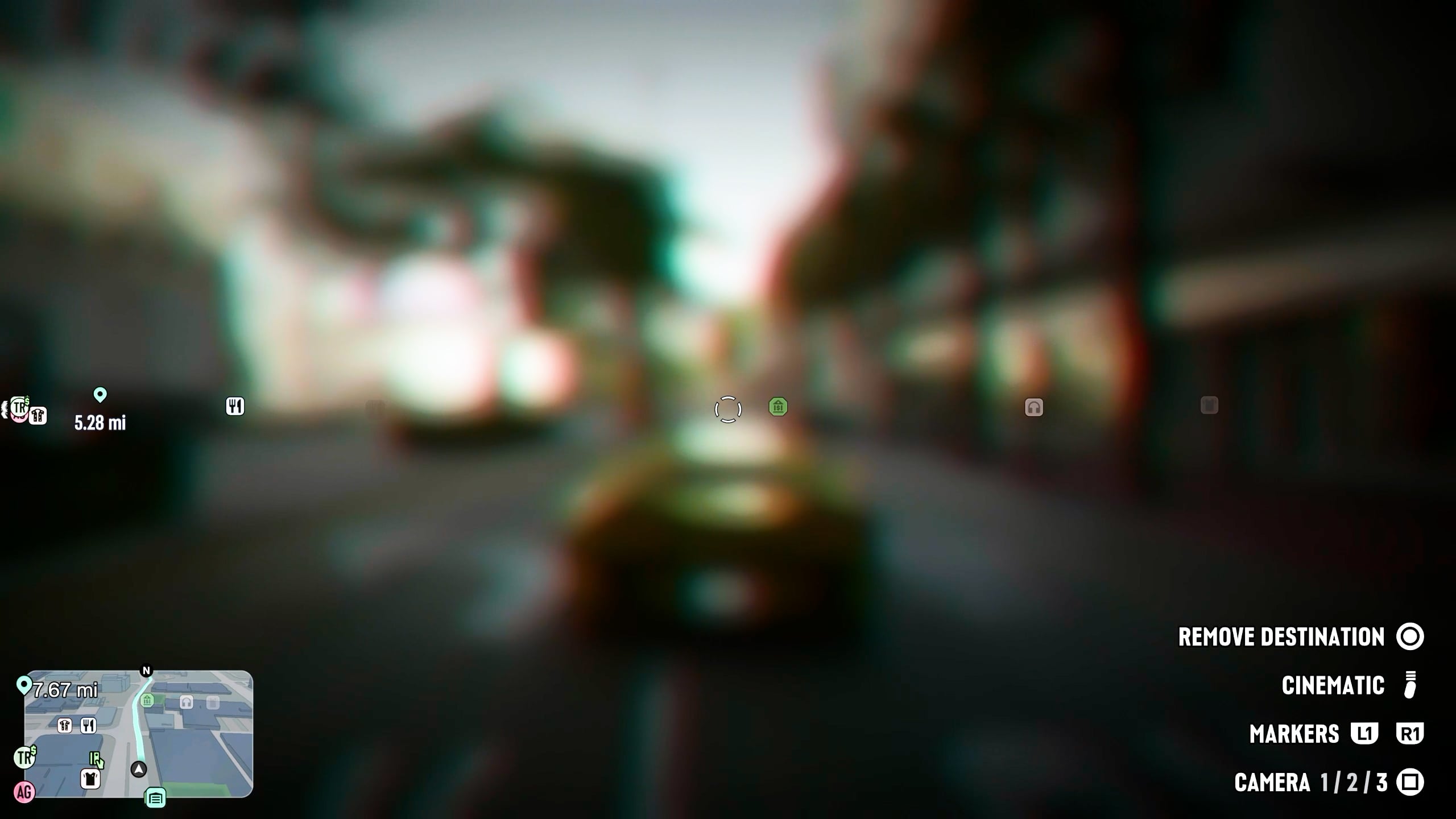
To use Auto Drive in GTA 6, you’ll first need to set a destination on your map and get into a vehicle.
Once you’ve done that, follow these steps:
- Open the map and place a waypoint at your desired destination.
- Get into a car and begin driving.
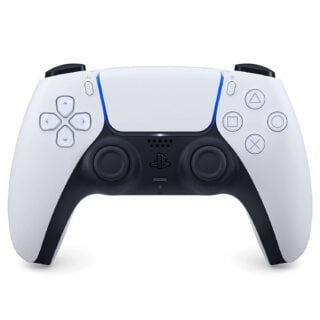
- Hold Down on the D-pad to open the camera options.
- Press the “start” button on your controller on either controller. This will enter Cinematic Camera mode.
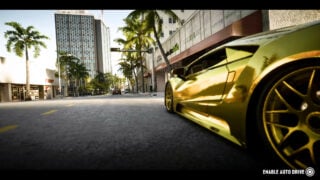
- Look for the Enable Auto Drive prompt in the bottom-right corner of your screen.
- Hold Circle on PS5 or B on Xbox to activate Auto Drive.
- Once activated, Jason or Lucia will take control of the vehicle and automatically drive towards your selected waypoint.
You can now sit back and enjoy the journey without needing to steer, accelerate or brake manually. You can actually speed up or slow down, though you’re never going to Auto Drive anywhere near as quickly as you can drive normally.
Important: When you activate the Cinematic Camera before you activate Auto Drive, you’ll still be controlling the car yourself. I found this out when I wrapped my car around a tree.