How to enable Handheld Boost Mode on Nintendo Switch 2
What is Handheld Mode Boost, and how to enable it on your Nintendo Switch 2 console.
The Nintendo Switch 2 just got a major update that’s benefiting basically every Nintendo Switch 1 title.
If you own the Nintendo Switch 2, then your console now has access to Handheld Mode Boost – also known as Boost Mode – via the System Settings. Handheld Mode Boost enhances the visual clarity of almost every original Nintendo Switch game when played on Switch 2 in Handheld Mode with one simple trick — playing the game in docked resolutions while handheld.
In this guide, we’re breaking down what Handheld Mode Boost is and how to enable it on your Nintendo Switch 2 console.
What is Handheld Mode Boost on Nintendo Switch 2?
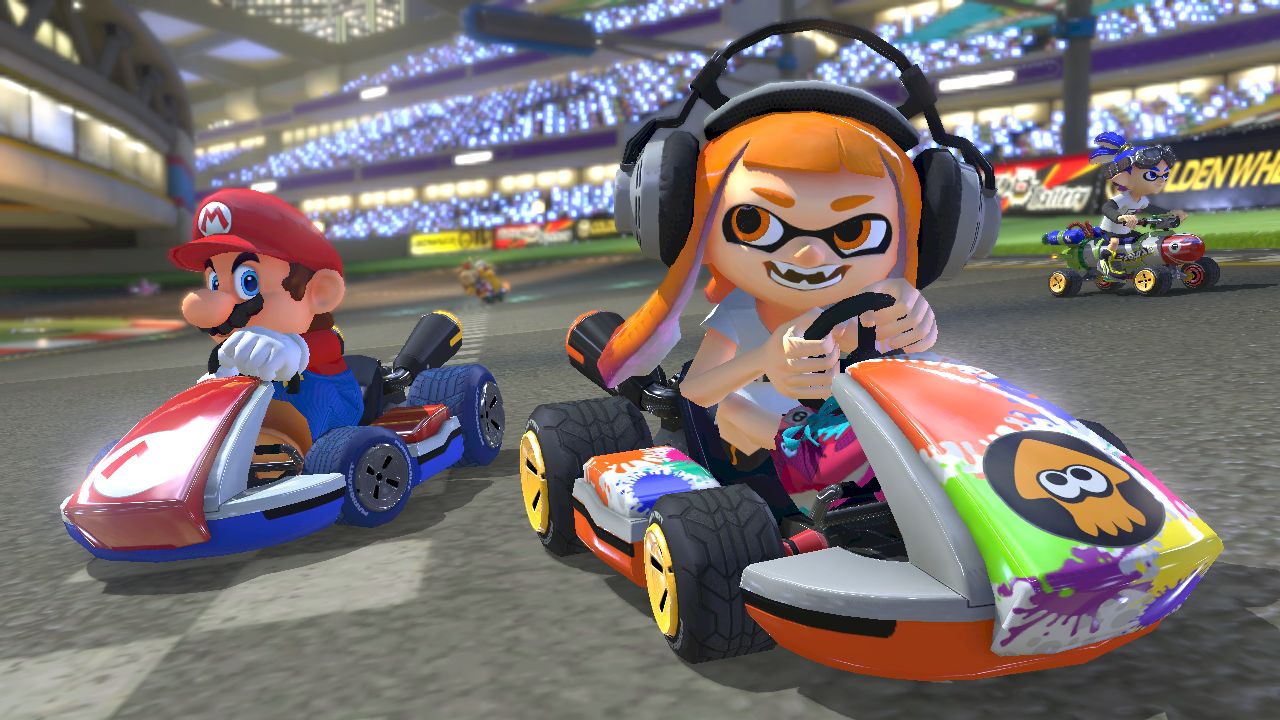
Handheld Boost Mode is a new toggle you will have available in your Switch 2 system settings that allows original Nintendo Switch games to be played in “TV Mode” while you use the console in Handheld Mode.
This is because the resolution of the Nintendo Switch screen is 720p, and games rarely go above that resolution when played in Handheld Mode. This is still true when playing these older titles on Nintendo Switch 2, even though the resolution of the screen is 1080p — almost twice the number of pixels when compared to the original console.
With Handheld Boost Mode, these original Nintendo Switch games can now output up to 1080p when played in Handheld Mode on the Nintendo Switch 2 console, matching the Switch 2’s screen resolution, and making the games look and perform better than before.
In this mode, your docked Joy-Con 2 will now register as a Pro Controller. Note that your controllers must be detached before connecting additional controllers when in this mode.
There can be some negative side-effects – like the loss of touch-screen functionality, or games that require the use of JoyCon even when docked – but by and large, this is an excellent update that should benefit the majority of Nintendo Switch games when played on Switch 2.
How to enable Handheld Mode Boost on Nintendo Switch 2
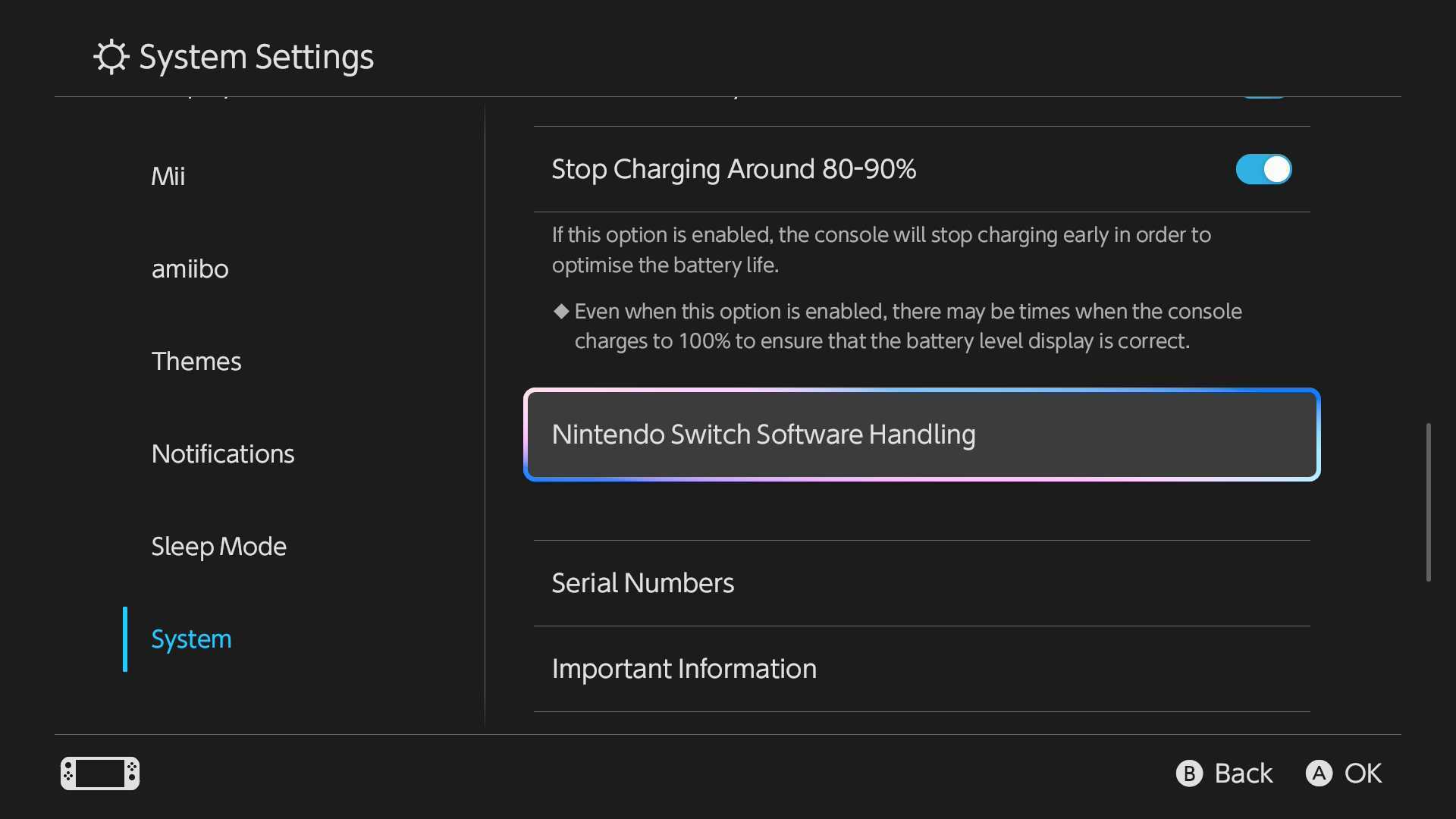
Handheld Boost Mode is disabled by default, but you can toggle it on in the system settings.
First, ensure your console has system software version 22.0.0 or higher installed, as this is the update that introduced Handheld Boost Mode. You can check and update your system software while connected to the internet by navigating to System Settings > System > System Update.
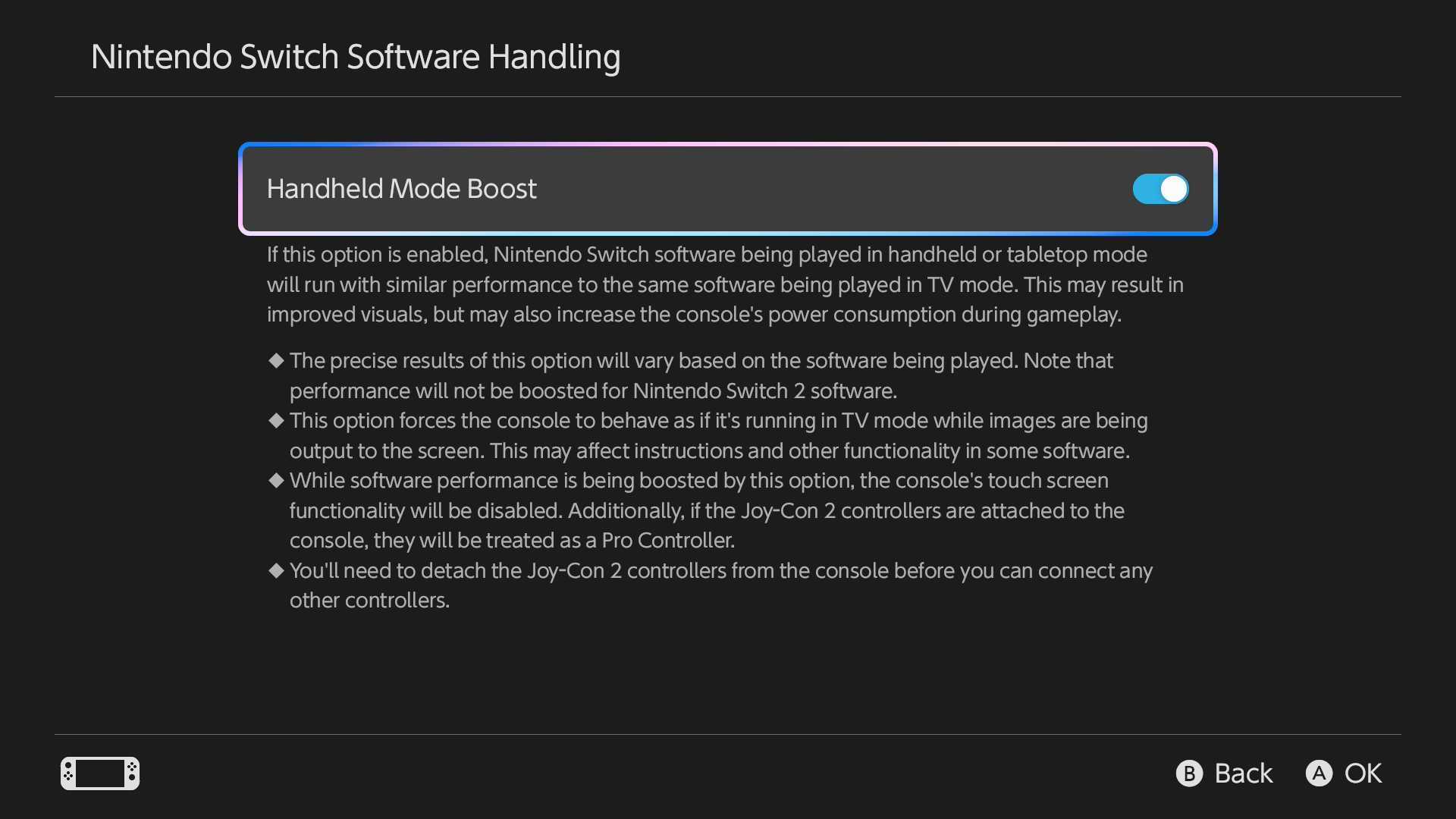
When you’re sure it’s properly updated, navigate to System Settings > System > Nintendo Switch Software Handling. In this menu, you’ll find the Handheld Mode Boost toggle, and switching it on will buff the handheld visuals of your original Nintendo Switch library. If you primarily play games when on the go, then this is perfect for you.