GTA 6 Xbox PSA: How to Stop Automatic Clip Uploads and Avoid Bans
Xbox players are reporting bans for capturing GTA 6

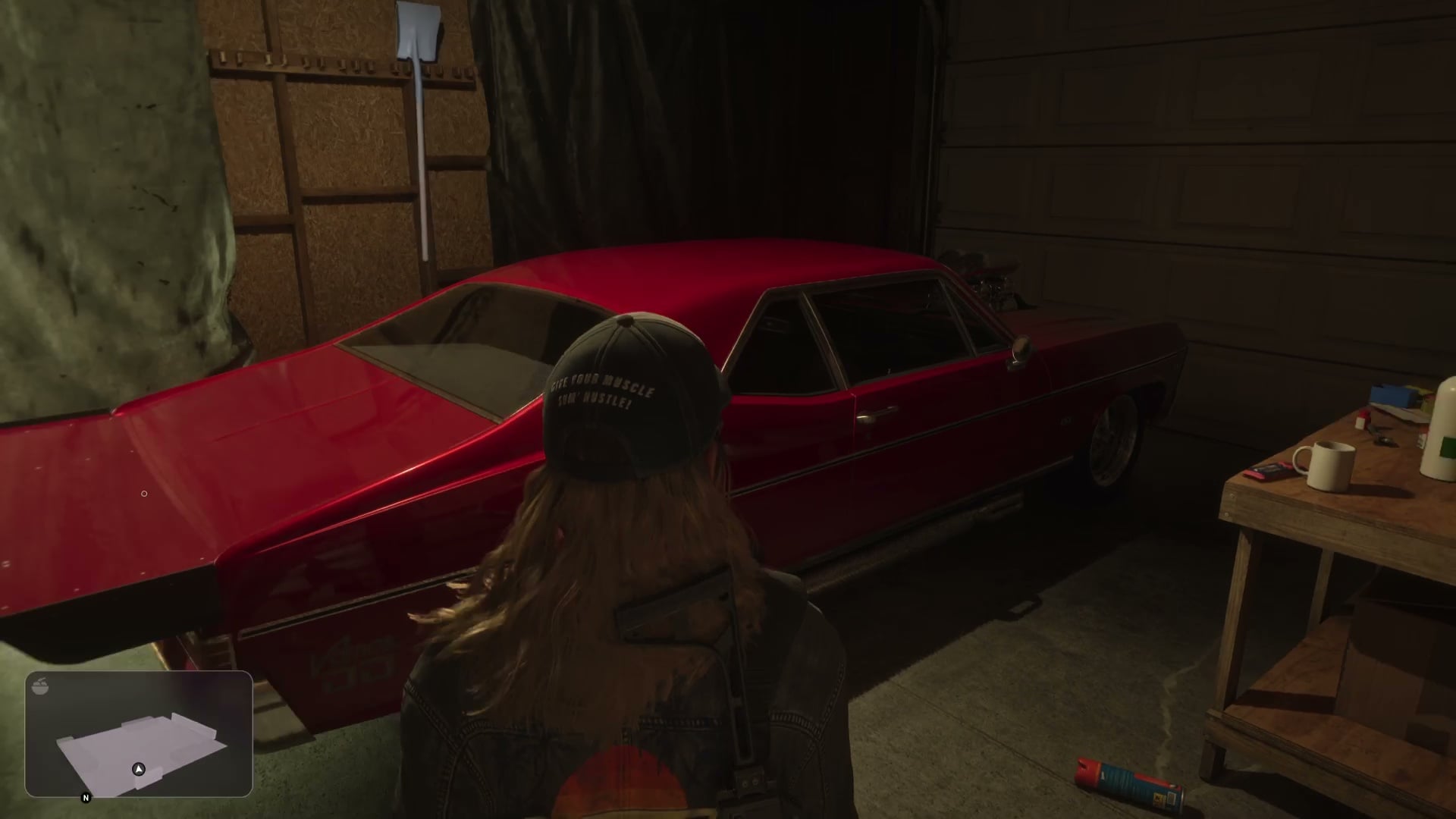
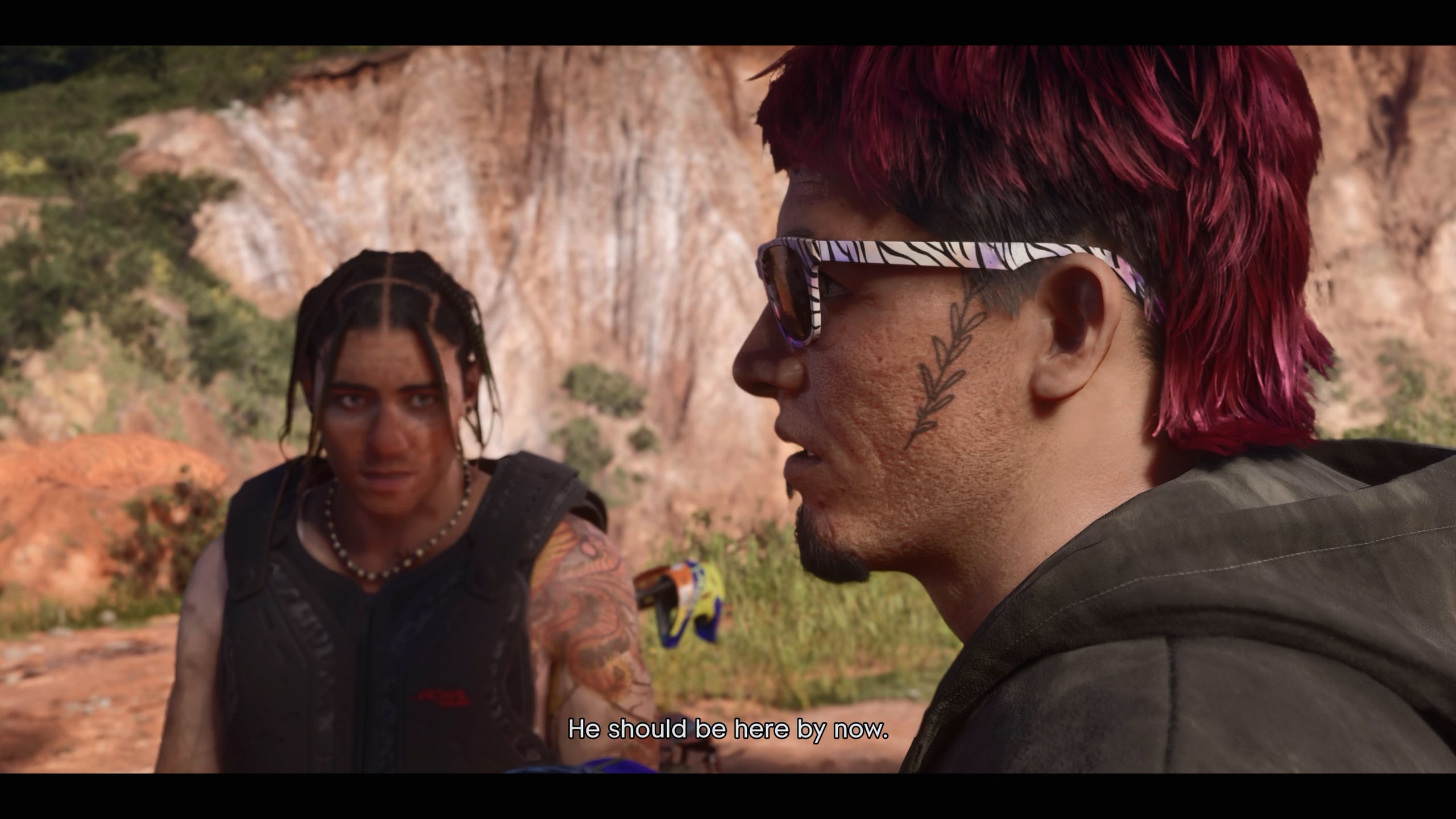
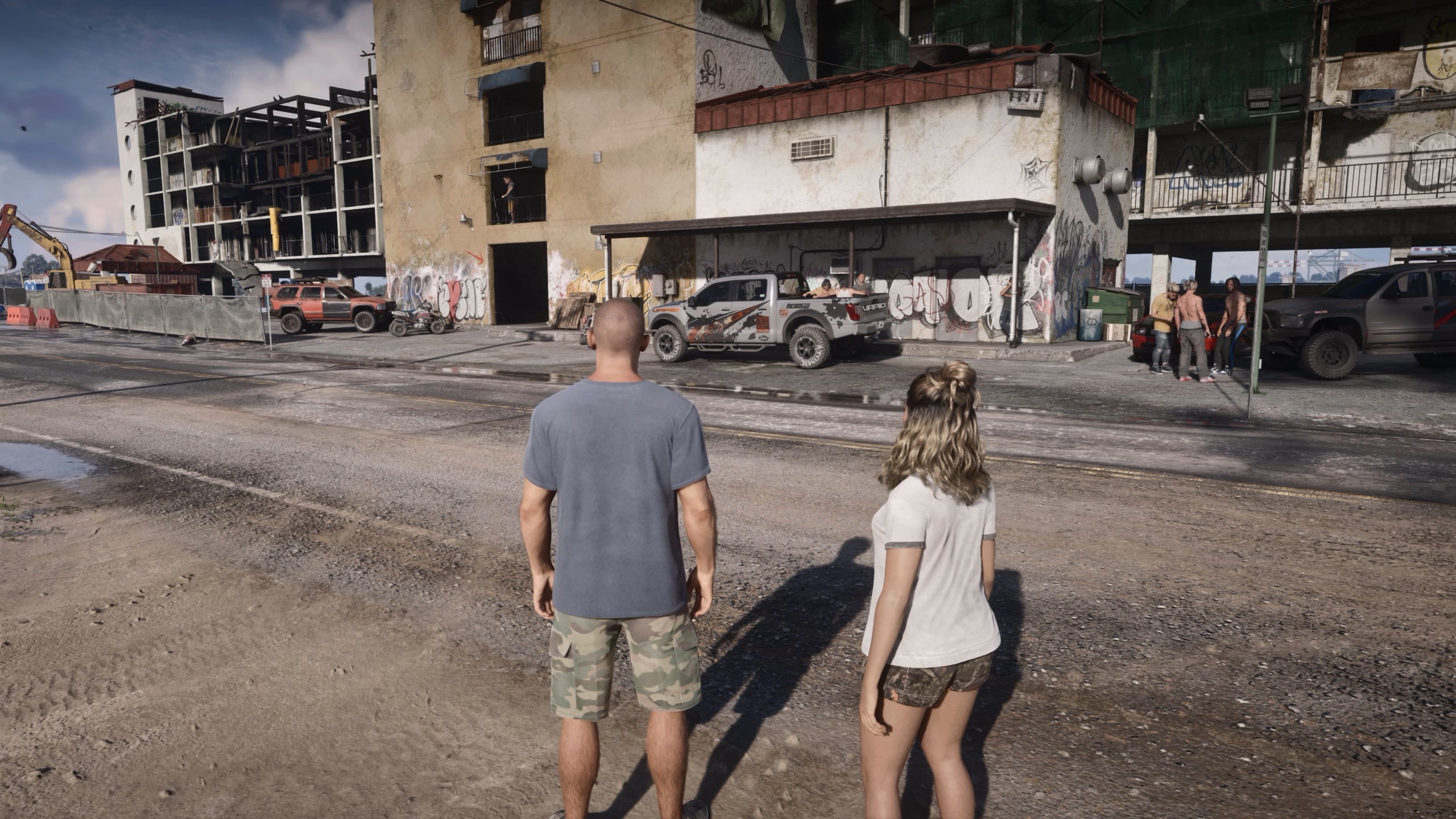
GTA 6 players on Xbox are being warned to turn off automatic clip uploads after reports of ban for sharing gameplay footage of the more explicit elements of GTA 6.
In this GTA 6 Xbox automatic clip guide, here’s how to disable the feature and keep your captures private.
While we don’t currently know how widespread the issue is, players on social media have reported receiving temporary Xbox bans after clips from Grand Theft Auto 6 were automatically uploaded. GTA 6 includes a lot of explicit content, including some that may trigger any of Microsoft‘s automatic content checks.
Fortunately, there’s a very simple way to prevent your GTA 6 screenshots and video clips from automatically uploading.
Once you’ve done this, check out our GTA 6 Guide Hub.
Guides: If you're playing Grand Theft Auto 6, make sure to check out our complete walkthrough hub, featuring beginner tips, navigation experience explained, GTA 6 cheats, and more.
How to turn off automatic uploads on GTA 6 on Xbox

To stop your GTA 6 screenshots and gameplay clips from automatically uploading to the Xbox Network, follow these steps:
- Press the Xbox button on your controller to open the guide.
- Navigate to Profile & system.
- Go to Settings.
- Select Preferences.
- Select Capture & Share.
- Find Automatically upload.
- Change the setting to Don’t upload.
Your Xbox console will now stop automatically uploading captures to the Xbox network, which should combat any potential automatic bans.
Can you still capture GTA 6 gameplay after disabling automatic uploads?

Yes. Turning off automatic uploads does not disable the Xbox capture functionality.
You can continue to record GTA 6 clips, take screenshots and save all of your captures locally. The only difference is that it won’t be uploaded online, and therefor won’t trip any automatic content scans.
Does this affect PS5 players?

No. So far, the reports concern Xbox’s capture-upload and moderation systems. PS5 players have yet to make the same complaints, but we will update this guide if they do.