GTA 6 PSA: Here’s how GTA 6 autosave works
Does GTA 6 autosave? Find out in this guide
The GTA 6 save system isn’t as clear as it is in most games.
If you’re wondering how autosave works in GTA 6, this guide has all the information you need.
As millions of players jump in to GTA 6 for the first time, some have experienced save data loss, meaning that the initial portion of their progress in the game is gone. This has naturally worried players, so many have asked what the GTA 6 save system is like, and if there’s a way to manually save your game to avoid this.
Read on to find out all you need to know about the GTA 6 save system and how to save your game manually.
For more GTA 6 guides, you should bookmark our GTA 6 Guides Hub. There you’ll find walkthroughs, detailed breakdowns of in-game features, and much more.
Guides: If you're playing Grand Theft Auto 6, make sure to check out our complete walkthrough hub, featuring beginner tips, navigation experience explained, GTA 6 cheats, and more.
Does GTA 6 auto save?

- Yes, GTA 6 does have an auto-save system, but it doesn’t happen often.
From early testing, it appears that GTA 6 will auto save after major single player missions, and some side missions. However, it is inconsistent. You also can’t save your game when you are mid-mission, which Rockstar says is to stop players from reaching an in-game choice, saving, and then checking the other options. You also can’t save if you’re being pursued, and the game won’t autosave when you’re in combat, or, weirdly, falling.
Some players are reporting that even though they have been completing the main missions in the early hours of GTA 6, the auto save function isn’t working as intended. Because of this, we reccomend that players manually save their game as often as possible.
GTA: How to save your game
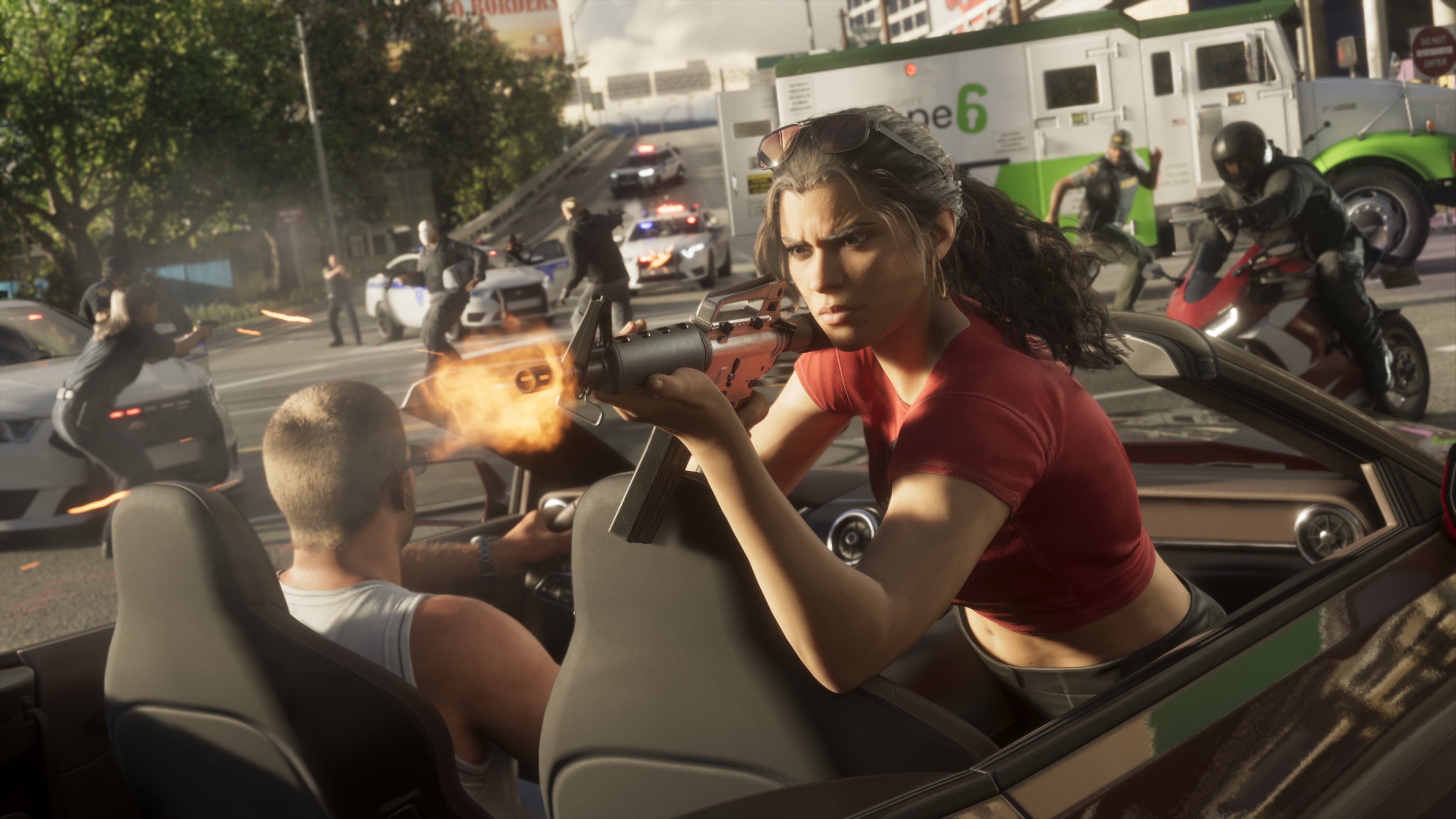
To save your game manually in GTA 6, open the menu pressing the menu button (or the start button if you’re an old time like us) on your controller.
From here, head to the “Game” menu option. Here you can save your game, load a save or start a new game. There are 15 save slots by default in GTA 6. One of the slots is taken by your auto save.
That’s everything you need to know about the GTA 6 save system. If you have any issues with it, please let us know in the comments.