GTA 6: How to use the first-person mode glitch in Grand Theft Auto 6
How to access a surprisingly playable glitched first-person mode in Grand Theft Auto 6

You can play Grand Theft Auto 6 in first-person mode. Rockstar might not want you to, but you can.
It’s thanks to a new glitch that has been recently discovered, and it’s surprisingly simple to activate. Better yet, this glitched first-person view seems to be more fully fleshed out than you might expect, even allowing Jason and Lucia to naturally wield weapons, FPS-style.
If you’re a fan of the first-person perspectives of past GTA and Red Dead Redemption games, you’ll want to try this out. We’re breaking down everything you need to know to activate and use the glitched first-person mode in Grand Theft Auto 6.
First-person glitch explained – GTA 6
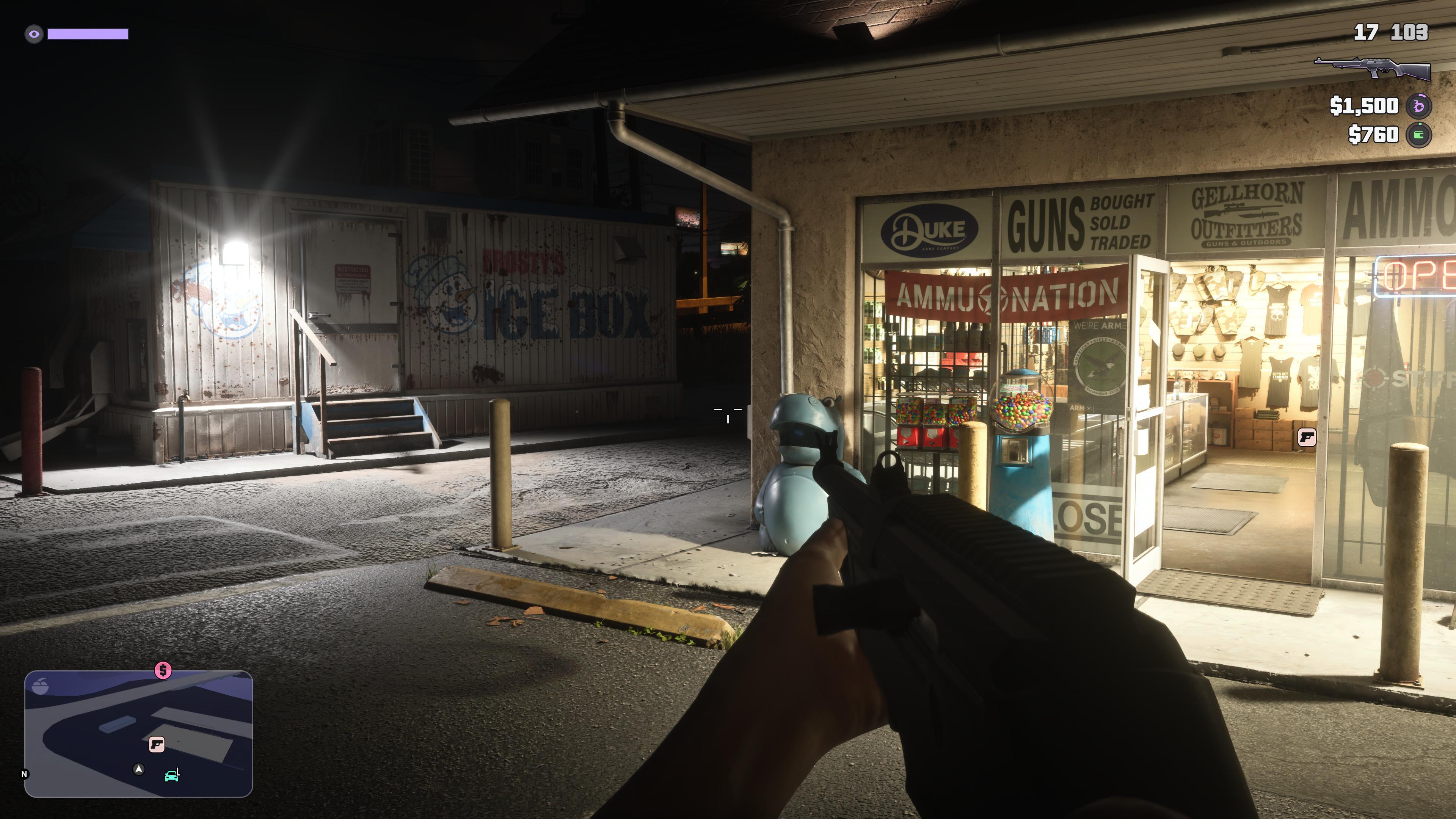
The first-person glitch is a very simple camera glitch.
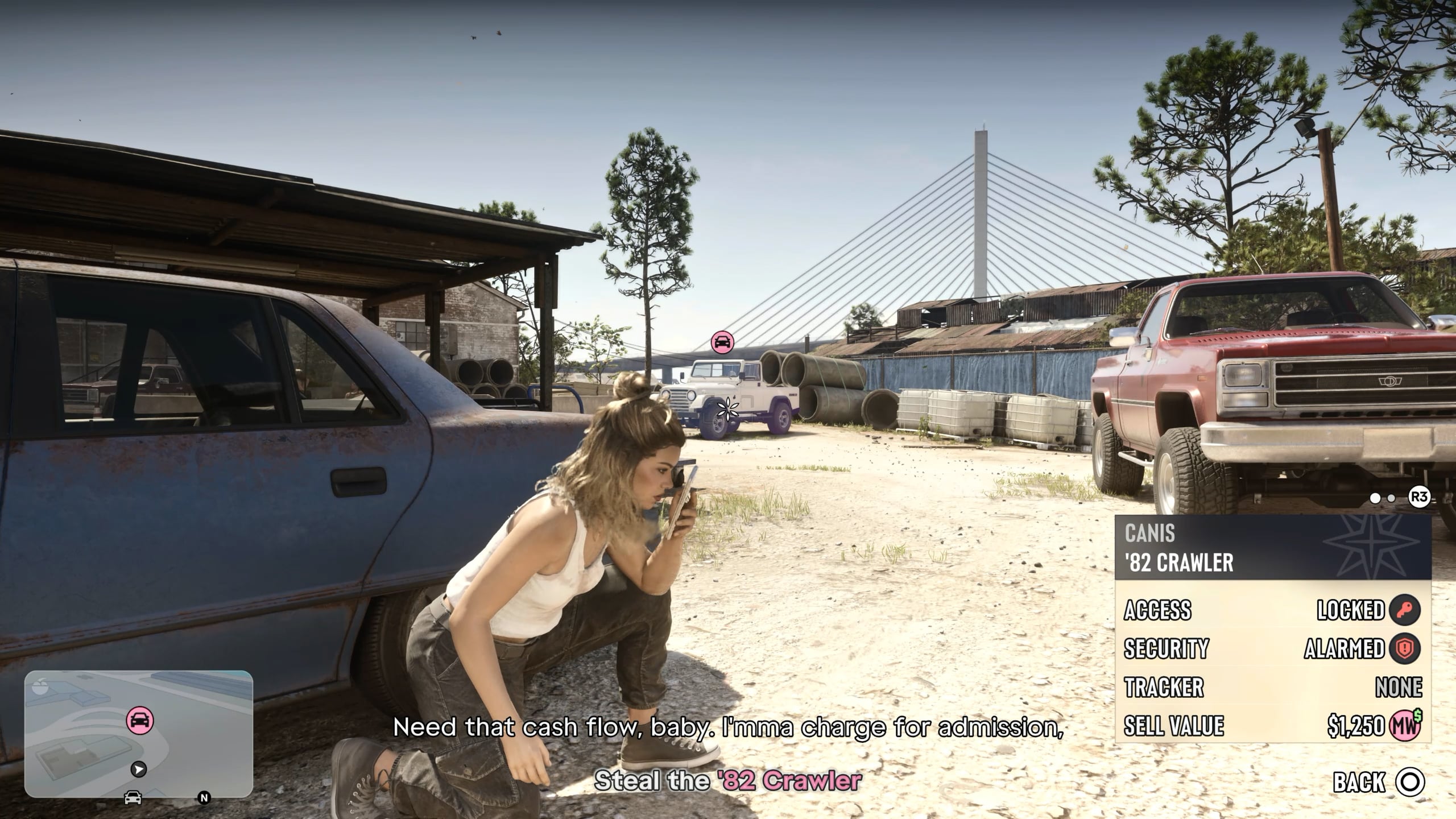
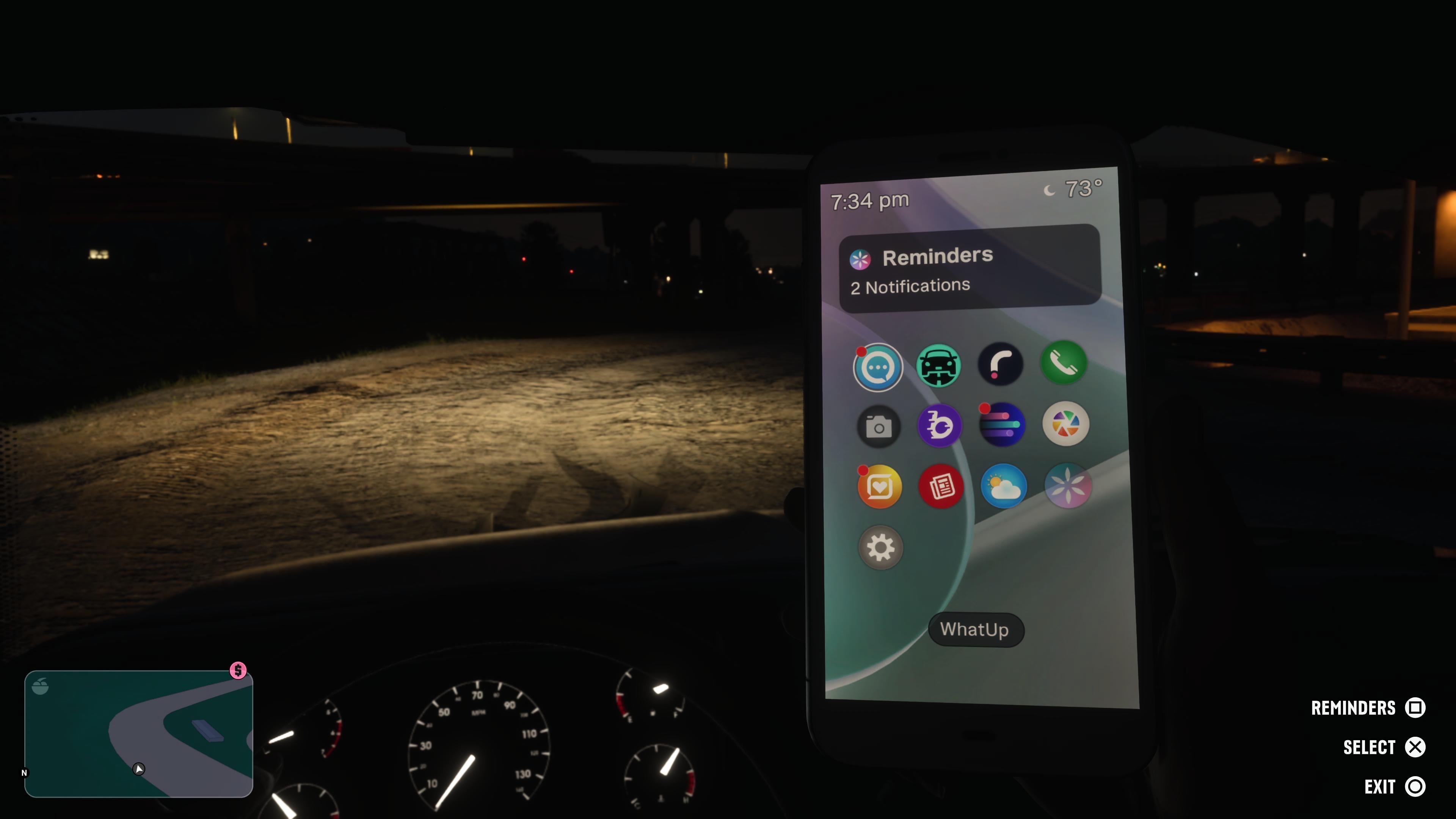
As you probably already know, the game will activate a first-person perspective when you’re looking at your phone, covering half of the screen. This is a very natural way to convey that driving and texting is dangerous and illegal, but it’s GTA.
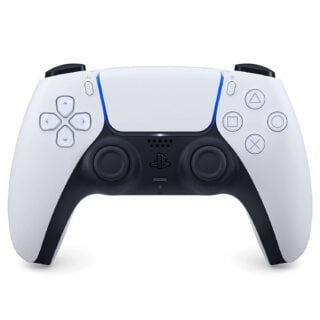
To perform this glitch, we first shortcut the Camera adjustment button to an easily pressed button on the controller — this will be the Touch Pad on PS5, and the Back button on Xbox.
After that’s in place, we sit in a car, look at our phone, and as we back out of looking at the phone, we mash the Camera button shortcut quickly. Hitting the camera button within the first frame or two of putting away the phone will keep the first-person view, without the phone in the way.
Again, this will actually allow Jason and Lucia to perform almost everything from a first-person perspective. This includes driving, shooting, grabbing items, and much more. The only problem is that this view can be disabled when using a menu that changes the camera’s perspective, like buying something from a shop menu at Ammu-Nation or a garage.
How to use the first-person glitch – GTA 6
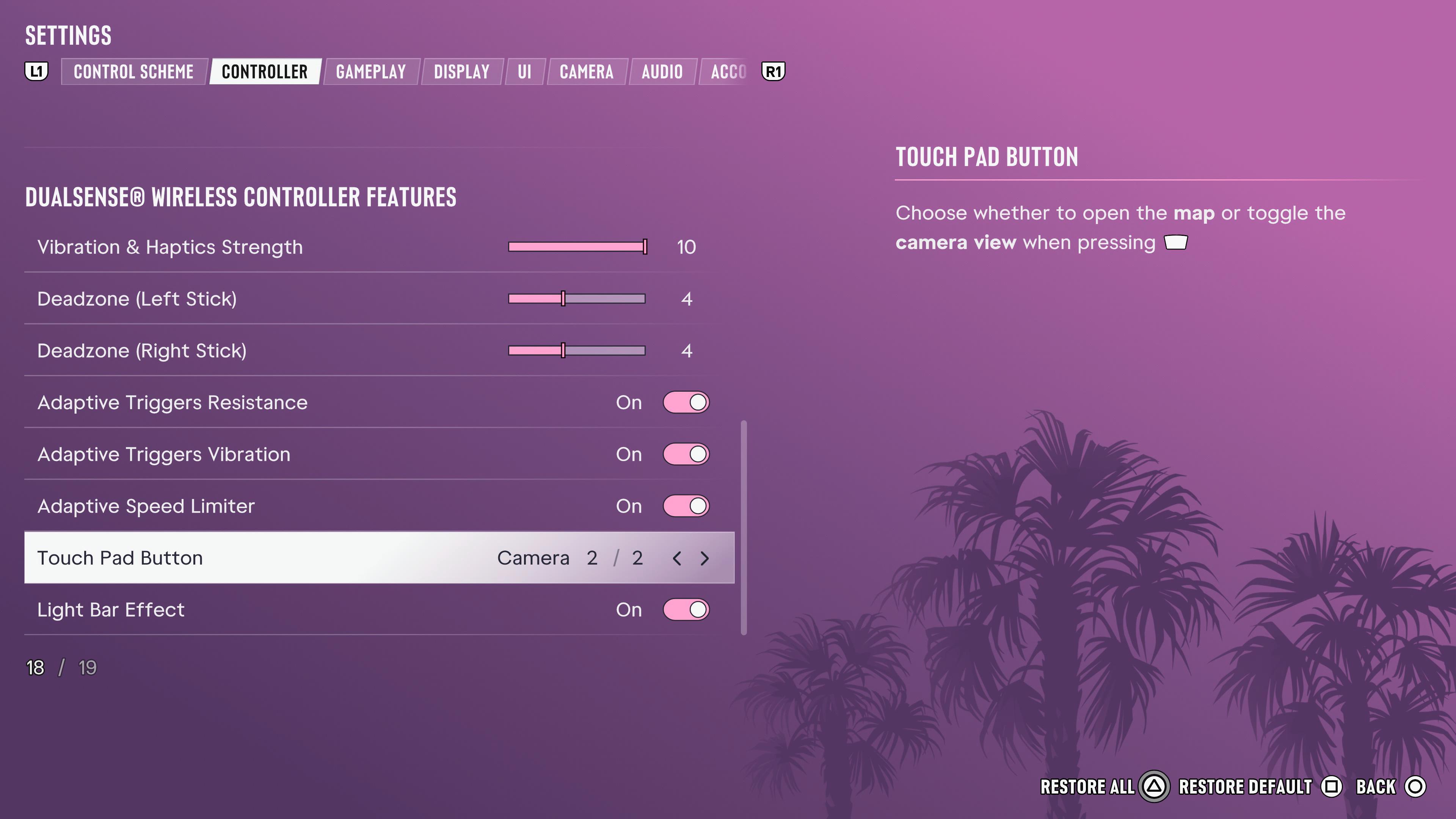
To perform the first-person glitch and play Grand Theft Auto 6 in first-person, follow these steps:
- Enter the game’s Settings menu, under Controller, change the “Touch Pad Button” (PS5) or “Back Button” (Xbox) to Camera instead of Map.
- While in the game world, enter a vehicle.
- Open the phone menu.
- As you close the phone menu (Circle on PS5, B on Xbox), press the newly created Camera shortcut quickly.
- If pressed within a window of one or two frames, your character will keep the first-person perspective and put their phone down.
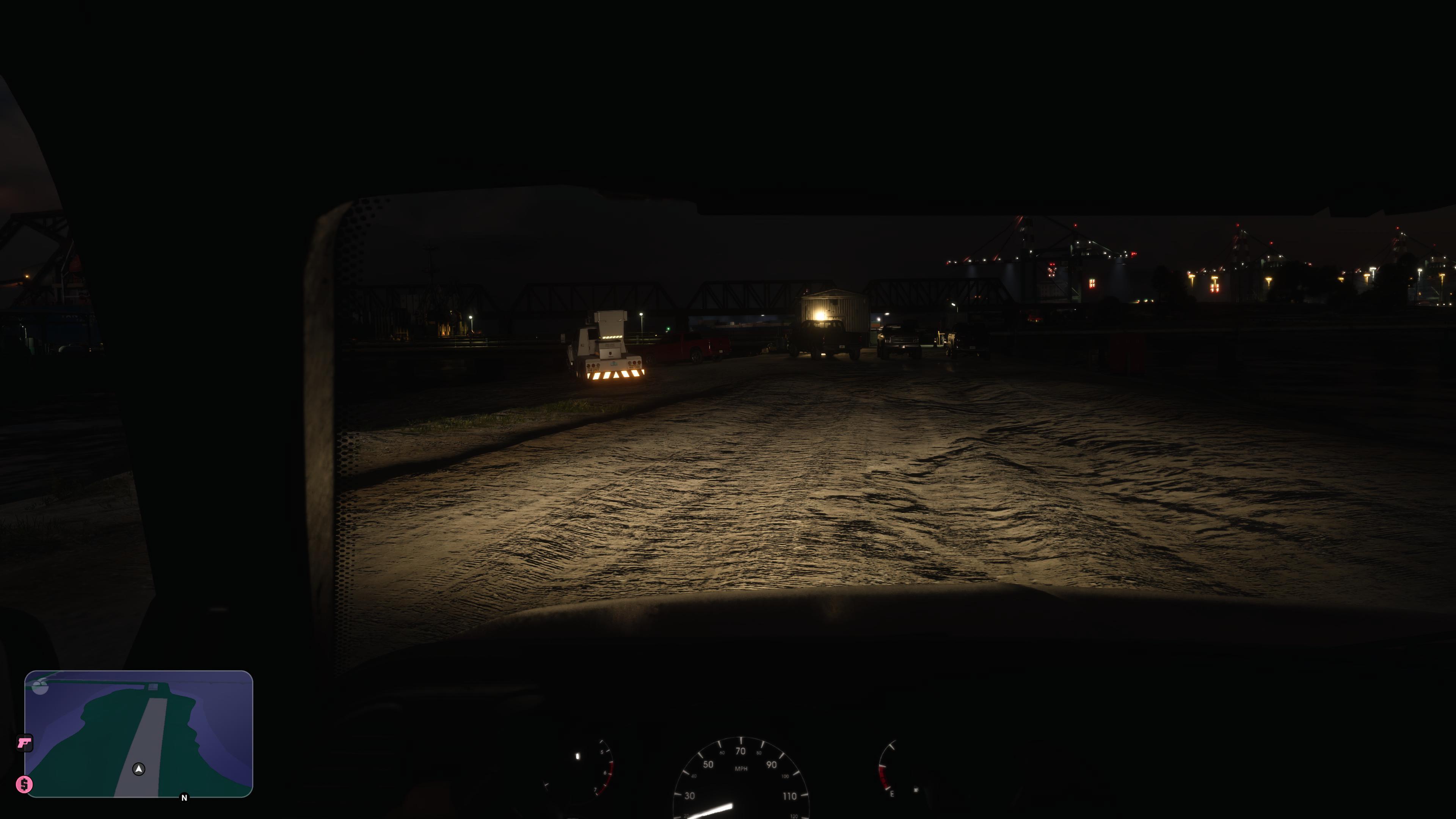
You can still access the Map screen from the main pause menu.