Blood of Dawnwalker best console Quality Mode: Performance vs Balanced vs Graphics
Every console Graphics Mode explained for The Blood of Dawnwalker, and which you should use

The Blood of Dawnwalker is out now, and if you want the best possible experience on console, you need to choose the right Quality Mode.
The Quality Mode in The Blood of Dawnwalker is what the menu calls the Performance or Graphics mode options. On most consoles, you’ll get three different choices, and they all come with their own pros and cons, even if you own the premium PS5 Pro.
In this guide, we’re breaking down the general performance and resolution targets for The Blood of Dawnwalker on the four available consoles, and explaining which mode will be best for your playthrough.
Once you know which console Quality Mode to use, make sure to read through our essential combat tips.
Check out more Blood of Dawnwalker guides in our complete walkthrough hub. We cover how to get all endings, all characters you can romance, how to craft St. Mihai's Silver Sword, how to get the Arbiter Armor materials, all Sanzhani quests, and much more.
All console Quality Modes explained – BoD
On console, all of the Quality Modes in The Blood of Dawnwalker aim for a dynamic 4K resolution, and the three selectable options simply alter the frame rate target. A higher frame rate target will obviously result in a lower average resolution while playing, but higher frame rates are preferred thanks to the game’s unique action combat.
- Graphics Mode: Targets 30 FPS, Dynamic 4K resolution.
- Balanced Mode: Targets 40 FPS, Dynamic 4K resolution (120Hz exclusive mode).
- Performance Mode: Targets 60 FPS, Dynamic 4K resolution.
On a 120Hz display, the game will always output at 120Hz and will take advantage of VRR and LFC (low frame rate compensation) tech for smooth output.
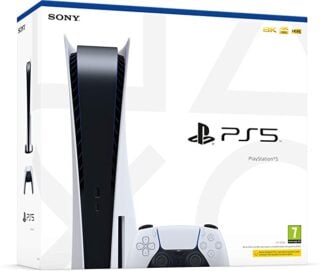
Best PS5 Quality Mode – BoD

If an unstable frame rate bothers you, then the PS5’s Performance Mode is tough to recommend unless you have a VRR-capable display, as it rarely manages to hold at 60 FPS. The Balanced Mode is much better at holding close to the 40 FPS target, but suffers from unstable frame pacing. The same goes for the 30 FPS Graphics Mode.
As a result, we recommend the Performance Mode if you have a VRR-capable display. If frame time blips are less distracting than outright performance dips, then the Balanced or Graphics modes might be more to your liking.
Best PS5 Pro Quality Mode – BoD

The PS5 Pro is likely the best place to enjoy The Blood of Dawnwalker on console. The three Quality Mode options generally hit their performance targets, and if you’re using a VRR display, Performance mode should appear smooth through a majority of gameplay — though there are some minor hitches and stutters that shouldn’t affect gameplay, but might be annoying. PS5 Pro isn’t confirmed to use PSSR, but the Performance Mode’s sharp image quality indicates that it probably is using the Pro’s exclusive tech.
Overall, we recommend the Performance Mode, and it’s the best console to play at 60 FPS by far.
Best Xbox Series X Quality Mode – BoD

As one would expect, the Xbox Series X version of the game is very similar to the PS5.
If you have a 120Hz, VRR display, the Performance Mode is the obvious choice, and Xbox consoles have LFC technology built-in, ensuring games will look as smooth as they possibly can. Much like the PS5, however, performance dips will inevitably happen, and if you don’t have a VRR-capable display, you might wish to run the game using the 30 FPS Graphics Mode instead, but that will still suffer from frame pacing instability.
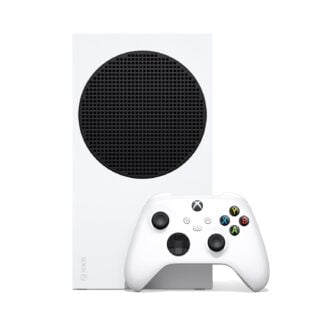
Best Xbox Series S Quality Mode – BoD
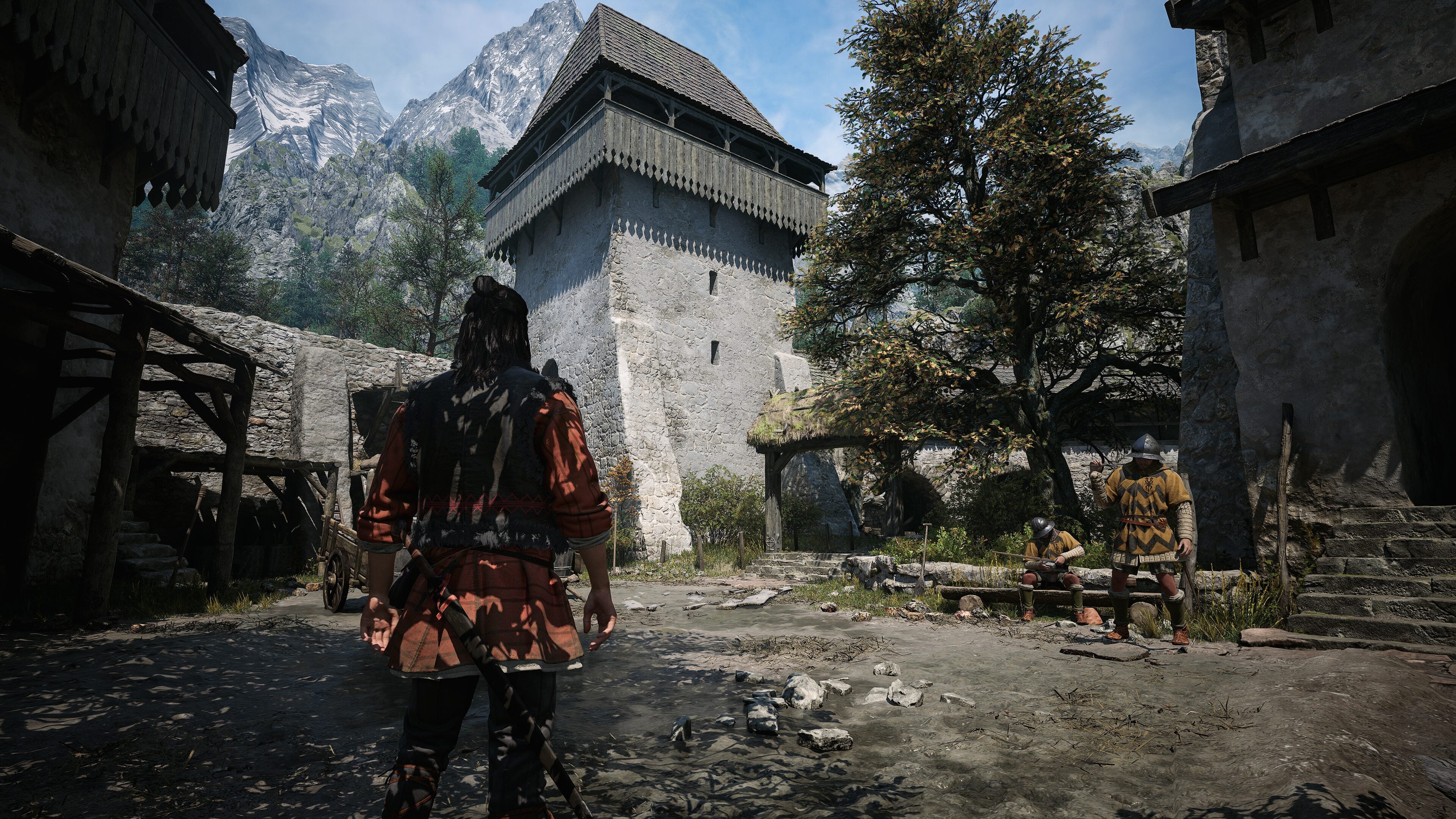
On Xbox Series S, there are no Quality Mode options. The game simply targets 30 FPS at 1080p. The frame rate can drop below the target, especially in cutscenes and combat, but it’s generally playable and a decent way to enjoy The Blood of Dawnwalker.