Beast of Reincarnation best console Graphics Mode: Quality vs Performance vs Pro Enhanced
Best graphics mode to use on each console in Beast of Reincarnation

Beast of Reincarnation is finally here, and if you’re playing on console, you can expect up to three different graphics modes to choose from.
Each mode has its own strengths and weaknesses, and the answer to which graphics mode is best for you has changed since the day-one update, which has done a lot to smooth over performance issues.
In this guide, we’re going console-by-console to explain which graphics mode will give you the best experience on each platform as you play Beast of Reincarnation.
Beast of Reincarnation graphics modes explained – BoR
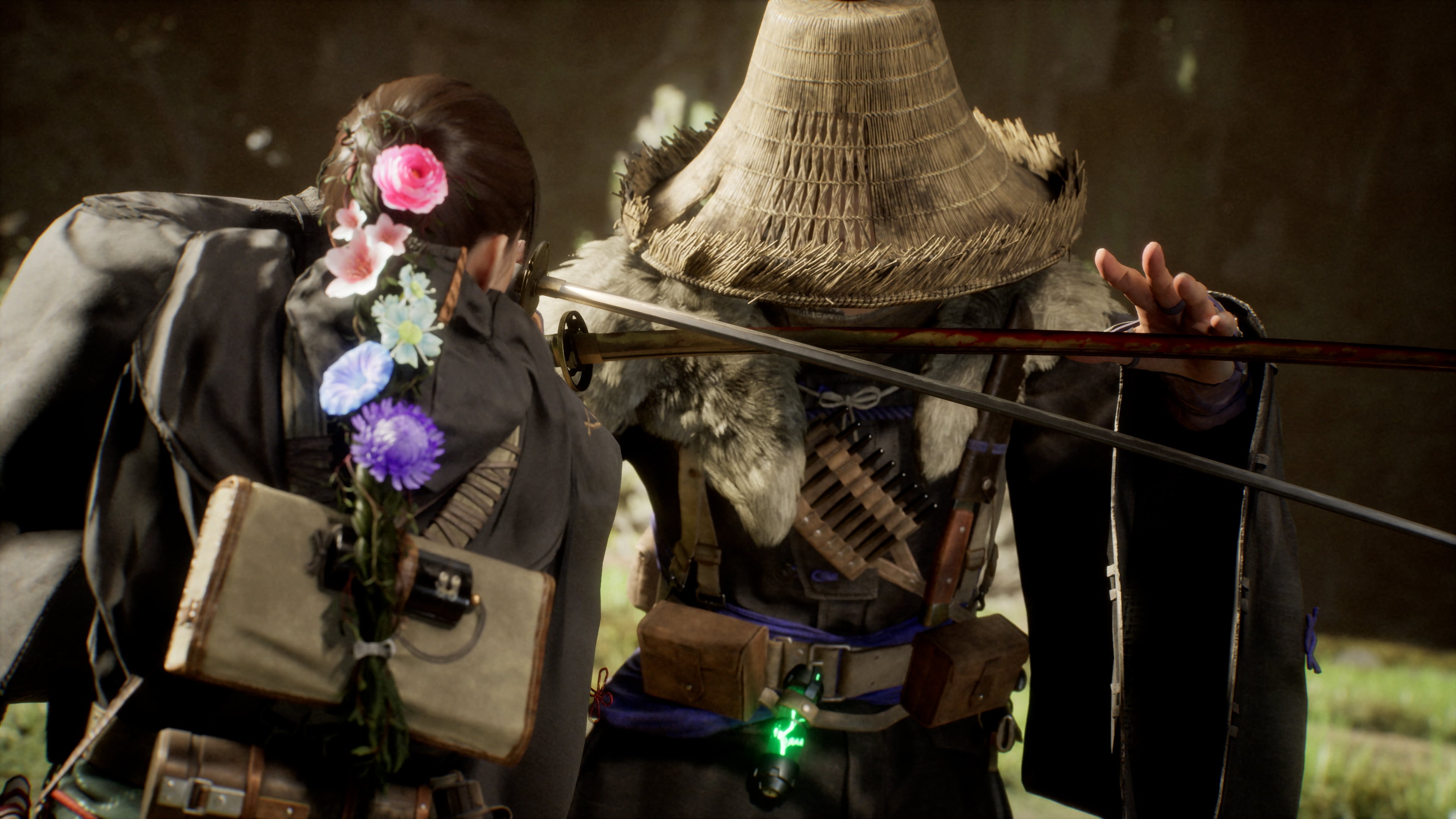
Beast of Reincarnation gets just two graphics modes on the base consoles, while there’s an exclusive third mode just for the PS5 Pro.
By default, Performance Mode will aim for 60 fps at a lower internal resolution. Quality Mode will aim for a higher internal resolution, and willingly sacrifice framerate to get there. The problem is that Quality Mode does not have a fixed 30 fps cap, and instead allows the framerate to fluctuate.
On PS5 Pro, you’ll also get the PS5 Pro Enhanced mode, which is theoretically a cleaner image quality at a stable 60 fps — at least that’s the promise.
We’ll break down how each mode fares on each console in more detail below.
Best PS5 graphics mode – BoR
On the base PS5 console, you can expect dips in both graphics modes. A stable framerate doesn’t seem to be possible on any console at this time.
To make things worse, Quality Mode isn’t capped at a stable 30 fps, meaning that Performance Mode is the only mode where you’ll get stable framerates that will more consistently stay within the console’s VRR window.
Performance Mode is our recommendation for this console, but the soft image quality won’t please everyone.
Best PS5 Pro graphics mode – BoR
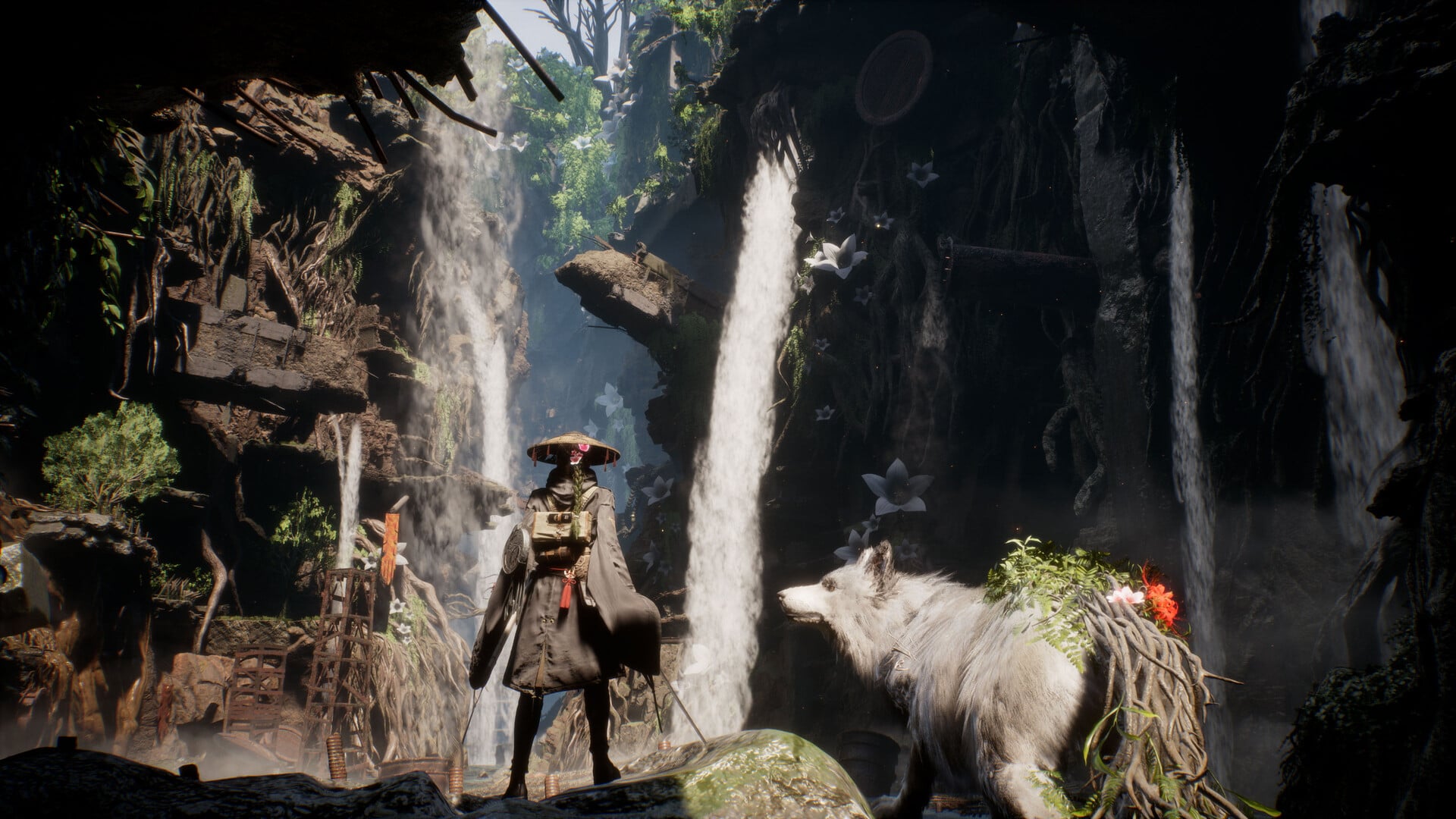
A day one update massively boosted performance on PS5 Pro, and previously, we wouldn’t have suggested using the PS5 Pro Enhanced Mode. Now, however, that mode is perfectly viable and recommended for the Pro console.
Like the base console, however, it’s not perfectly stable, and choosing Performance Mode is a good idea for those sensitive to framerate fluctuations.
Best Xbox Series X graphics mode – BoR
The Xbox Series X is in a surprisingly good position with Beast of Reincarnation. The Performance Mode is mostly a pretty stable 60 fps, while the Quality Mode – like the PS5 – fluctuates well above 30 fps.
If you own a 120Hz VRR display with your Xbox Series X, then you’ll actually find the Quality Mode framerate dips to be much more palatable thanks to the console’s built-in LFC, which the PS5 lacks. If you have that nice TV, then Quality Mode is surprisingly good and usable for much of the game.
If you don’t own a VRR-capable display to use with your Xbox Series X, then we suggest using the Performance Mode.
Best Xbox Series S graphics mode – BoR
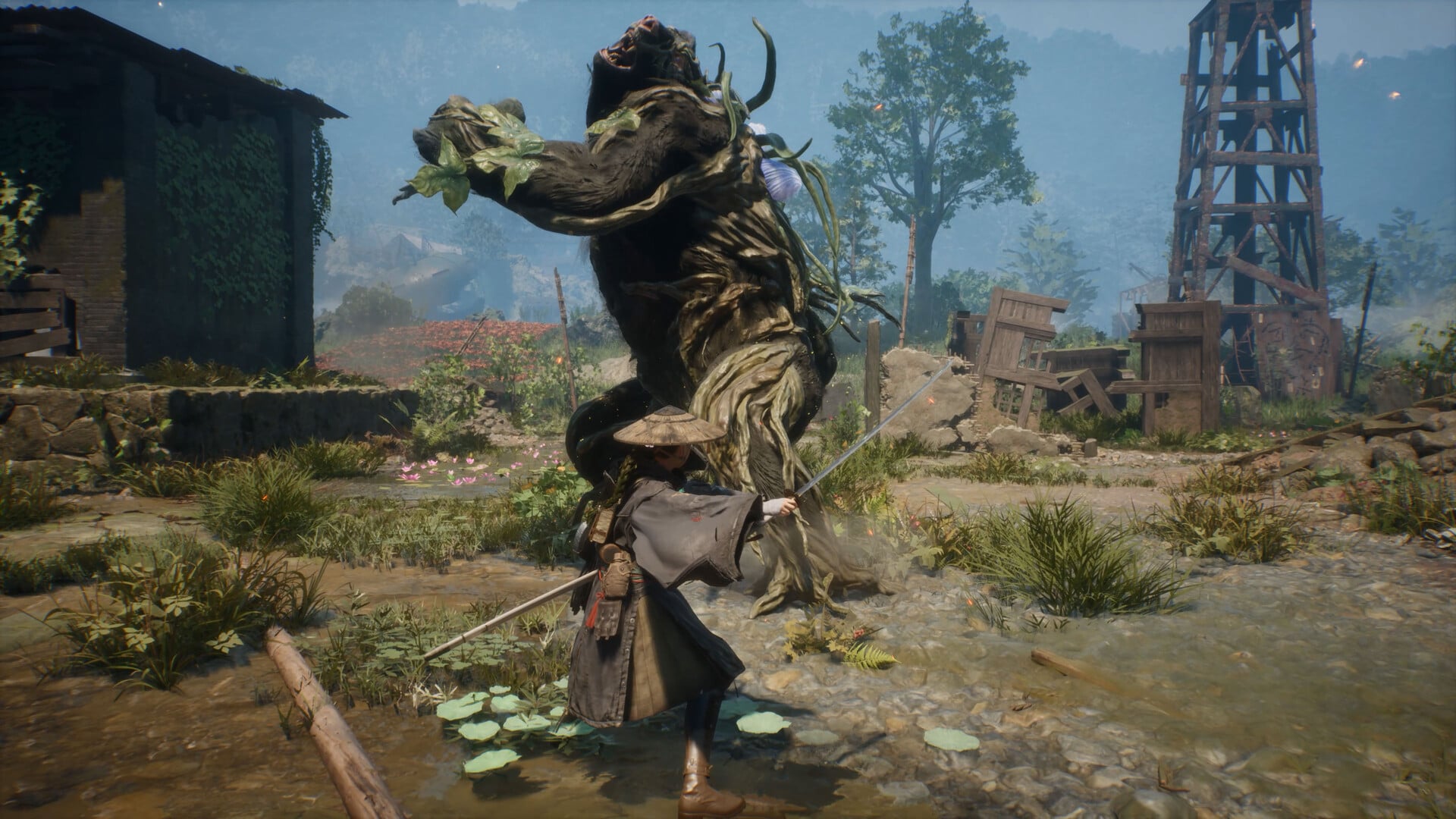
There’s no way to get around it, the Xbox Series S version of Beast of Reincarnation looks pretty soft in terms of visual quality, but it does a surprisingly good job of reaching 60 fps in Performance Mode.
Likewise, the Quality Mode doesn’t fall too far behind the Series X version of the game in terms of framerate, even if the image quality doesn’t hold up. Thus, our recommendations are the same as the Series X version, though Quality Mode here is harder to recommend.