ACNH Slumber Island: How to create and visit islands with friends
How to create, visit, and design Slumber Islands solo or with friends in Animal Crossing: New Horizons.

Animal Crossing: New Horizons’ 3.0 update adds more to the game than any update we’ve seen before, and with all the hype surrounding the brand new Resort Hotel and Zelda/Splatoon items, you might have ignored the equally important Slumber Islands.
Luna’s islands have had an upgrade, and you can now save three Slumber Islands of three sizes that you can choose from, complete with whatever decorations, furniture, and terraforming you’d like to perform to create the island of your dreams. If you want to try performing a radical island design overhaul but don’t want to ruin all of your precious hard work, the Slumber Islands are for you. It even duplicates your house and allows you to completely redesign it!
The best part of Slumber Islands is that they allow you to finally terraform and design outdoors alongside online friends. For information on how to set up your Slumber Islands, invite friends, start terraforming, and more, just read through our Slumber Island breakdown below.
How to access Slumber Islands – ACNH 3.0
The first thing you’ll need to keep in mind is that using Slumber Islands requires an internet connection. Unless your phone hotspot is really good, you won’t be able to use Slumber Islands while in the backseat on a car trip.
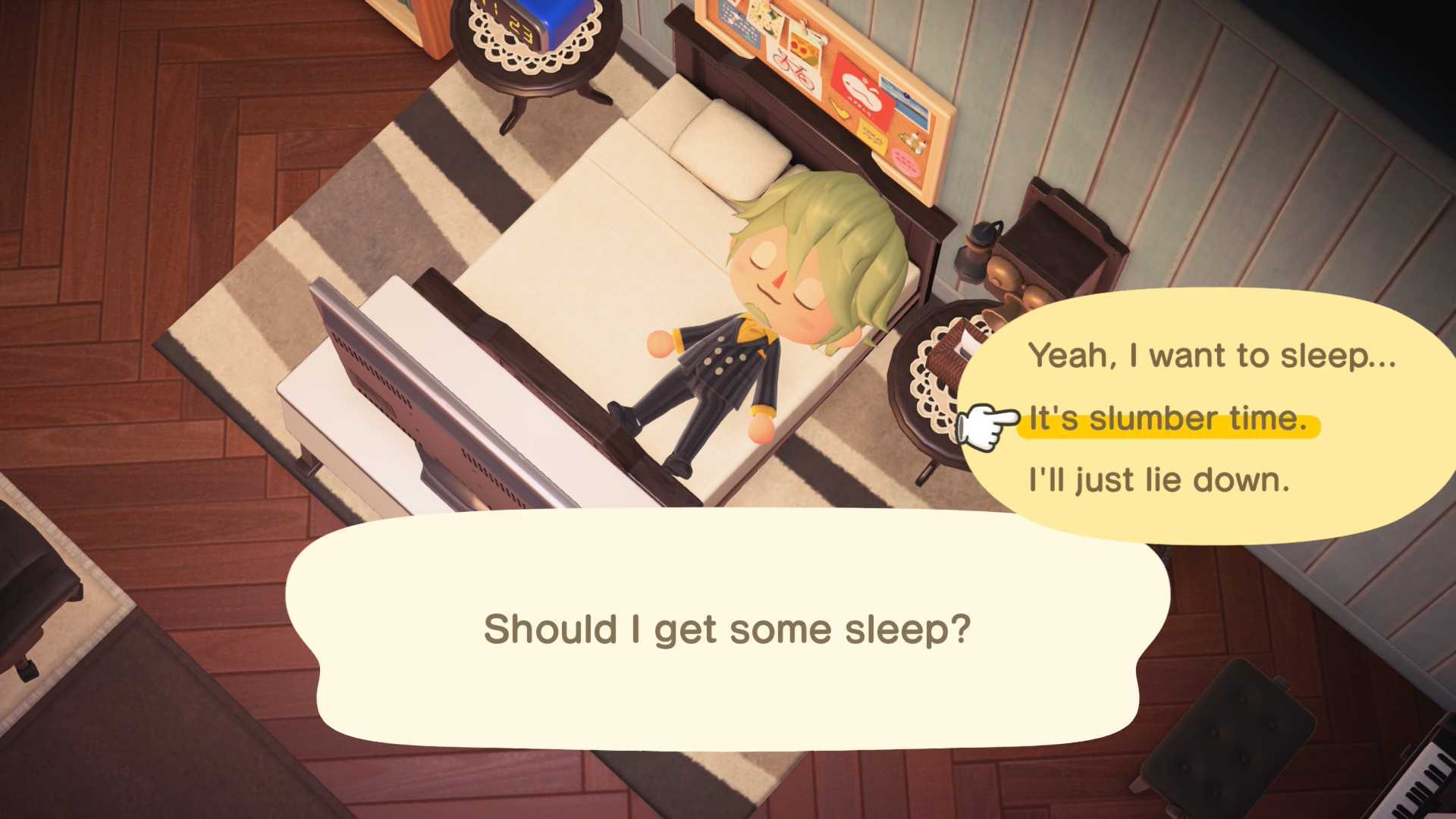
If you want to visit your Slumber Islands, solo or with friends, all you need to do is go lay down in a bed in your house — it won’t work if you try to take a nap on a bed outside or in a villager’s house. Once you’re horizontal, simply choose “It’s slumber time” to visit Luna and the Slumber Islands.
If you want to leave a Slumber Island you simply need to lay down in the bed once again.
How to make new Slumber Islands – ACNH 3.0
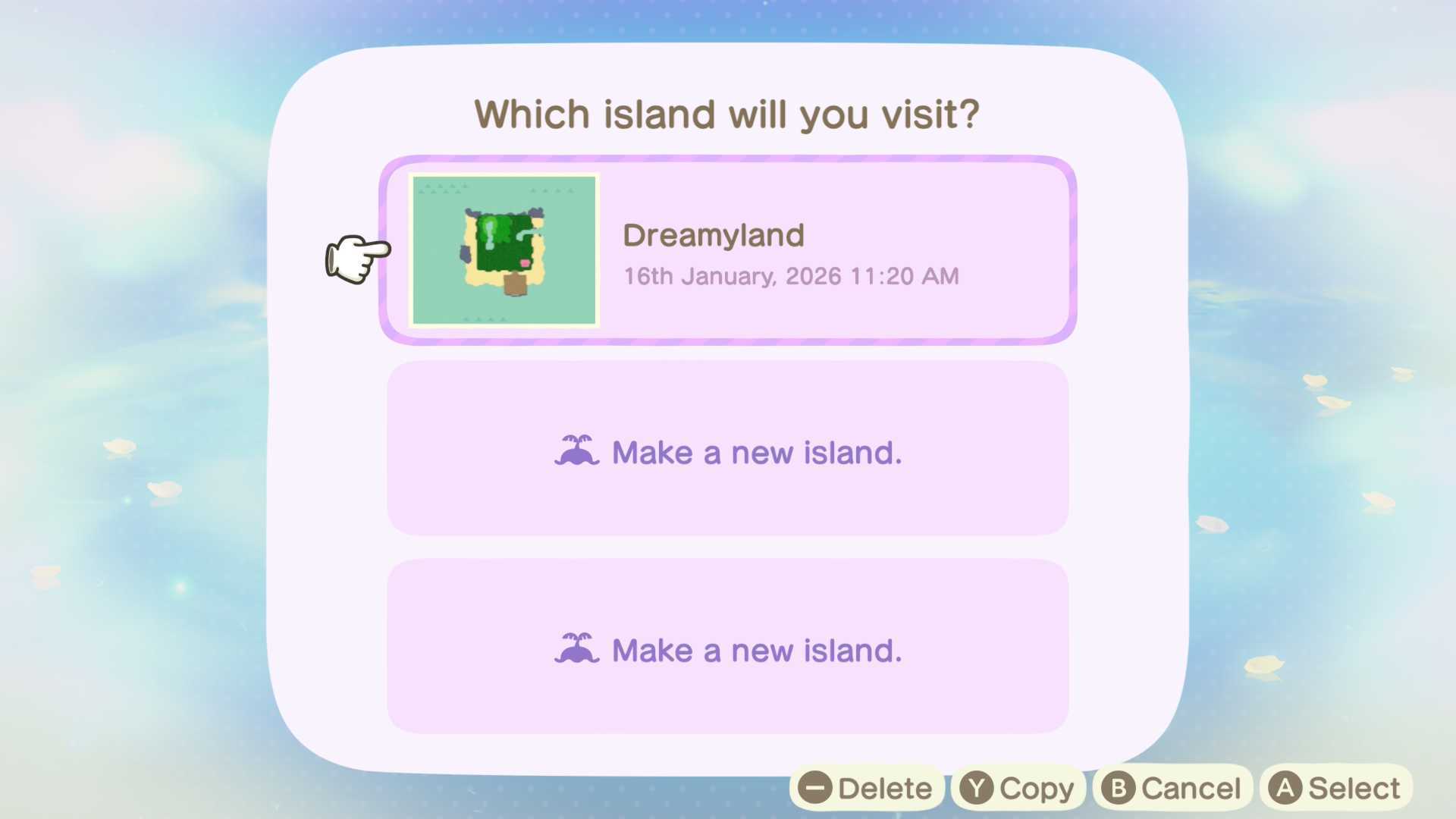
When you first visit Luna to design a Slumber Island she’ll walk you through the steps of making it – choosing a size and starting layout – but when you visit her a second time she’ll show you your saved Slumber Islands, and new island save slots. Making a new island is as easy as visiting her for the second time.
How to visit Slumber Islands with friends – ACNH 3.0
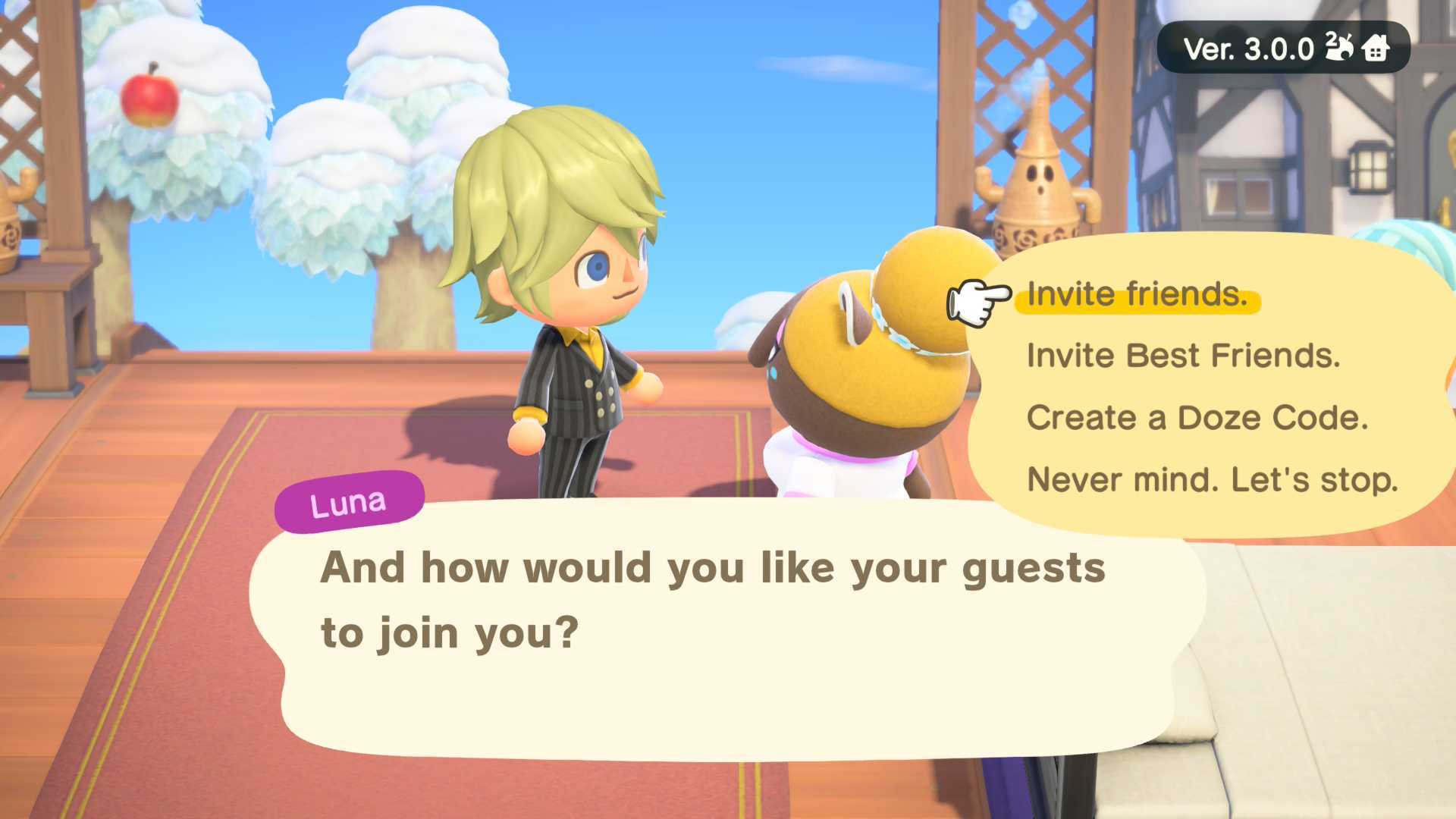
Once you’re on your Slumber Island talk to Luna again, and she’ll give you the “Invite others” option. Here you’ll be able to invite friends to your dream island in the exact same way that you invite people to your main island; you can choose between inviting friends, inviting Best Friends, or creating a Doze Code (similar to a Dodo Code) to share with your pals.
How to visit someone else’s Slumber Island – ACNH 3.0
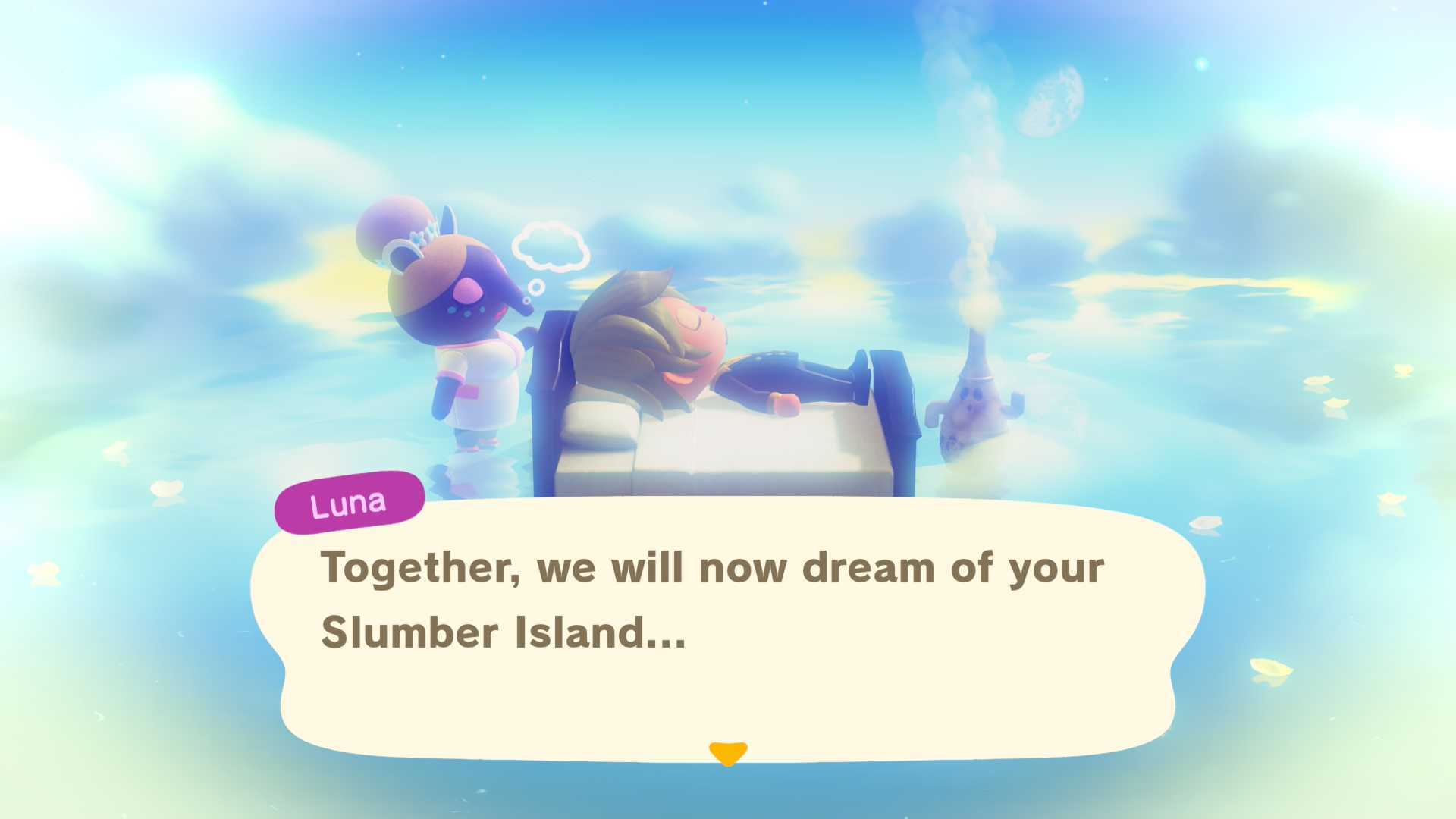
If you want to visit a Slumber Island that someone else owns, simply jump into your bed at home, talk with Luna, and she’ll give you the option of either visiting one of your own islands, or someone else’s. Then you can choose between visiting a friend’s island, or using a Doze Code.
How to terraform and design the Slumber Island – ACNH 3.0
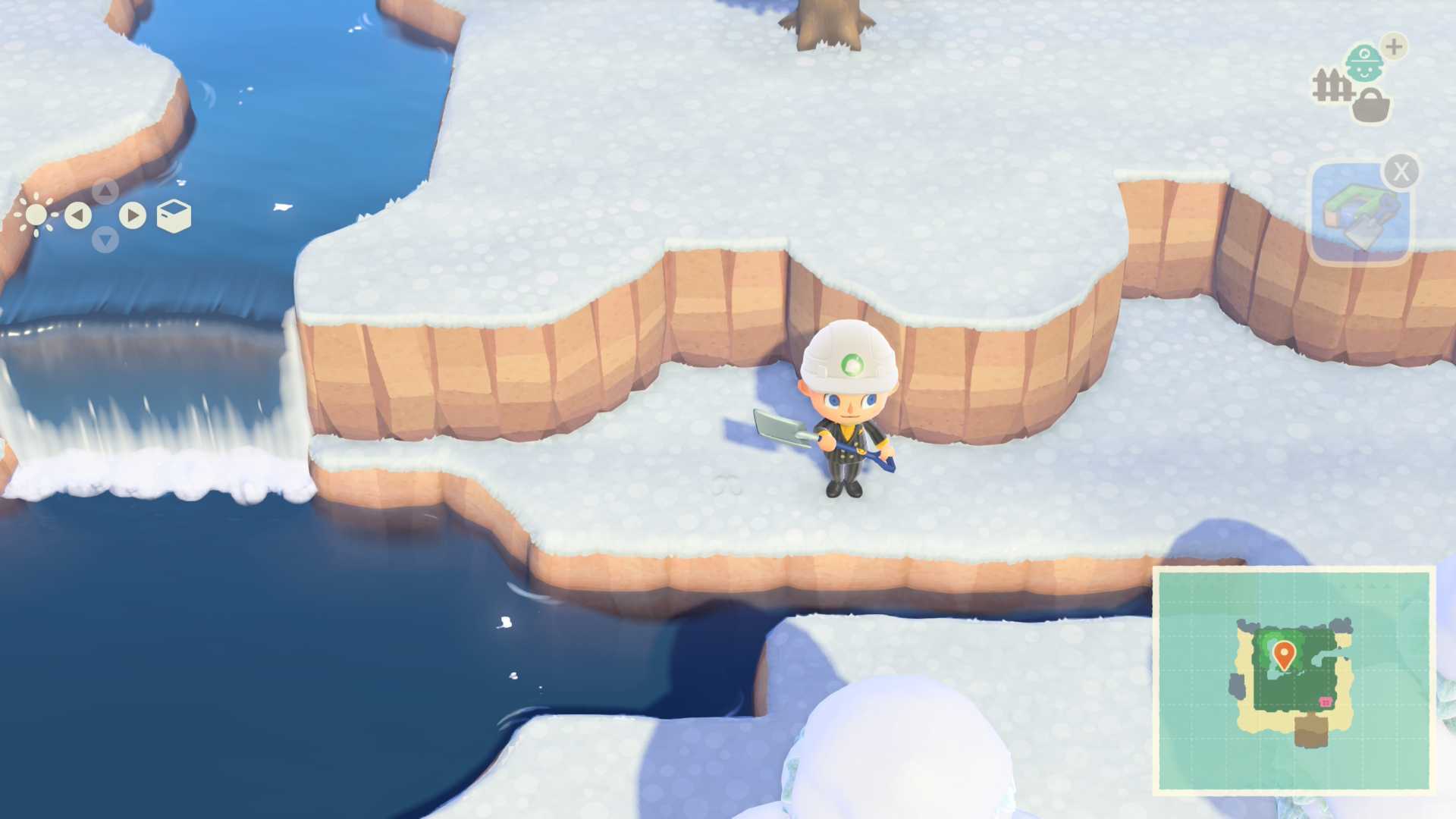
When you’re on a Slumber Island you’re basically always in creative mode, just tap the + button to put your helmet on and start terraforming the landscape. Remember, you can also hold L to keep your character snapped to a grid when terraforming.
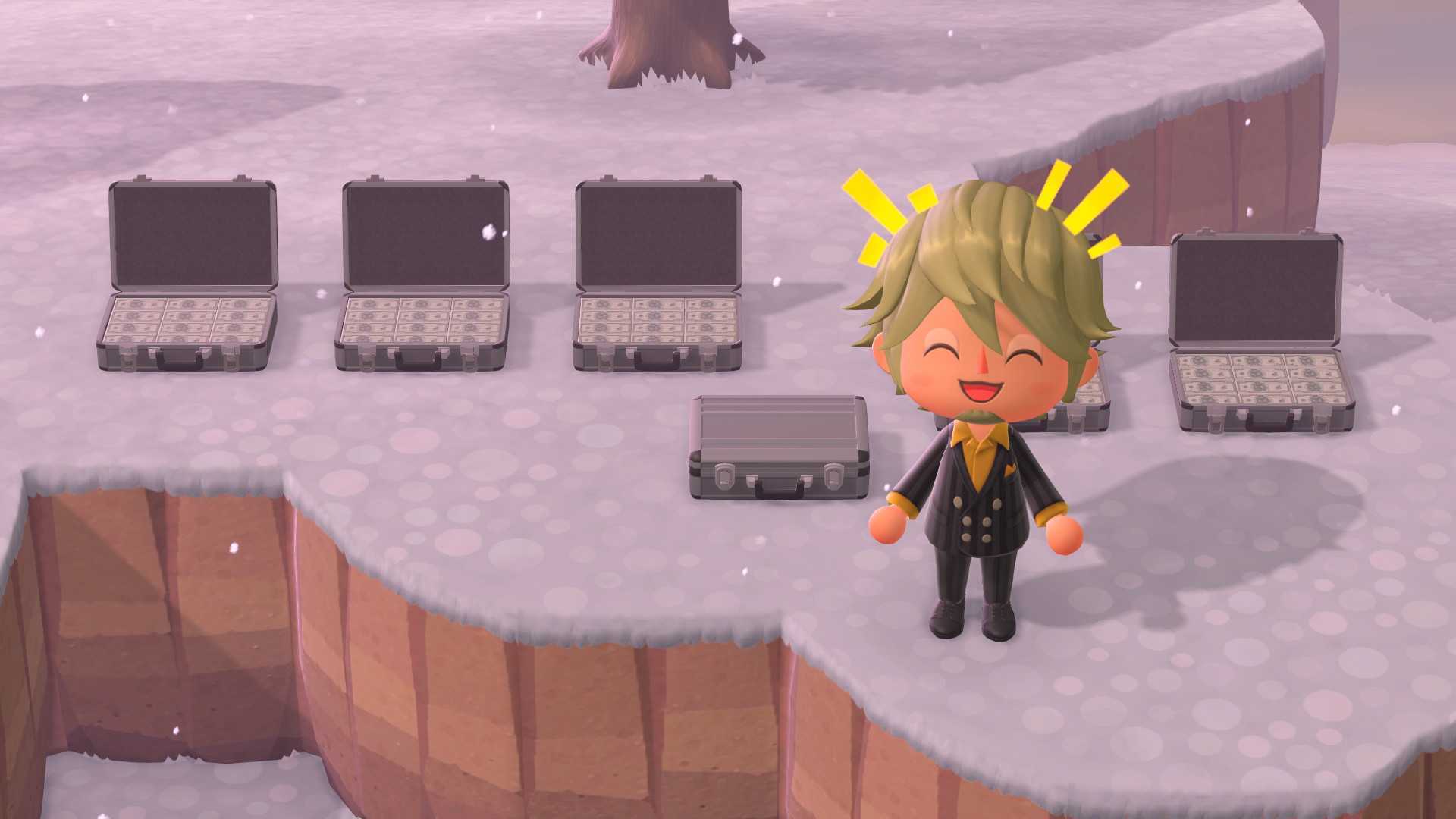
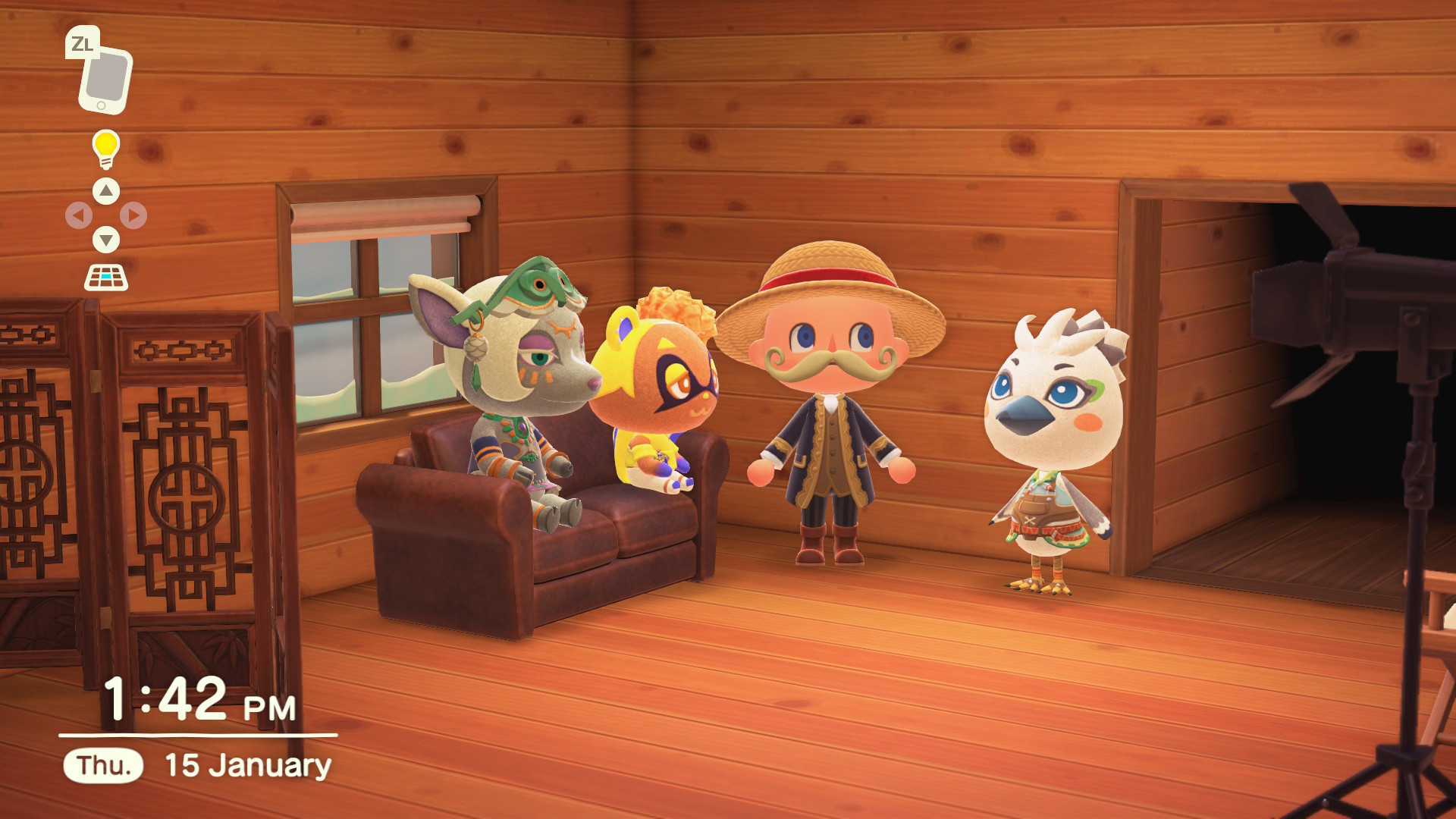
Slumber Islands allow you to create unique scenarios with your friends using any items at any time of day. Press left on the D-pad to open up the Time/Weather menu, where – brace yourself for this – you can change the time and weather. Pressing right on the D-pad will bring up your collection of furniture and clothing. As long as you own or have owned a single piece of furniture in reality, you can place as many replicas of that item as you want in your Slumber Island.
Guides: Check out our Animal Crossing: New Horizons 3.0 guides for how to get Nintendo items from the Resort Hotel, how to unlock Zelda and Splatoon items, how to create and visit Slumber Islands, and every Resort Hotel room and upgrade explained.