Lego Skylines is more approachable than the main Cities Skylines series, but that doesn’t mean it’s basic
Hands-on: Paradox’s brick-based spin-off is certainly still packing plenty of detail
One of the more pleasant surprises revealed during Gamescom’s Opening Night Live presentation last week was Lego Skylines, a brick-based spin-off of the popular Cities: Skylines series.
Following the reveal, I was offered the opportunity to get my hands on a very early build of the game and kick its (tiny little) tyres to see what it has to offer.
The section I played was essentially the tutorial at the start of the game, explaining the basics to the player and easing them into the various menus.
Given its Lego theming you’d be forgiven for expecting Lego Skylines to be a somewhat ‘dumbed down’ version of Cities: Skylines, but while it’s certainly more initially welcoming to younger players it’s clear there’s still some depth here.
One of the big additions here is the Lego residents, who talk you through the early tutorial. Later you can call on them to see what’s making them happy or sad about the area, or even ask them for new objectives to carry out.
Building a house is as easy as choosing the house category – the demo build I played offered the farm-like ‘Homestud’, the more modern Functional and the suburban Bricktorian – then choosing from a selection of pre-made home designs.
Once the home has been built (including a lovely animation where you see all the bricks quickly slamming down), you can then go into a separate Customisation menu where you can colour elements of the house or add new items to the garden and surrounding area.
From garden gnomes and trees to barbecues and hot tubs, there’s a nice selection to choose from at first.
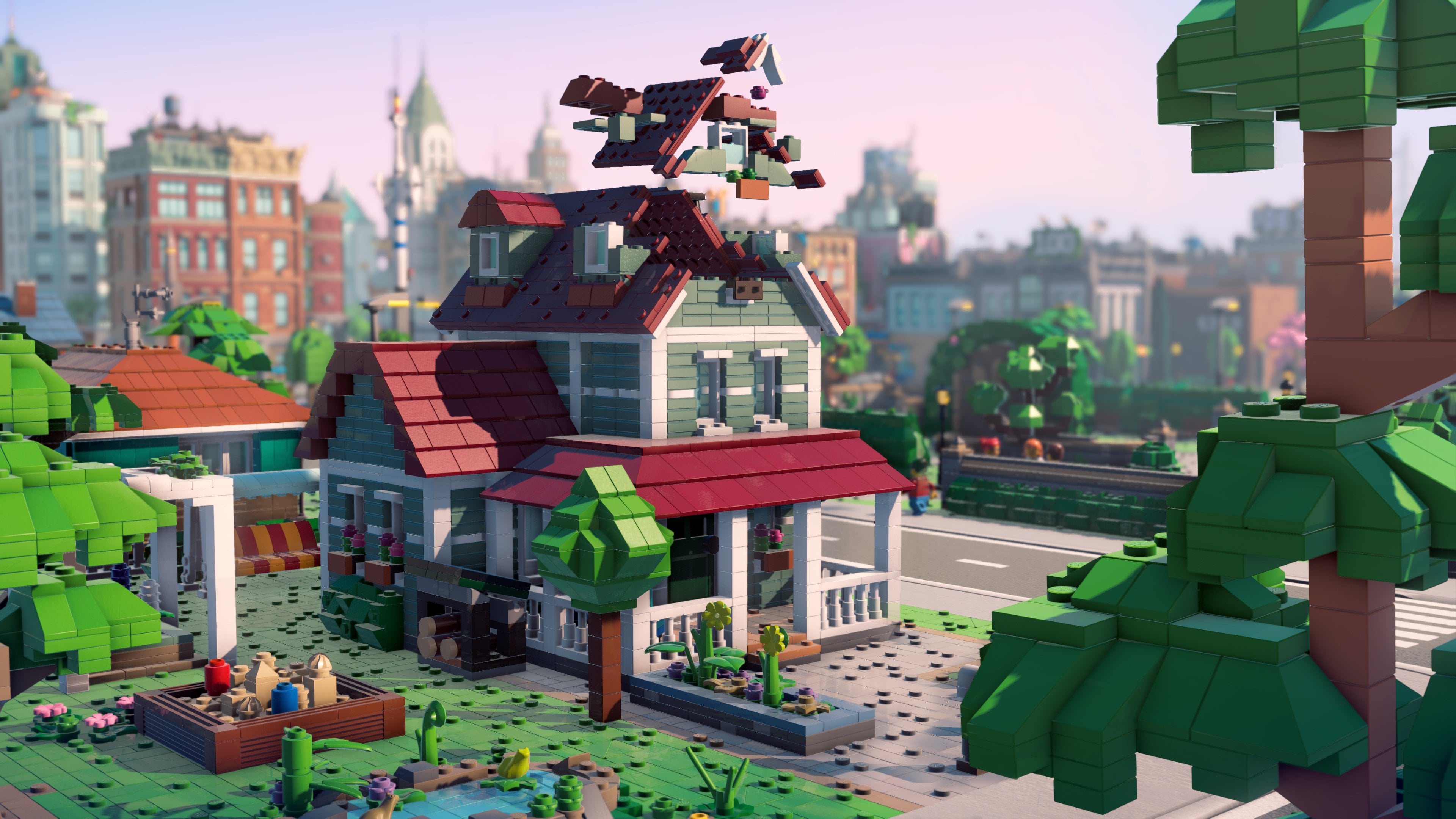
A similar process is used for building workplaces – the build I played limited me to only building farms at first – as well as shops and restaurants. Pick your category, choose your building, drop it down. It’s not unlike buying and placing furniture in a Sims game, but this time it’s entire houses and shops at a time.
All this has to be connected with roads, of course, and the road building mechanic here works well at this stage. You simply click where you want the road to start and where you want it to end, and the game draws that line for you. Houses and workplaces won’t be made active unless their front-facing side is next to a road, so – as in most city planning games – planning that basic infrastructure well will cause fewer problems in the long run.
The more houses and decorations you place in your town – it becomes a city eventually, but you need to walk before you can run – the more XP you gain. Each time you level up you hit a new ‘Milestone’ and unlock a new feature – early in the game this essentially means the next part of the tutorial.
Reaching level 6 unlocks the ability to add shops, for example, while level 7 adds advertising billboards to your decoration menu. Then level 8 introduces electricity to the mix, and so on as the game becomes gradually more complex over time. It’s not clear how this will go on once all the basic features are unlocked, but I’d imagine it’ll be a case of unlocking new types of buildings and decorations.
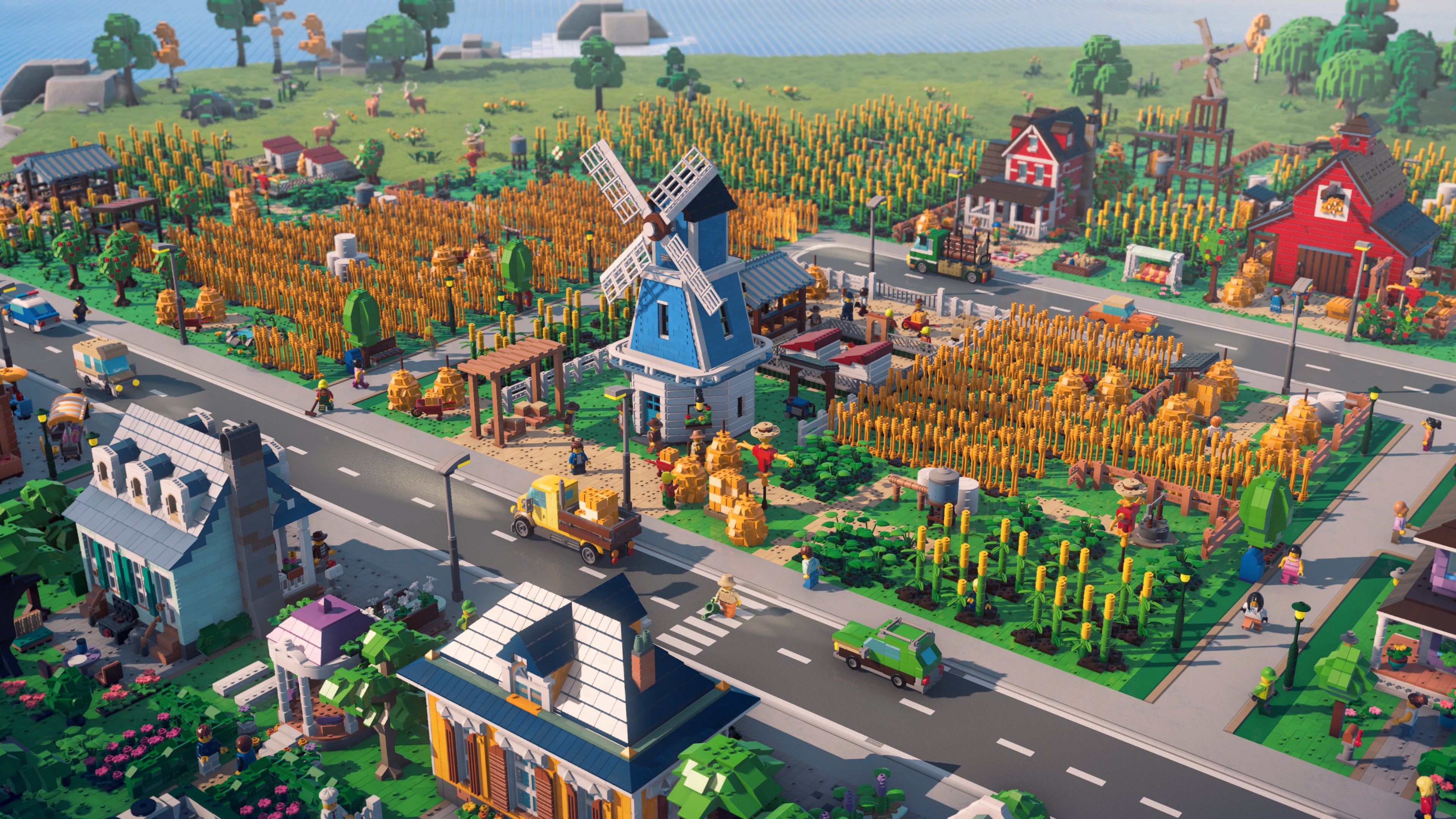
Speaking of electricity, it appears to work similarly to Cities: Skylines 2 albeit in a more simplistic way (at least it does early in the game).
Electricity passes through the roads, so all you have to do is build an Electricity category building – a cheap but inefficient solar power plant is enough at the start of the game – and as long as it’s connected to a road, every other building connected to that same unbroken road will get electricity. Water works in the same way.
It’s fair to be concerned that the scale of the game may not reach the same level as the main Cities: Skylines series, but the build I played also included a late-game save, showing how things can look after many hours of play.
Loading this presented me with a sprawling metropolis consisting of huge tower blocks, enormous city areas and numerous suburban districts branching out from it, some on their own islands separated by bridges.
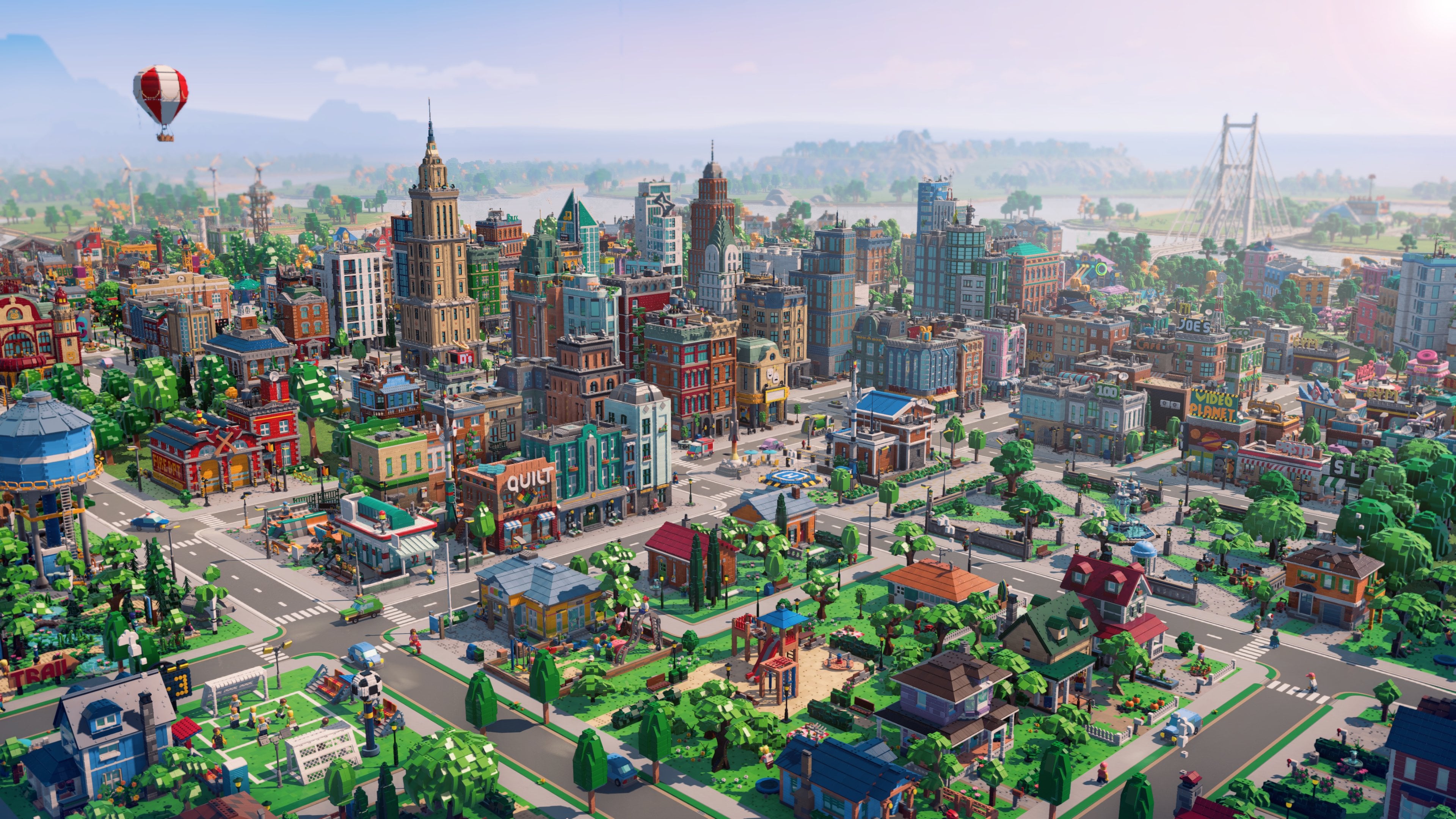
While there’s clearly an effort here to make the Skylines series appeal to a larger audience, then, and while I’d imagine some of its more technical features may not make the cut in the Lego version – Skylines 2 charges you a monthly tax on each new square on the map you buy, for example, which hopefully won’t be the case here – it won’t hinder any attempts to create a massive city should you so desire.
In fact, if you’re not deeply passionate about the minutiae of city management, Lego Skylines might just make the process of building a large city smoother, less complicated and ultimately more enjoyable than the main series does.
Time will tell – Lego Skylines is planned for PS5, Xbox Series X/S and Switch 2 as well as the PC version I played, but a release window has yet to be confirmed, and because it was stressed to me that my build was an early one, it might still be some time before the full release.